
Chris  P.  Bacon
Inspiring
November 10, 2022
Question

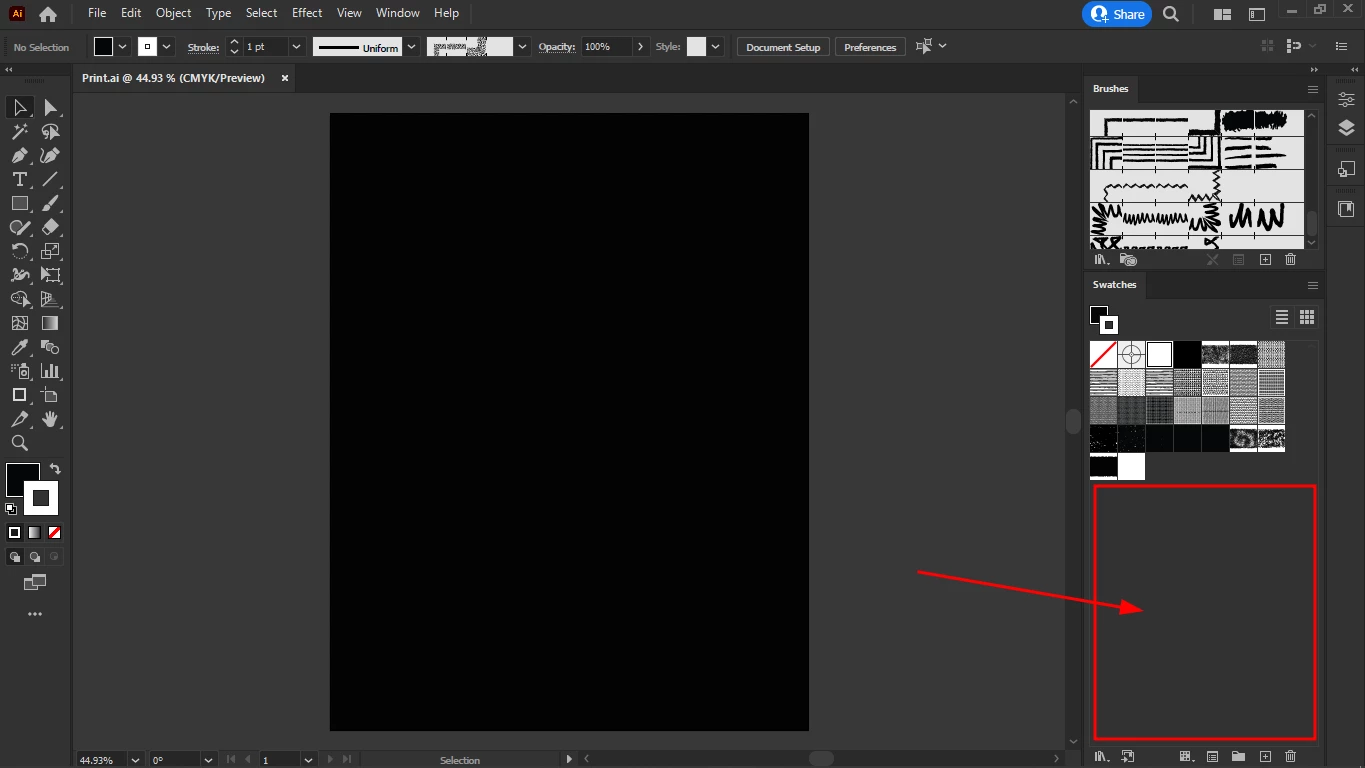
Is there a way to store vector assets within Print.ai just like the brushes and swatches?
  • November 10, 2022
  • 1 reply
  • 202 views

I want to make a third tab for browsing vector assets.
My Print.ai is already 150 MB, not sure how big can it grow, that depends on my hardware I guess
But if it's not possible to store vector assets in Print.ai, is it possible to create an Adobe Bridge tab that would fetch their icons from the cloud?
I tried to use the Libraries tab but that it seems only works with the Adobe cloud.

Can I store my vector assets as graphic styles?

This topic has been closed for replies.

1 reply

Ton Frederiks
Community Expert
Community Expert
November 10, 2022

You could make Symbols. I think a CC library is a better option, your Print.ai file might become quickly too heavy.

Chris  P.  Bacon
Inspiring
November 10, 2022

Many SVG assets come as a sheet of many different items, so they's can't even be used as library items.

I must open the file in Illustrator and copy paste the choosen svg shape from the many.

Creating a separate svg file from each item so it could be used as a symbol, that's a huge job.

Chris  P.  Bacon
Inspiring
November 10, 2022

But I am afraid I will have to save them separately if I want to incorporate them in my Print.ai or even into the CC Library, for a quick overview of all assets at disposition.