
j.khakase
Inspiring
August 6, 2022
Answered

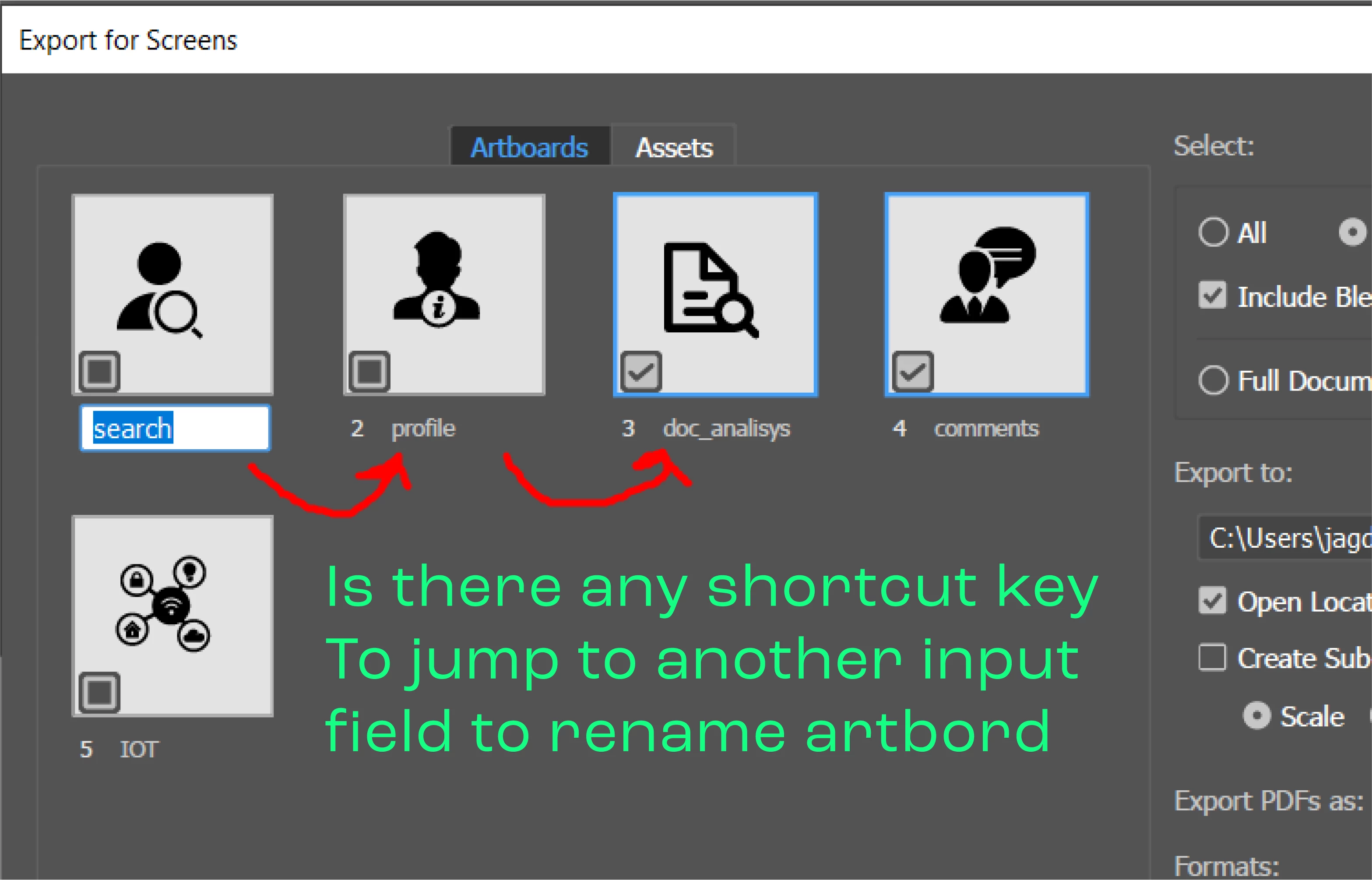
Is there any shortcut key To jump to another input field to rename artboard in Export for Screen Dia
  • August 6, 2022
  • 1 reply
  • 292 views

This topic has been closed for replies.
Correct answer Kurt Gold

As far as I can see, currently there is no shortcut key to do that in the dialog.


As an alternative way, in recent versions of Illustrator you can take the Artboards palette and use the Tab key to activate and jump to the next Artboard name fields.


1 reply

Kurt Gold
Community Expert
Kurt GoldCommunity ExpertCorrect answer
Community Expert
August 7, 2022

As far as I can see, currently there is no shortcut key to do that in the dialog.


As an alternative way, in recent versions of Illustrator you can take the Artboards palette and use the Tab key to activate and jump to the next Artboard name fields.


j.khakase
j.khakaseAuthor
Inspiring
August 8, 2022

Thank you, but problem is that while bigger size artboard I can't see them while renaming. and this dialog gives me option of view the respective artobard as thumbnail and rename both together.