
Is there any trick of how to do this thing?
Dear all, i have some shape like here :

How to do to make like this :

For now, i can do this manually, how to do this automatically, becouse i have hundreds of shapes that i shold do like this.
Thanks all.
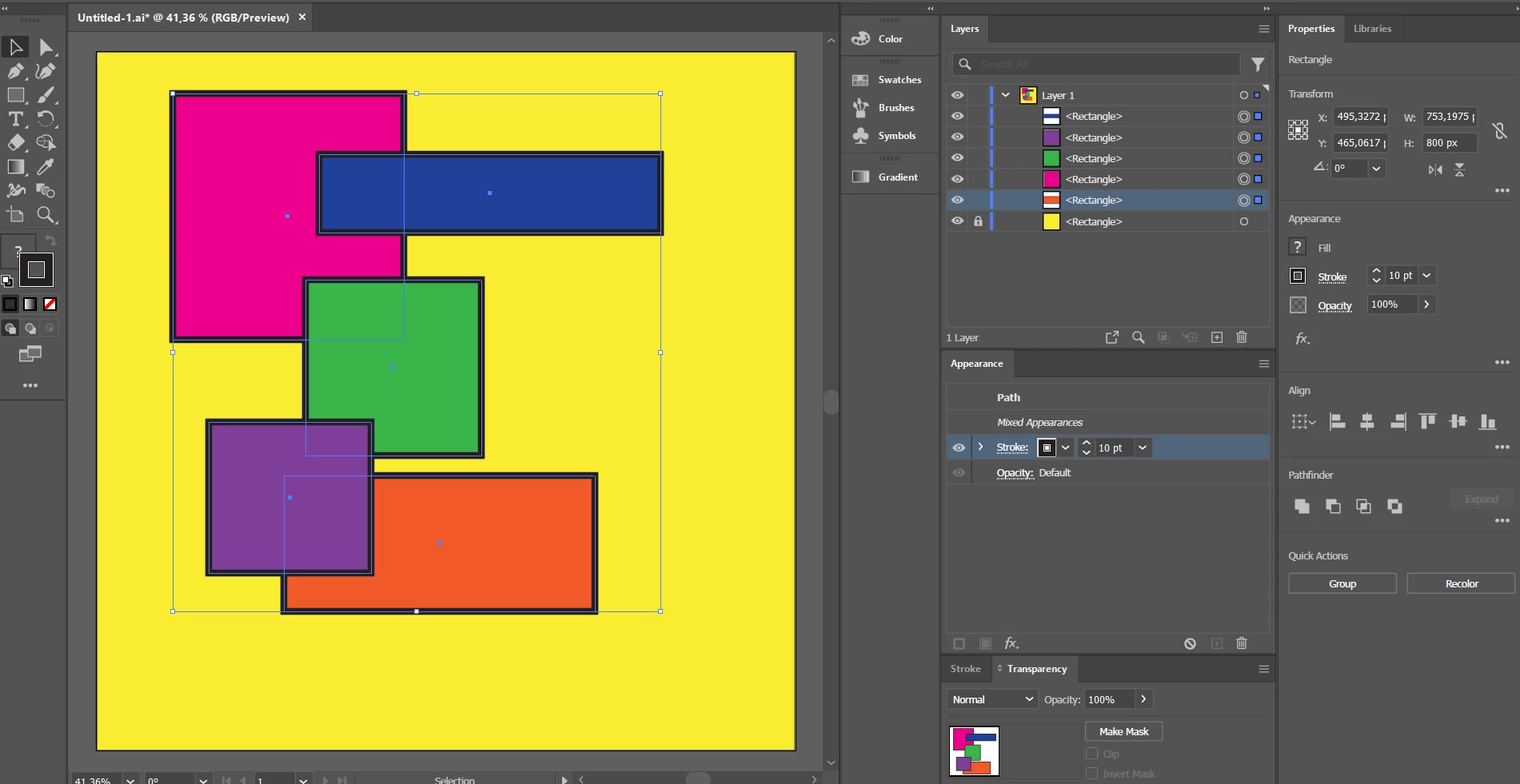
Dear all, i have some shape like here :

How to do to make like this :

For now, i can do this manually, how to do this automatically, becouse i have hundreds of shapes that i shold do like this.
Thanks all.
Thanks @pixxxelschubser , i have tried adding stroke, but sorry, i don't know how to display that small knockout panel?

and where is the setting for stroke transparency?
Thanks.
First of all - group the elements. Then select the group and set the checkmark in the advanced settings of the transparency panel or in the settings of the opacity of the group in the apperance panel.
Already have an account? Login
Enter your E-mail address. We'll send you an e-mail with instructions to reset your password.