Participant
February 11, 2018
Answered

Isolate Selected Path

  • February 11, 2018
  • 1 reply
  • 4090 views

Ok, I am having a problem with Isolate Selected Path...

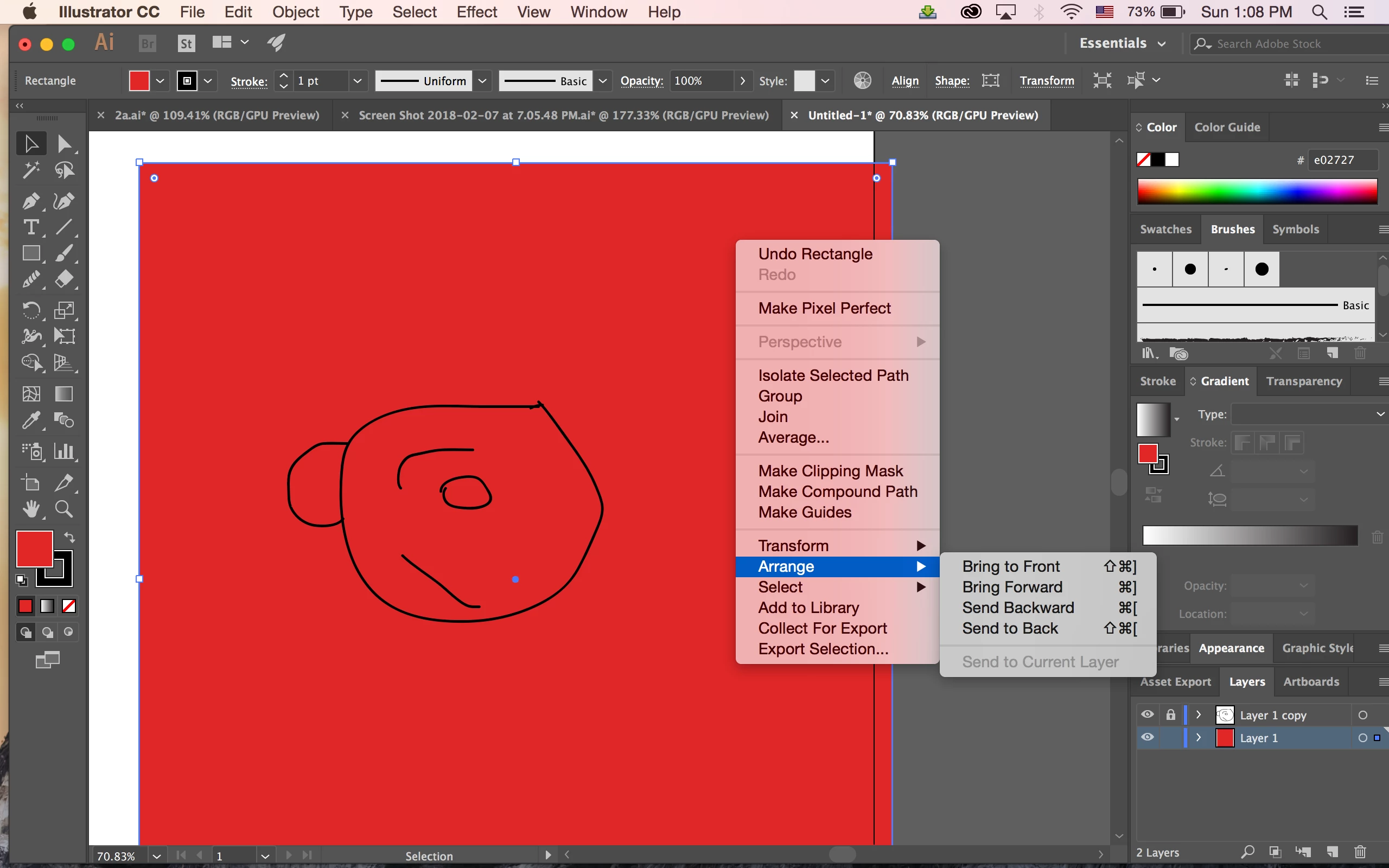
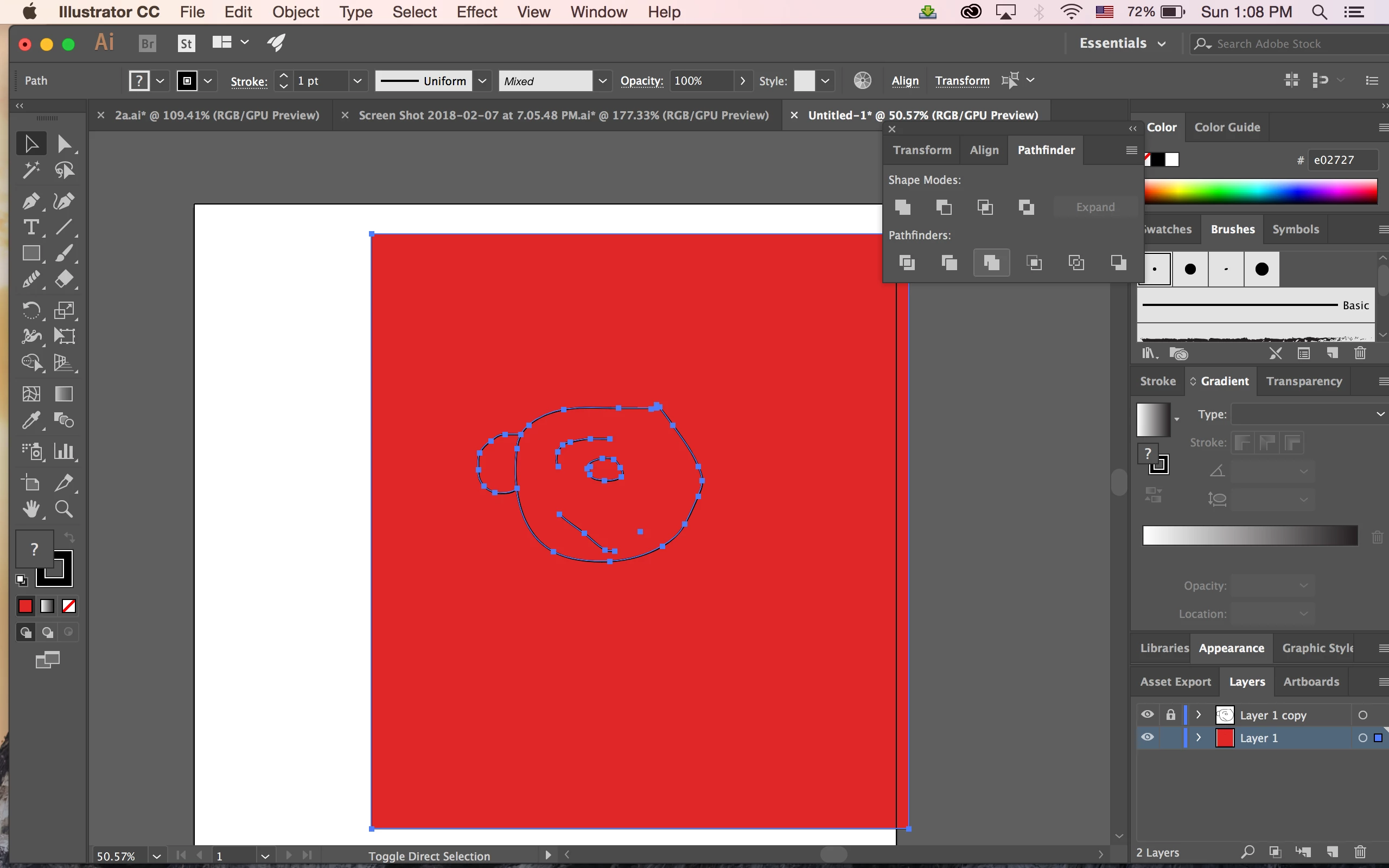
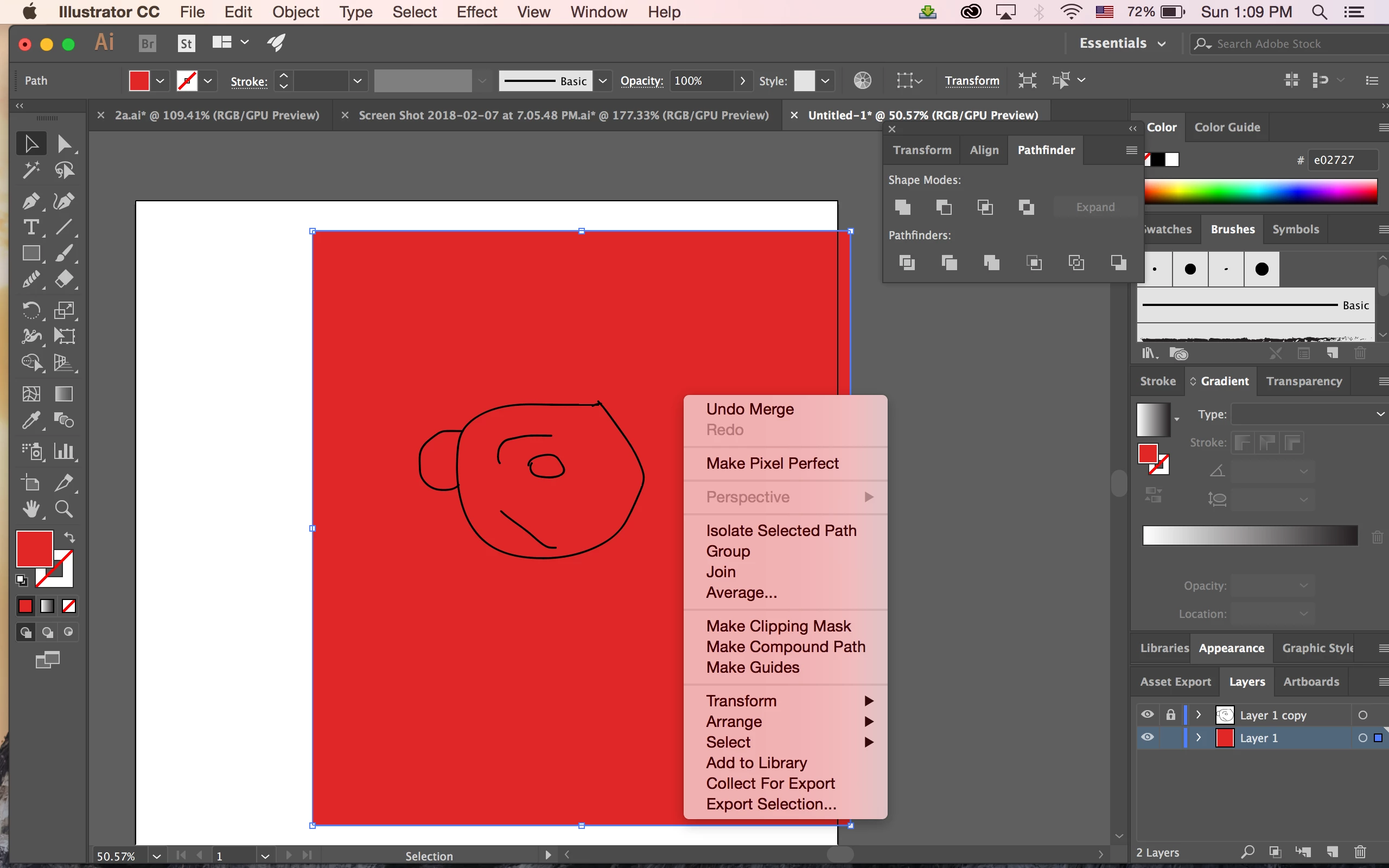
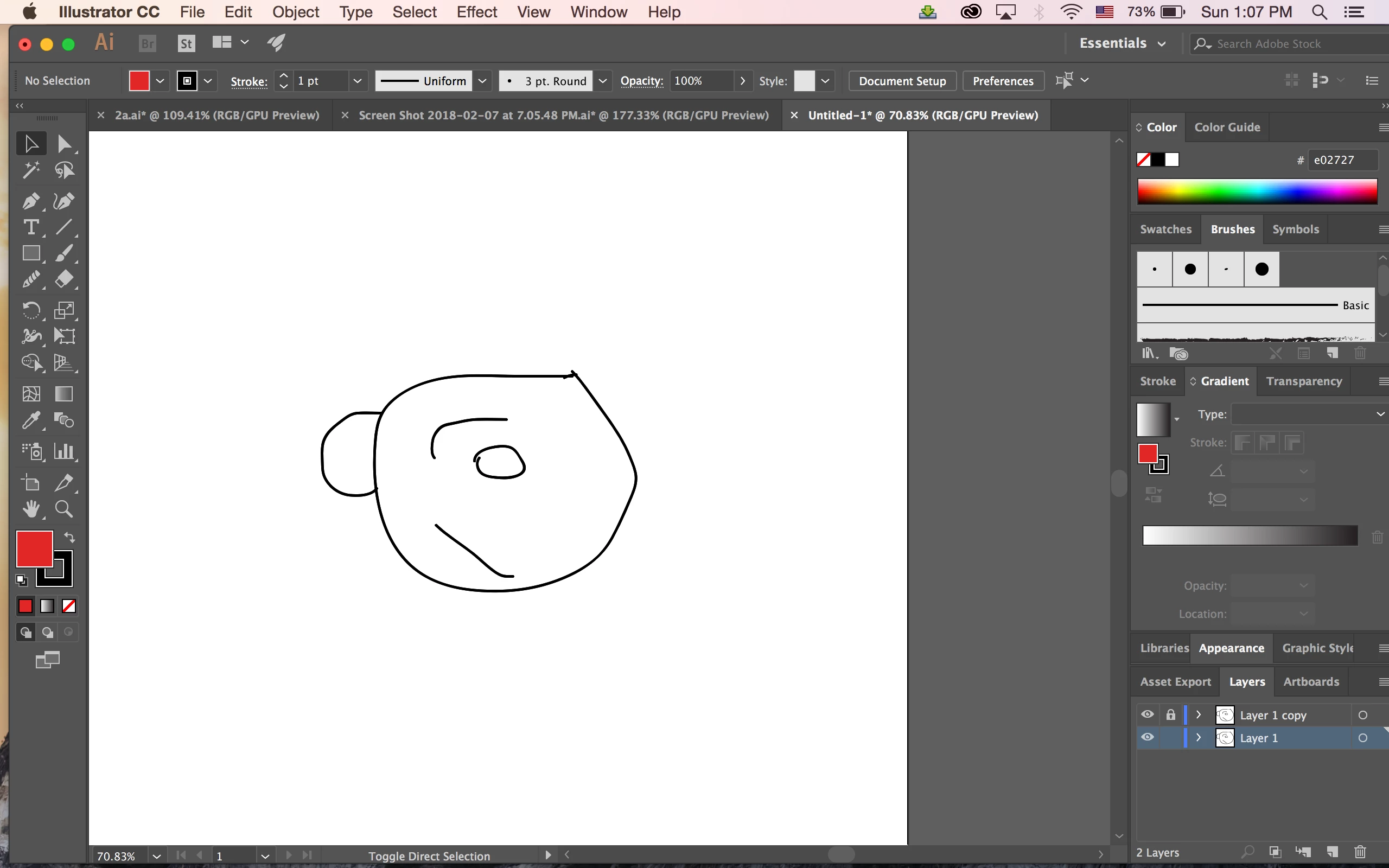
I draw a face and wanted to have a human color background then I can delete the unwanted object and make a new layer so I can paint on top of it... The problem is when I draw a rectangle on everything and send it to the back, then using Pathfinder and merge them all works fine but when I click Isolate Selected Path my drawing disappear and only the background color is what I see...

Any help, please...

I will give screenshot example.
    This topic has been closed for replies.
    Correct answer Ray Yorkshire

    How To Cartoon Yourself !- Step By Step /RiceGum Tutorial ( ADOBE ILLUSTRATOR ) - YouTube

    Perhaps from 5 43 make sure you do this step correctly;

    select everything  and

    Object > Expand Apperance ( or Expand) > Ok

    Pathfinder >Merge

    then  contine as you did in screenshot one - copy the layer etc

    and when you reach your screensot three

    right clicking  should offer isolate selected group (not path)

    and it should then not dissapear

    1 reply

    Monika Gause
    Community Expert
    Community Expert
    February 11, 2018

    "Isolate selected path" will go into Isolation mode:

    How to make selections in Illustrator

    I don't understand what you actually want to do, but my guess is that isolation mode isn't the way to get it.

    Participant
    February 12, 2018

    I want to do the same as he did

    How To Cartoon Yourself !- Step By Step /RiceGum Tutorial ( ADOBE ILLUSTRATOR ) - YouTube

    look at 6:11  that's what I want to do

    Ray Yorkshire
    Ray YorkshireCorrect answer
    Participating Frequently
    February 12, 2018

    How To Cartoon Yourself !- Step By Step /RiceGum Tutorial ( ADOBE ILLUSTRATOR ) - YouTube

    Perhaps from 5 43 make sure you do this step correctly;

    select everything  and

    Object > Expand Apperance ( or Expand) > Ok

    Pathfinder >Merge

    then  contine as you did in screenshot one - copy the layer etc

    and when you reach your screensot three

    right clicking  should offer isolate selected group (not path)

    and it should then not dissapear