
Answered
Issue After Upgrading
Everything is enlarged in Illustrator after upgrading today. Image shows Photoshop preferences page on left (normal) and Illustrator preferences page on right (bigger). How do I fix this?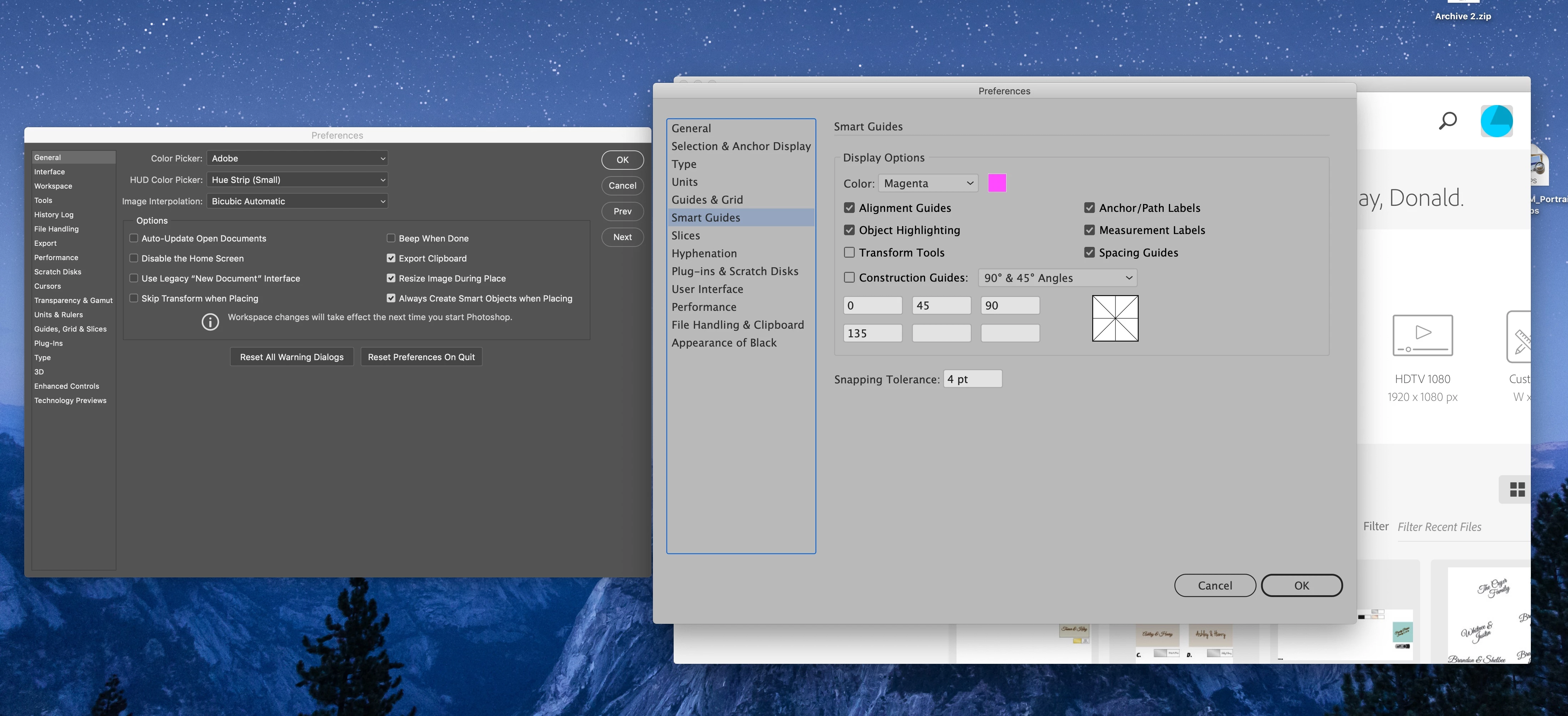
Everything is enlarged in Illustrator after upgrading today. Image shows Photoshop preferences page on left (normal) and Illustrator preferences page on right (bigger). How do I fix this?
A call to support help me find the answer. The user interface was enlarged and I was shown how to change its size.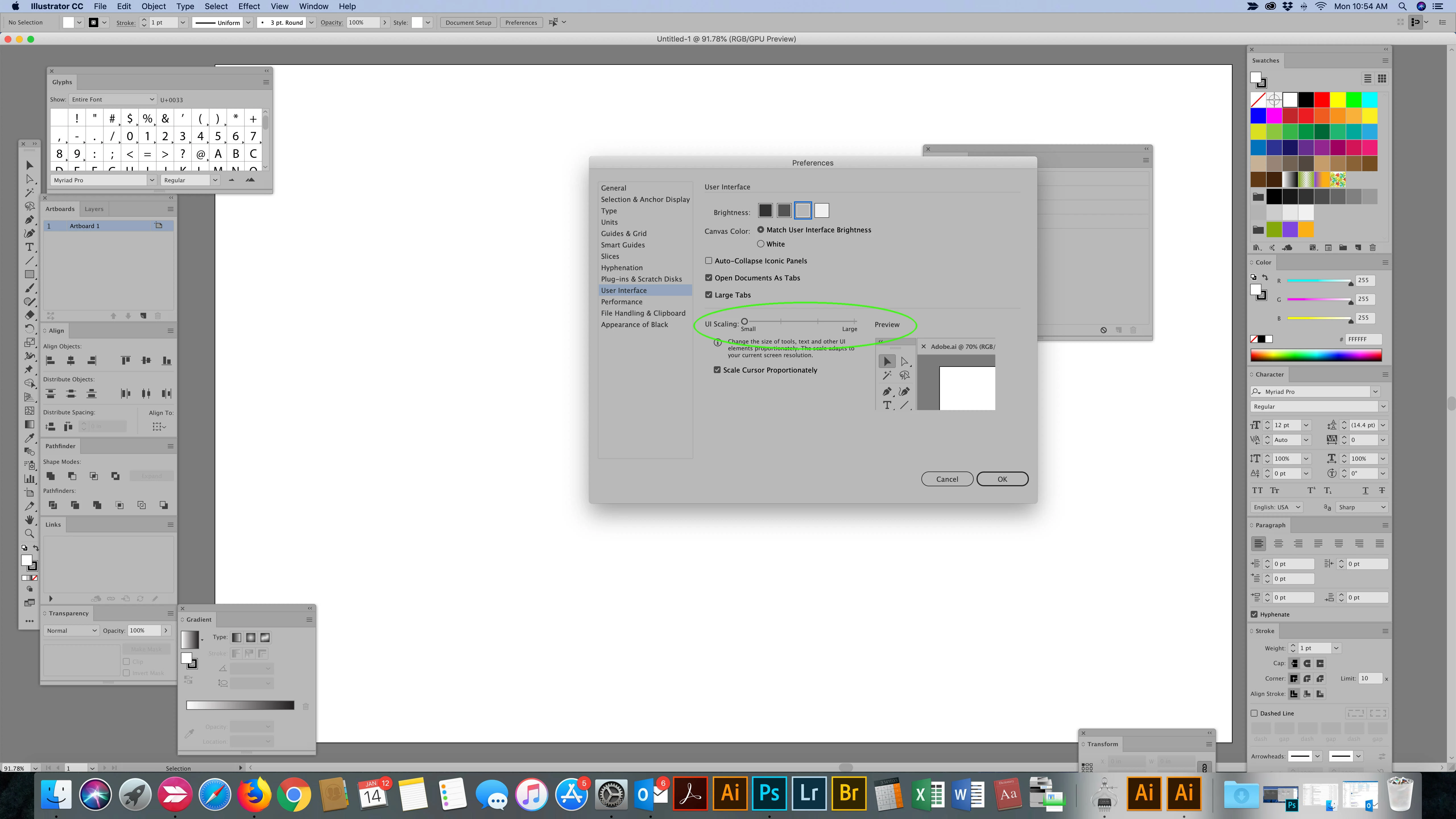
Already have an account? Login
Enter your E-mail address. We'll send you an e-mail with instructions to reset your password.
 AdChoices