

Issue exporting all-white vector image as an EPS
I'm having issues exporting an all-white vector image as an EPS.
This is a process I do very often at work when creating versions of logos in black and white, and I usually just save a copy of the artboards as an individual EPS file for compatibility. However, when I try to export the EPS files are coming out as blank.
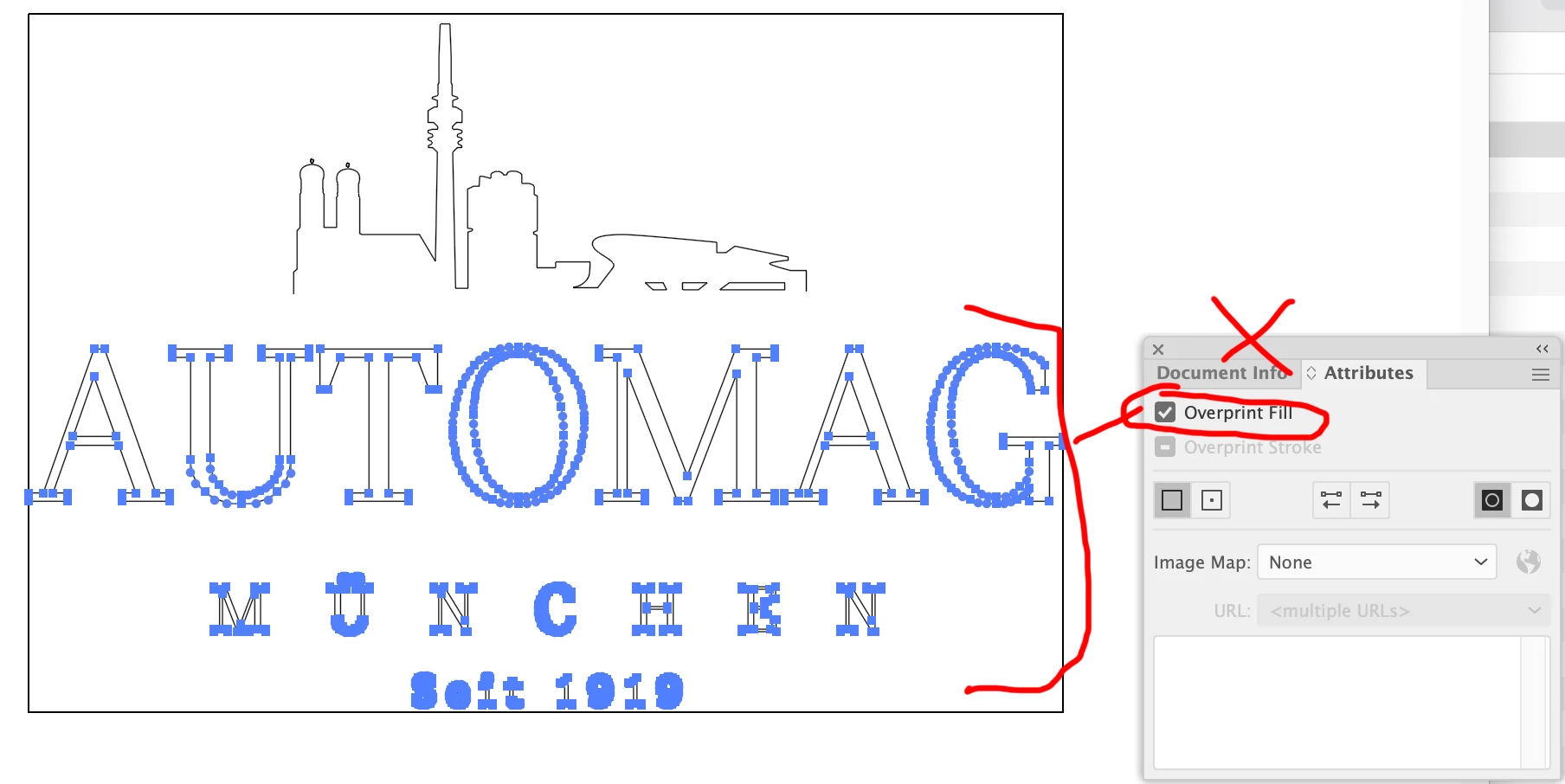
I tried opening them in photoshop and I am also just getting a blank artboard. I tried doing the overprint solution I saw in a couple of posts where you uncheck the box, but that didn't help. I also uninstalled and re-installed the program just in case it was a glitch of some sort, but the problem continues. Anyone have any ideas how to solve this?
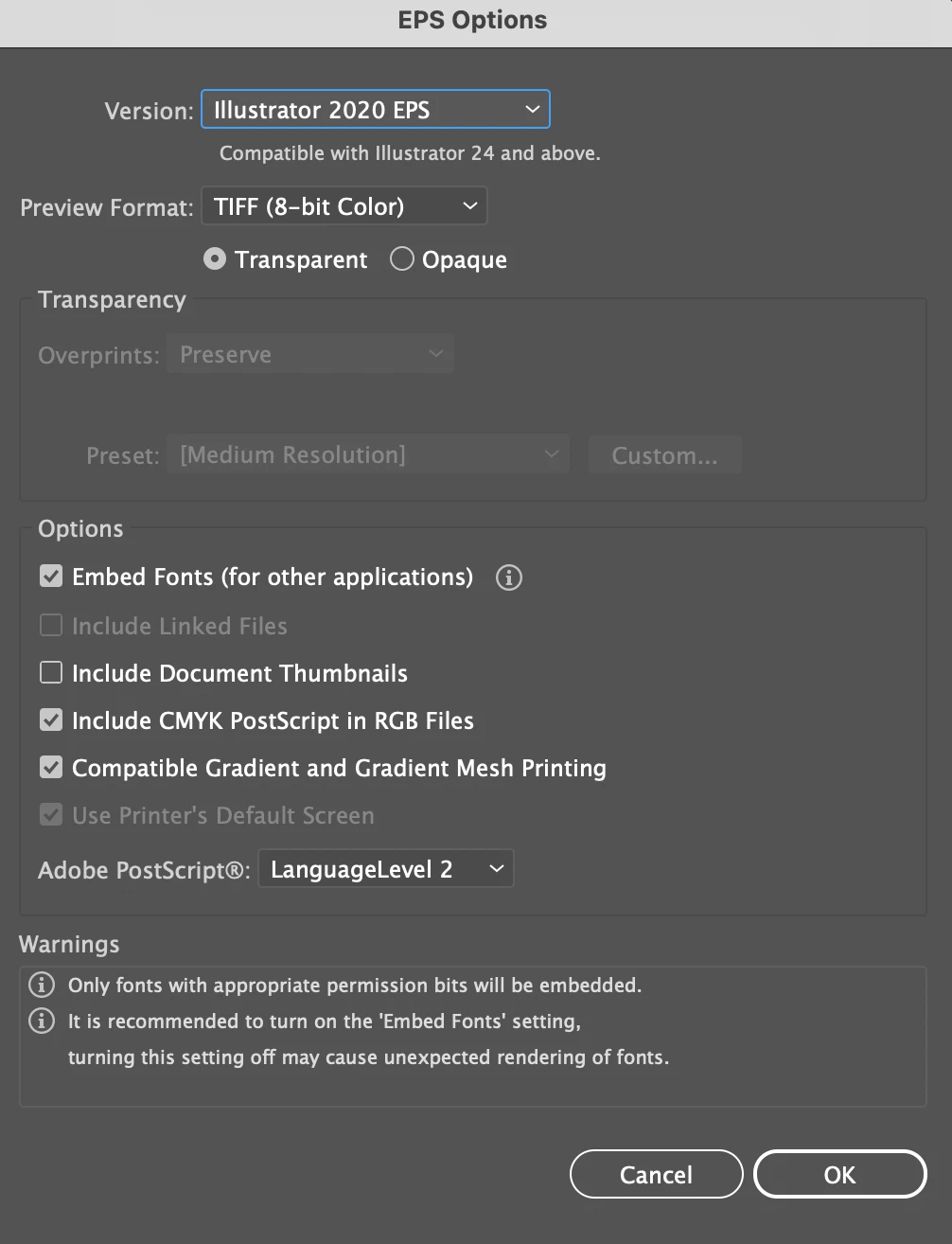
For reference these are my export settings for the EPS file, and I am using Illustrator 2021.


 AdChoices