Answered
Issue with color profile in Adobe Illustrator
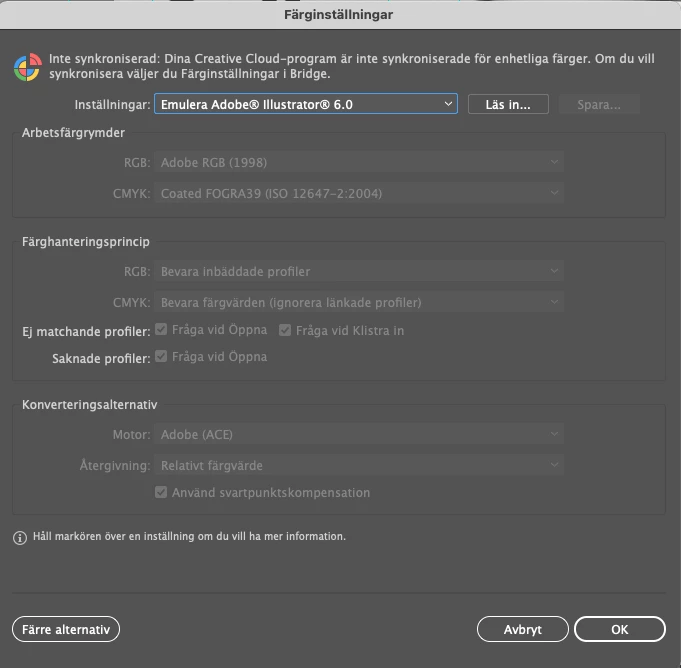
Does any one know how to get rid of the new Emulation color profile?
Everytime I put in a new picture it a document it jumps over to that profile and all colors looks crazy, so have to go in and change every time to the European standard.
Have changed in Brige also as it says, but still switching over to it all the time.
Going crazy over here 🙂
 AdChoices