
Issue with Merge Button, breaking up shapes instead of merging! - CC19
Hi there,
I have never run into this issue before and now I can't seem to get around it and it is very frustrating.
The objective is to get the shapes merged, as the button says. I select everything:
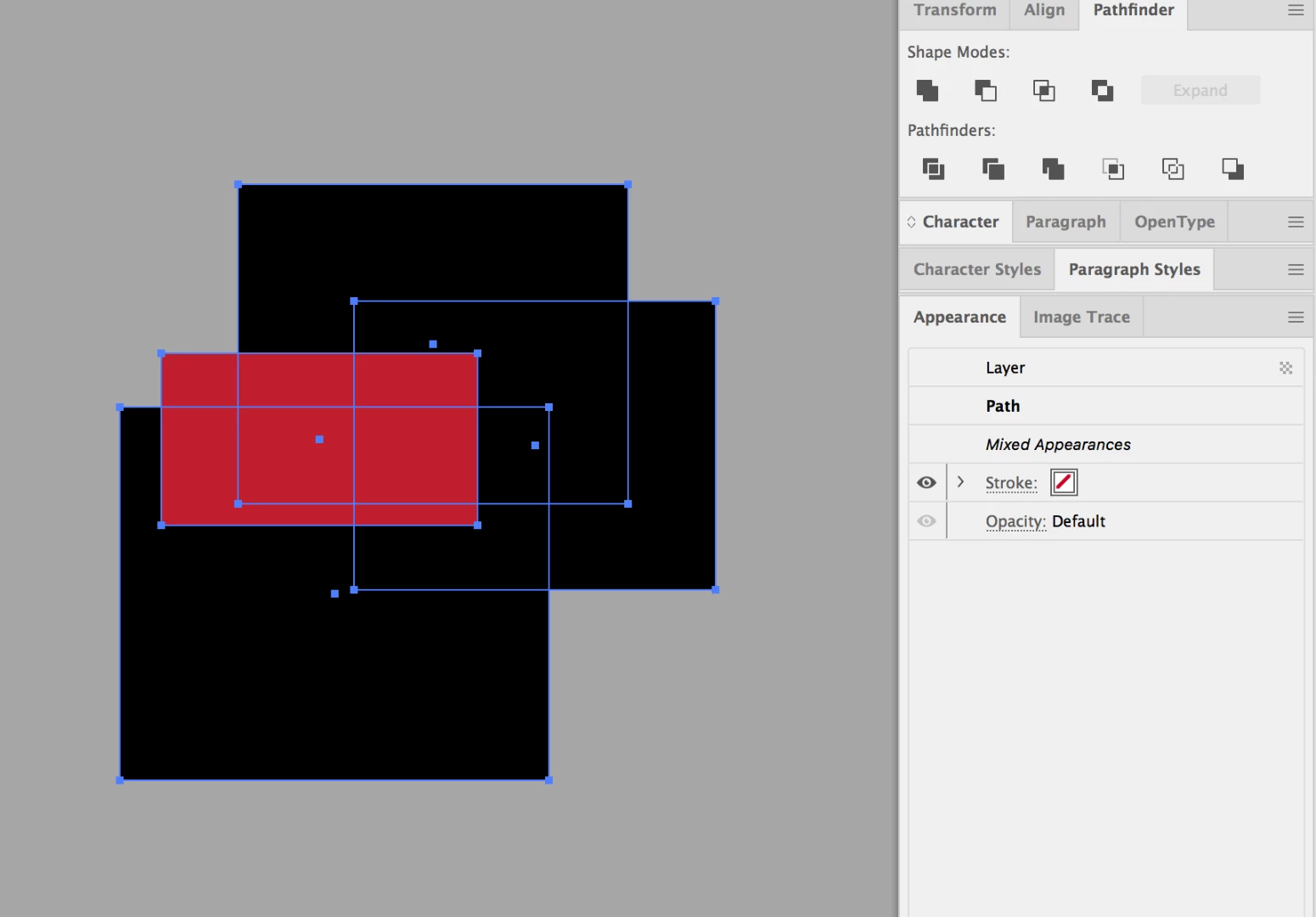
Then this is the intended result so all the black is merged. Great!
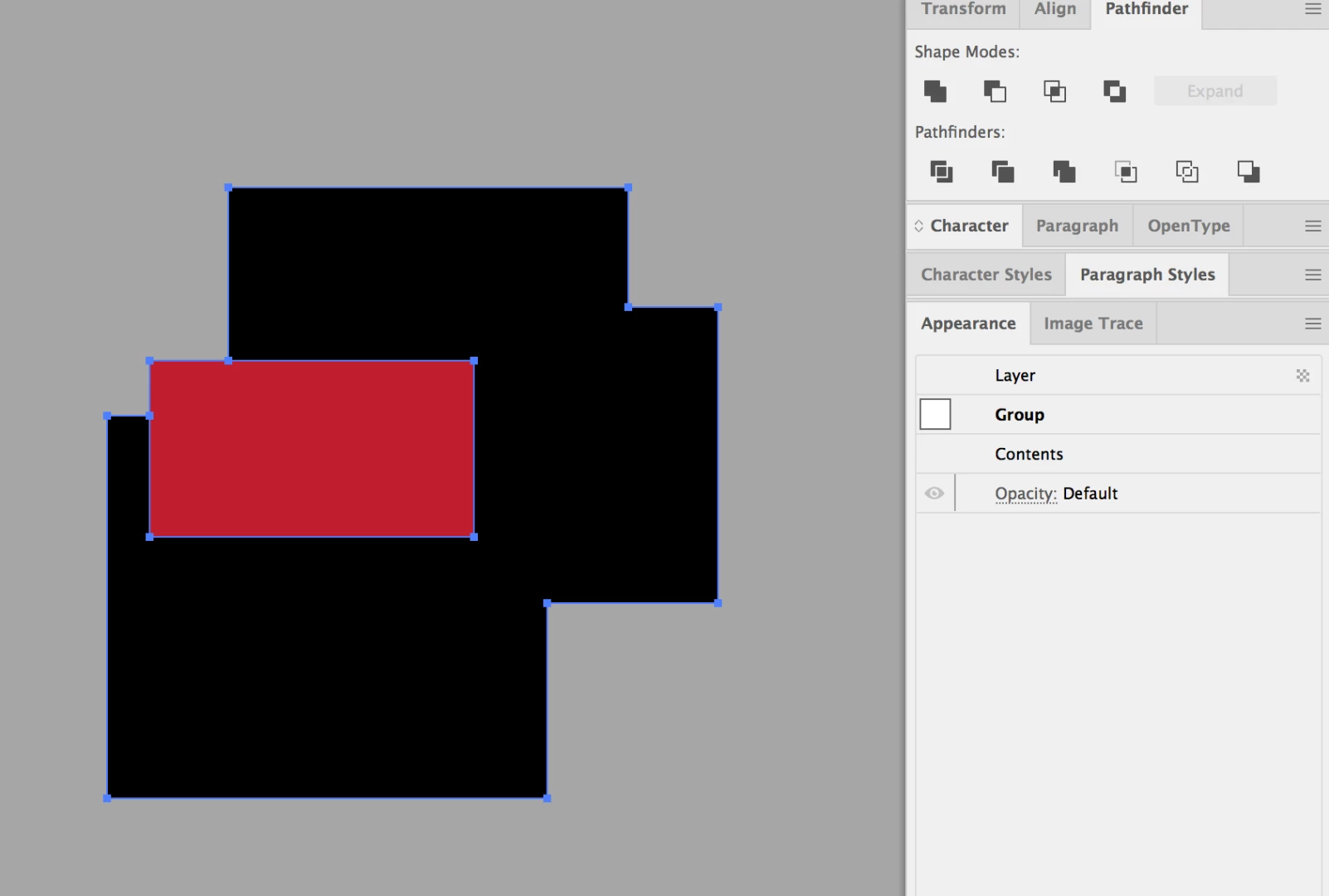
However, with this particular bunch of shapes I am working with, I select it all as I normally would:
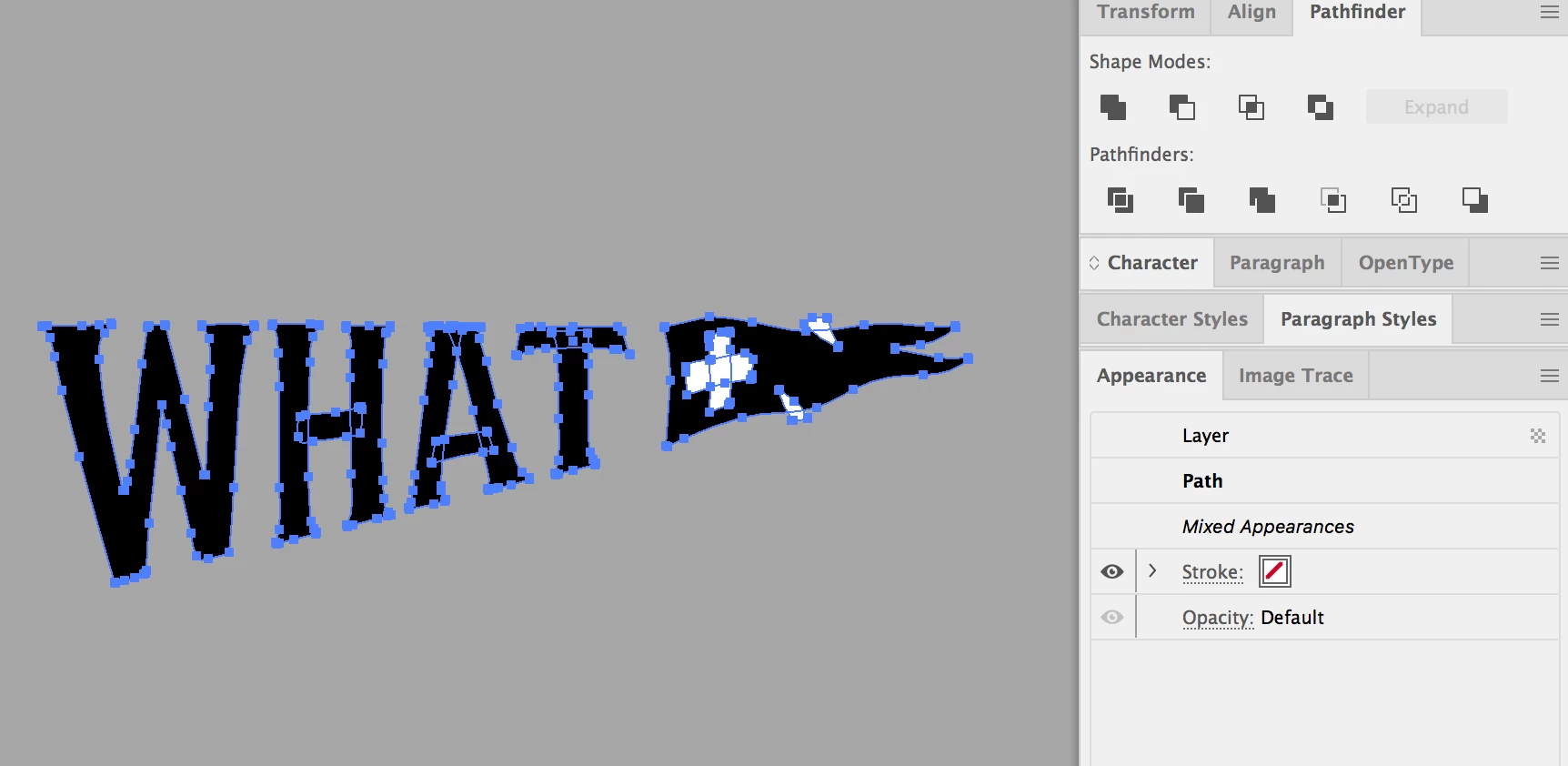
Press merge because I want all the black shapes to be merged and so I can delete the white shapes afterwards, but nothing happens! The black shapes don't merge at all!
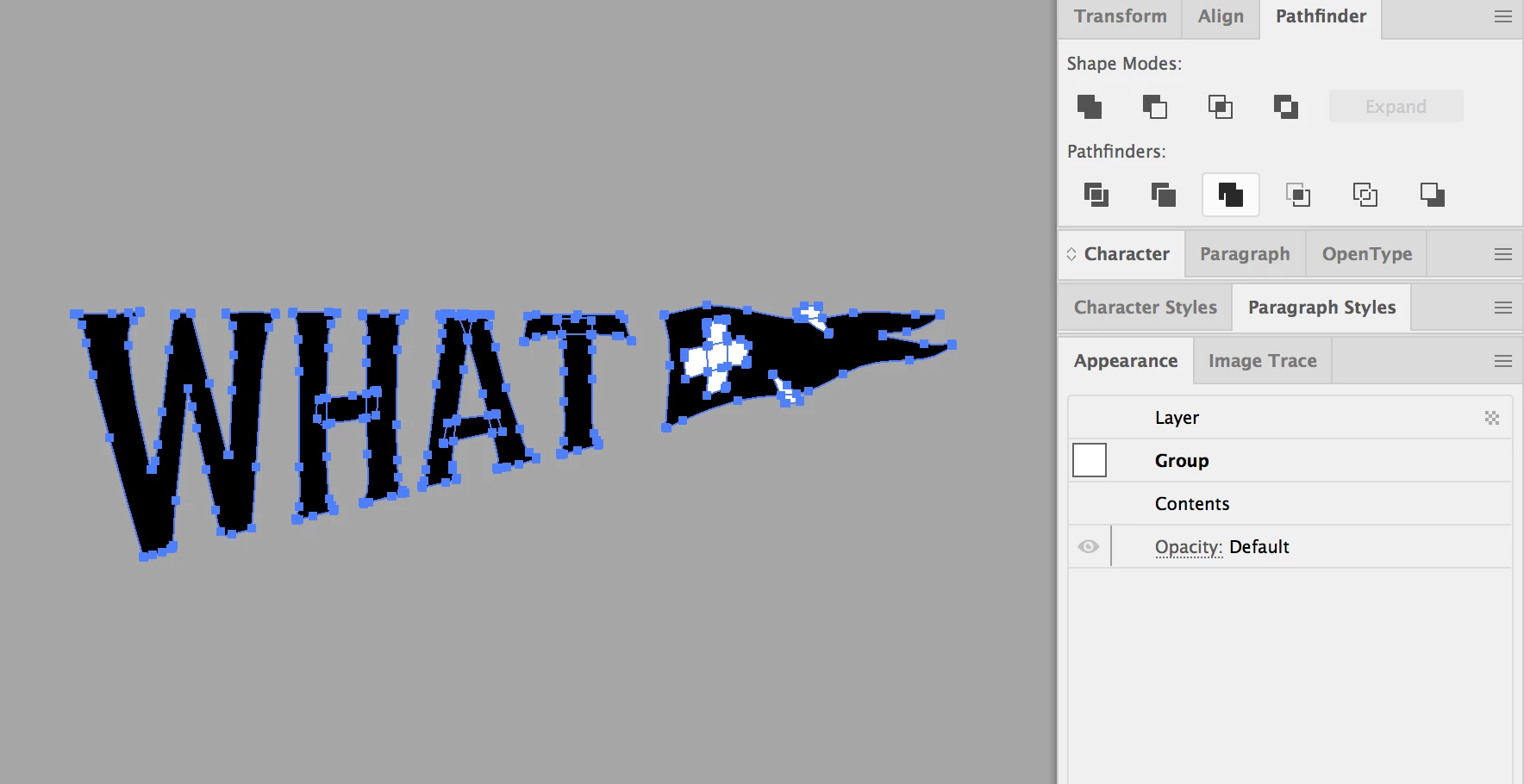
Instead it just breaks them all up and becomes a huge mess to work with. This is what happens when I double click into the group and start removing the shapes. Instead of merging and converted everything into separate shapes!
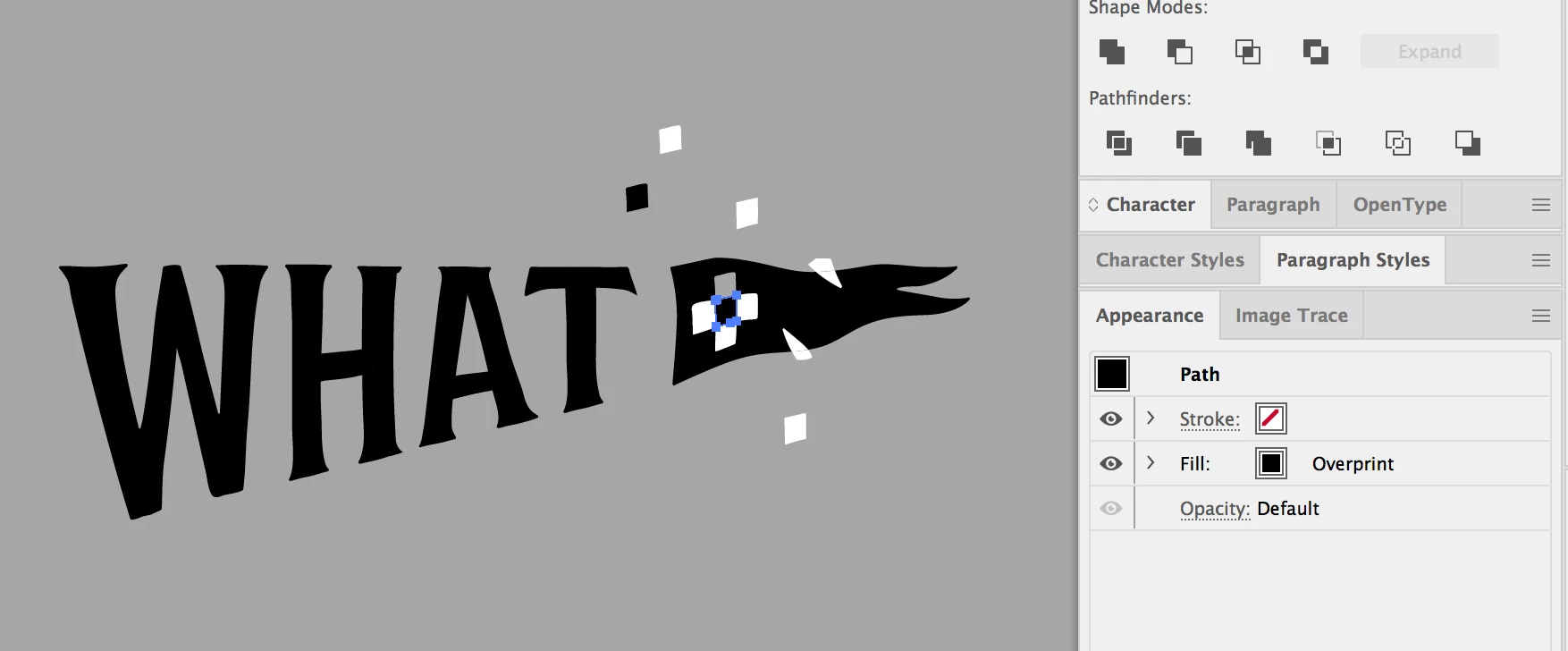
Does anybody know what the issue is? I'm so confused and it is very frustrating. Thank you in advance!
 AdChoices