
Inspiring
June 5, 2018
Answered

Issue with Pathfinder and Gradients

  • June 5, 2018
  • 3 replies
  • 3275 views

I'm trying to acheive an audio visualizer.. or sound bar that I will use in after effects later. I've created two shapes.  The first being the grid where I composed a graph, expanded it and then united it to make one solid shape.  Then I created a square, gave it a gradient from green to yellow to red, just like a sound bar. Everything looks fine but I want the black bars to be gone, I want to essentially create an inverse clipping mask with the black bars. But once I use the "minus front" in pathfinder, each  box takes on the gradient individually... Rather than keeping the original scheme... I will post pictures to explain.
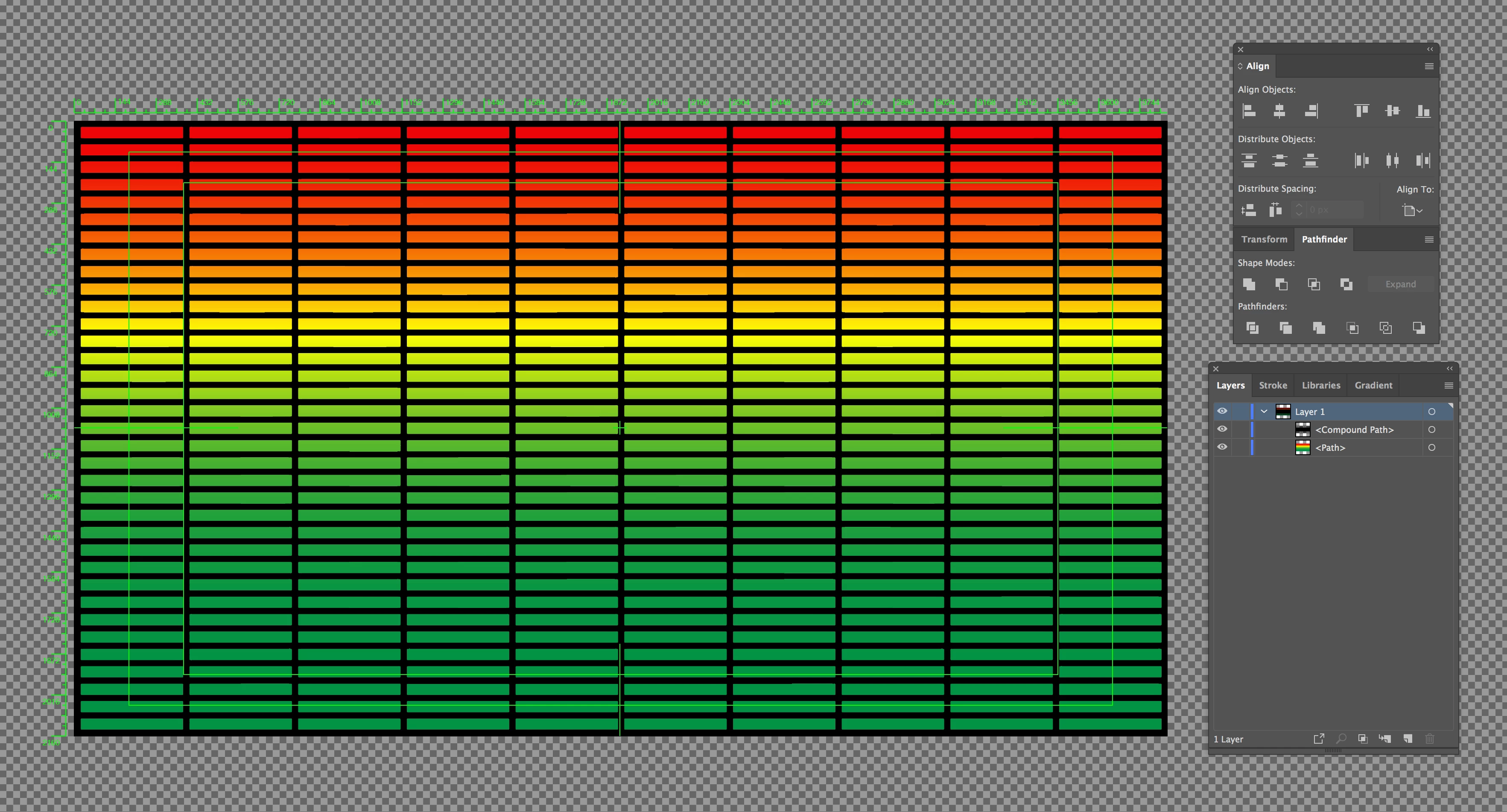
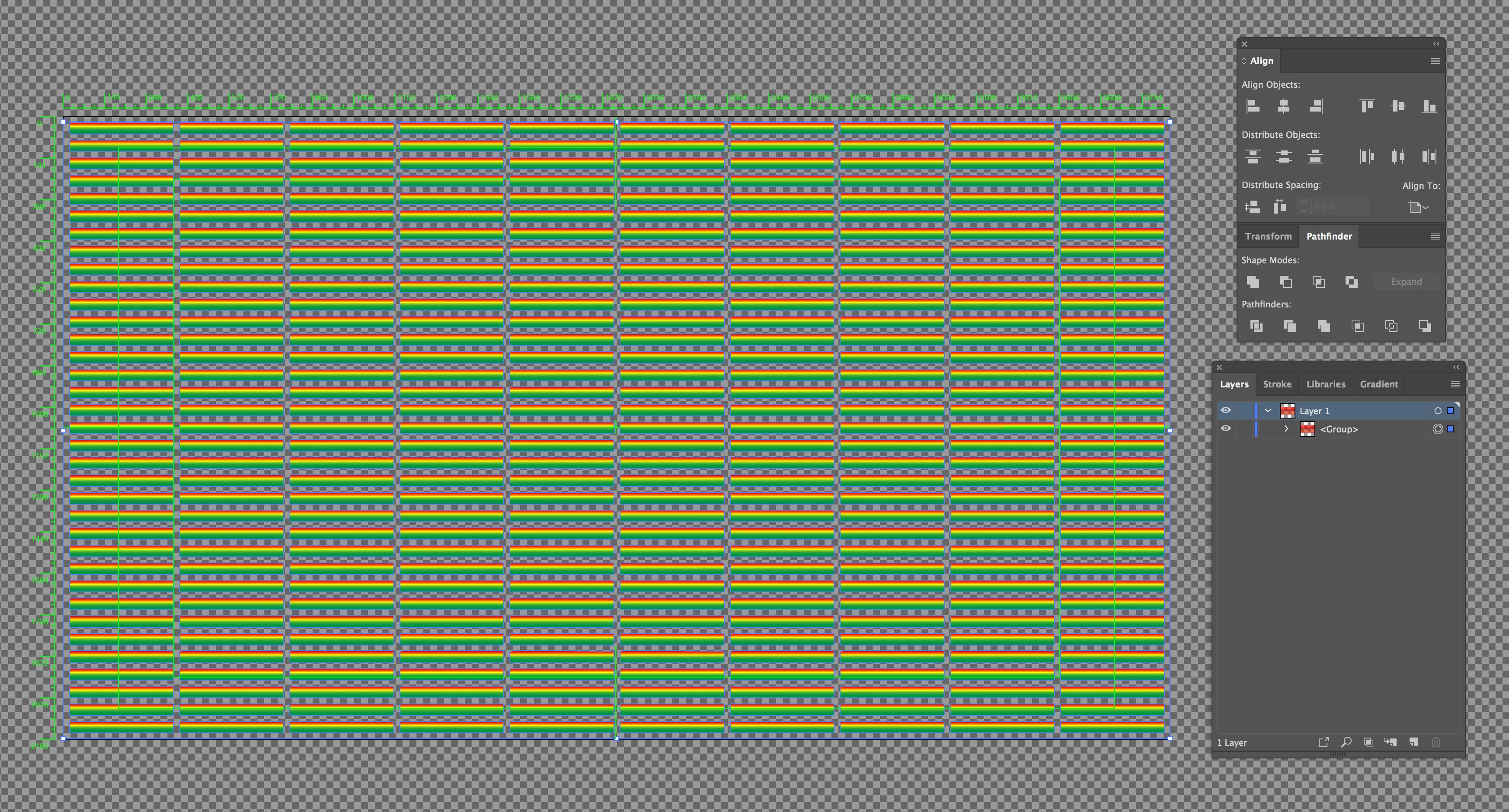
I have tried saving the gradient image. But then when you go to use the pathfinder tool it will not work unless you trace, and expand the selection but that just creates a whole other mess... I feel like there should be some way to lock the gradient to the original form but I dont know how to do it?

This topic has been closed for replies.
Correct answer Jacob Bugge

Samuel,

As I (mis)understand it, you can just select everything, then in the Transparency palette (flyout) chose (Make) Opacity Mask with both Clip and Invert Mask unticked.

3 replies

John Mensinger
Community Expert
Community Expert
June 5, 2018

Jacob's method should work, or, after you get to this:

...once I use the "minus front" in pathfinder, each  box takes on the gradient individually...

...select all the boxes and choose Object > Compound Path > Make.

Jacob Bugge
Community Expert
Jacob BuggeCommunity ExpertCorrect answer
Community Expert
June 5, 2018

Samuel,

As I (mis)understand it, you can just select everything, then in the Transparency palette (flyout) chose (Make) Opacity Mask with both Clip and Invert Mask unticked.

SuperSamCAuthor
Inspiring
June 5, 2018

This did it! Thank you so much!

Jacob Bugge
Community Expert
Community Expert
June 5, 2018

For my part you are welcome, Samuel.

Or what John said, depending on whether you wish to have something easy and reversible or something easy and simple in structure.

Monika Gause
Community Expert
Community Expert
June 5, 2018

I don't understand the part with the "inverse clipping mask"

SuperSamCAuthor
Inspiring
June 5, 2018

If I were to "make clipping mask" The black lines themselves would take on the color of the background vs going invisible and leaving colored boxes behind.