Participating Frequently
September 17, 2018
Answered

Issue with Stroke Around Multiple Objects

  • September 17, 2018
  • 2 replies
  • 460 views

Hi, I am trying to add a stroke to multiple objects - a shield and outlined text. The text has the arc effect applied to it. Whenever I use the method of:

Group objects > Duplicate group > Object/Outline Stroke > Pathfinder/Unite > Object/Path/Offset Path > Delete result of unite

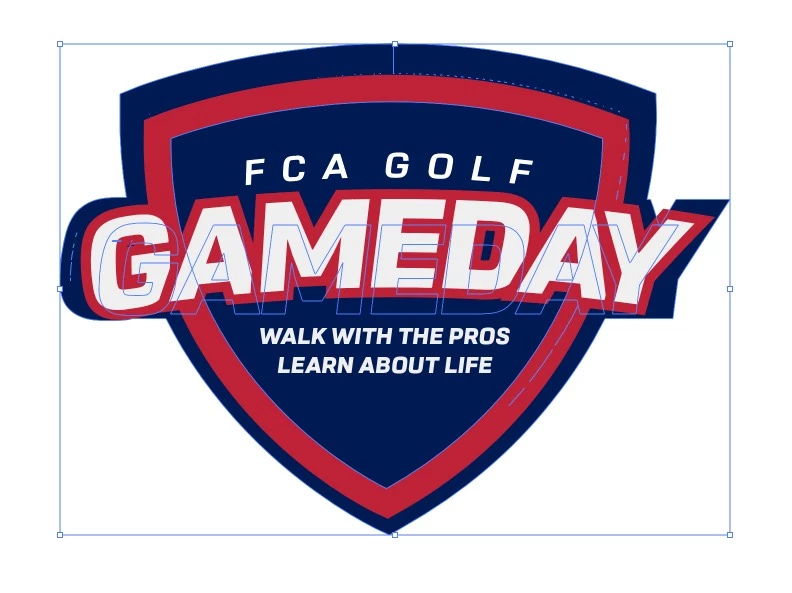
It doesn't look right.

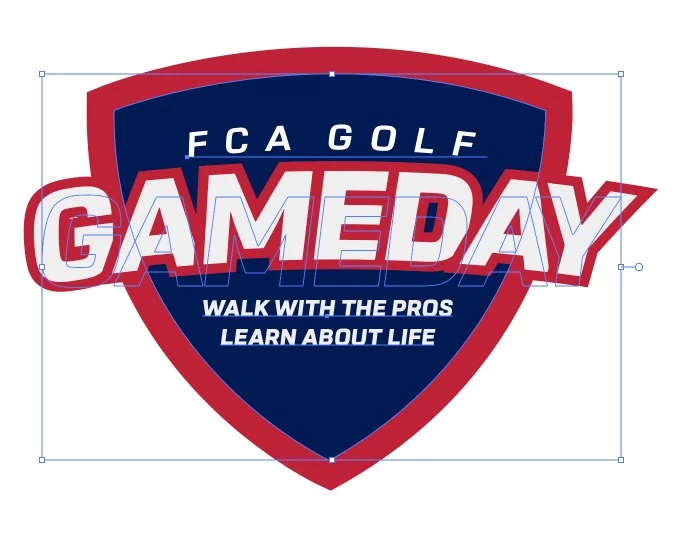
Here's the logo. Trying to stroke the shield and outlined text "GAMEDAY":
Here is what it turns out as:
Thanks for any help!

    This topic has been closed for replies.
    Correct answer Eugenio.NYC

    Hi there

    I can see you have an effect for the text, there are many ways to do this

    Expand the appearance from the menu object first and then the result will be ok

    I hope that helps

    E

    2 replies

    Participating Frequently
    September 17, 2018

    That worked perfectly! Thx! What does that do?

    Eugenio.NYC
    Participating Frequently
    September 17, 2018

    So glad

    That option will convert the effect on real paths, the downside is you can't go back and edit the effect.

    E

    Participating Frequently
    September 17, 2018

    OK makes sense. Thx again!

    Eugenio.NYC
    Eugenio.NYCCorrect answer
    Participating Frequently
    September 17, 2018

    Hi there

    I can see you have an effect for the text, there are many ways to do this

    Expand the appearance from the menu object first and then the result will be ok

    I hope that helps

    E