magical_MountainB830
Participant
September 15, 2022
Answered

Issue with Transform effect in Appearance Panel and Stroke with brush applied

  • September 15, 2022
  • 3 replies
  • 361 views

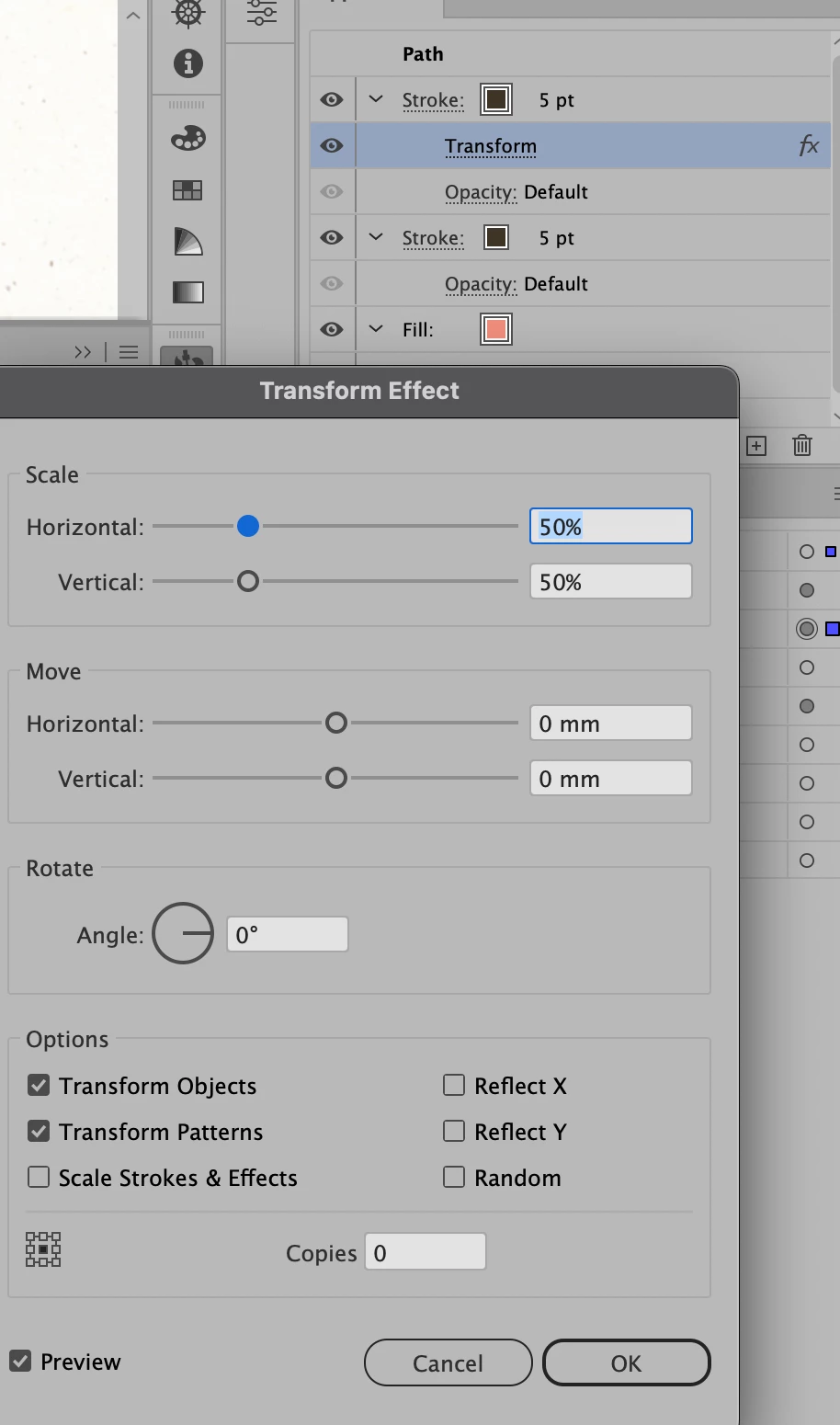
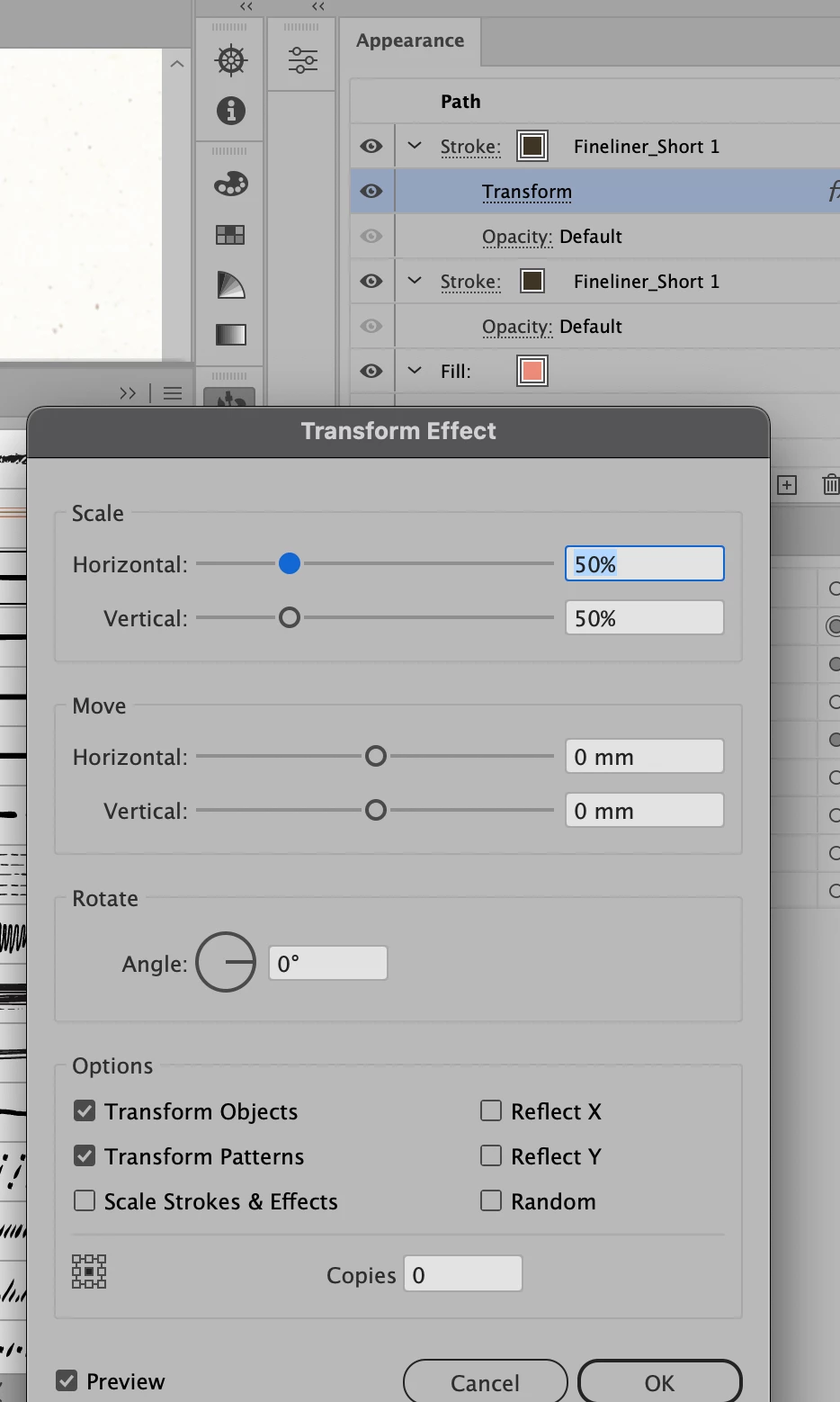
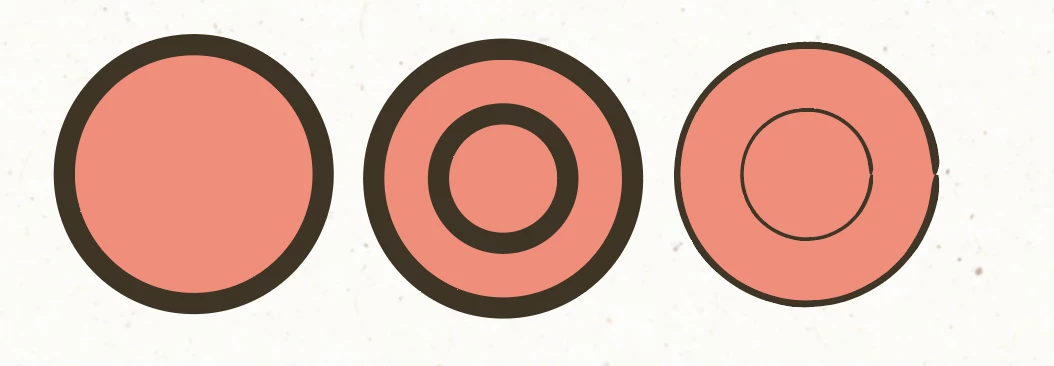
I am having issues when scaling stokes in the appearance panel and applying a a brush. In preferences I have scale stroke and effects turned off and in the transform effect dialog I also have it turned off. With the basic brush applied and scalling the stroke is the same size but if I apply a brush to the stroke then the stroke size is reduced.

Image 2 and 3 are the same except I changed the brush.
This topic has been closed for replies.
Correct answer Monika Gause

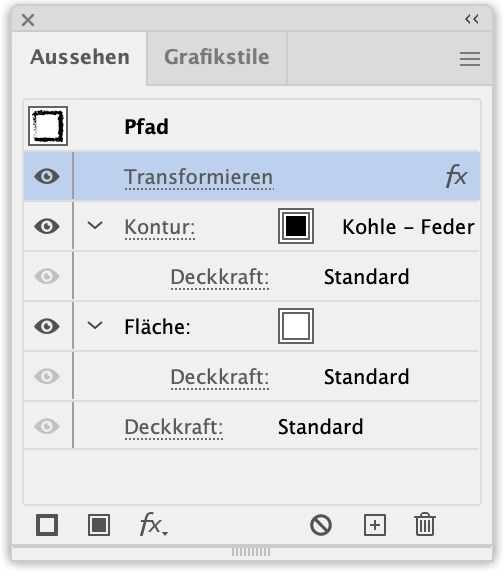
You need to move the transform effect to the top of the appearance panel.

3 replies

Monika Gause
Community Expert
Monika GauseCommunity ExpertCorrect answer
Community Expert
September 15, 2022

You need to move the transform effect to the top of the appearance panel.

marliton
Community Expert
Community Expert
September 15, 2022

Hi. I have the same behavior on my computer. When I apply a brush (the first time) to a path, the stroke width is set to 1pt. I can't be sure if that is the default behavior or if it's an issue. You could try using a previous version of Illustrator: https://helpx.adobe.com/download-install/using/install-previous-version.htm


Marlon Ceballos
Community Expert
September 15, 2022

Is it happening with all type of brushes?