Participating Frequently
December 20, 2021
Question

Issues with font activation

  • December 20, 2021
  • 3 replies
  • 1017 views

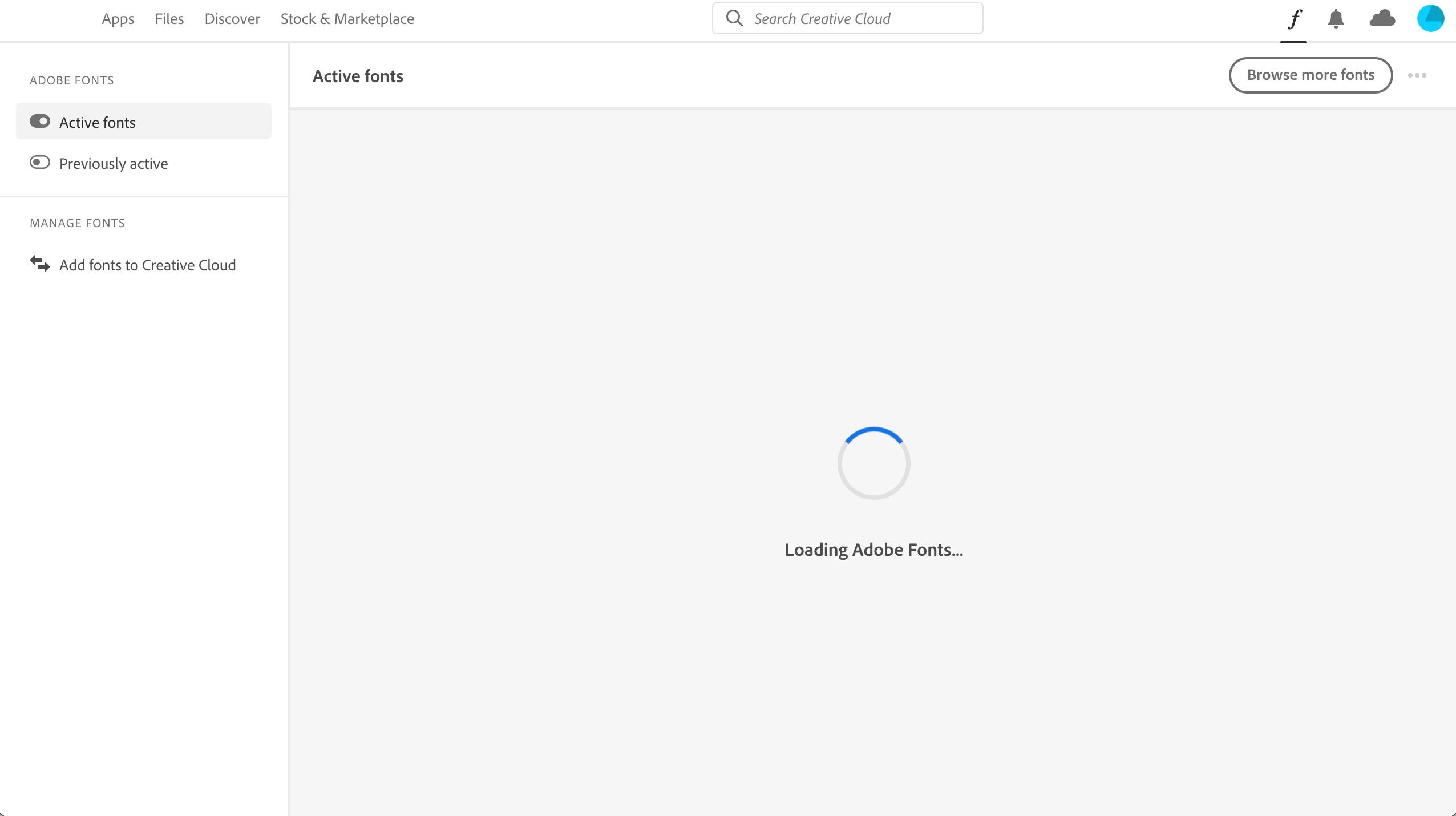
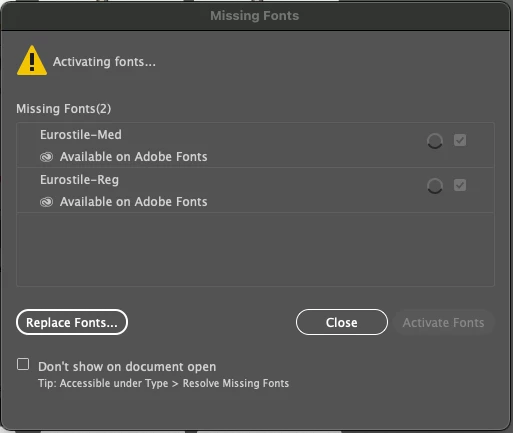
Lately none of my activated fonts work in illustrator. I've tried signing out of every application, restarting my computer, clearing the cache, and the deativate/reactivate thing. Nothing. When I try to activate them in illustrator, it gets stuck activating. Manage fonts on the CC app is just stuck spinning. On the browser, it shows everything activated. At this point, this has cost me hours of labor. Please help. 
 

This topic has been closed for replies.

3 replies

DJones13Author
Participating Frequently
January 3, 2022

UPDATE: Still not solved. I've been on the phone with Adobe multiple times and gotten nowhere. This has caused so many issues with my work flow it's insane. With how much we pay every year to Adobe, you'd think they would actually show some care. I've received more help from random forum individuals than the help teams I've been emailing with every day. I've been through every suggested solution. Wasted so many hours that should have been spent designing and making money. I can't deal with this lack of support in a profesional capacity. This whole situation has been a joke. I used to respect Adobe, but this experience has killed that. 

DJones13Author
Participating Frequently
December 21, 2021

Update: Still not working and now nothing is syncing. None of my apps will sync with cloud storage and I cannot access fonts or plugins on the creative cloud app. Just gets stuck. Have tried wiping Adobe from my computer completely and reinstalling. Problem persists. 

Met1
Legend
December 21, 2021

Did you try signing out of cloud, restart, then sign back in?

DJones13Author
Participating Frequently
December 21, 2021

That was the first thing i tried. I even completely wiped and reinstalled. 

Participant
December 20, 2021

I have the same problem in InDesign. Fonts I use all the time are now tagged as not activated, when 4 days ago they were fine.

Participant
December 20, 2021

I got mine working. I opened the Creative Cloud app and went to Manage Fonts. I searched for one of the missing fonts and it said that I hadn't used it in a long time. (Not exactly true. I've been regularly using files with that font in it, but hadn't selected it as a font for new text recently.)  I was able click a "not used recently" (not exact words" and that fixed it. The other font it said was missing was not an Adobe font, but that problem went away, too, when I reopened the file that had given me the error. Hope this helps you, too. 

DJones13Author
Participating Frequently
December 20, 2021

I can't access manage fonts at all. Now illustrator is showing this..

Creative cloud seems to be broken on my macbook. I tried reinstalling as well. No luck.