
Question
Issues with pixilation when copy-pasting from one AI file to another
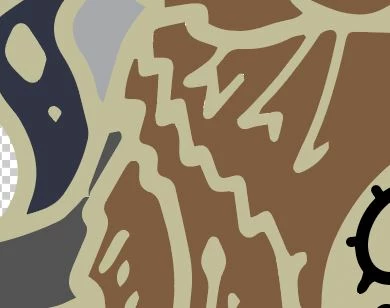
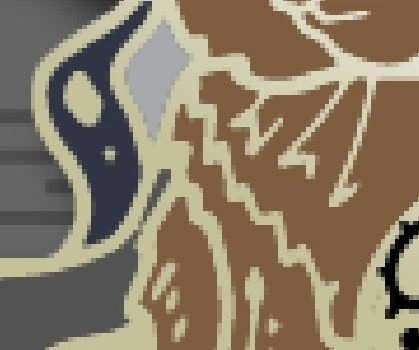
When I select all of the art work in one AI file and paste it into another, the vectors remain but the art work pixilates. I've tried increasing the size of the artwork in the original file, but that does not help. Does anyone know how to fix this? Here are the before and after:
 AdChoices