
Participant
September 2, 2022
Question

Jagged Lines in Illustrator with Bright Coloring
  • September 2, 2022
  • 4 replies
  • 290 views

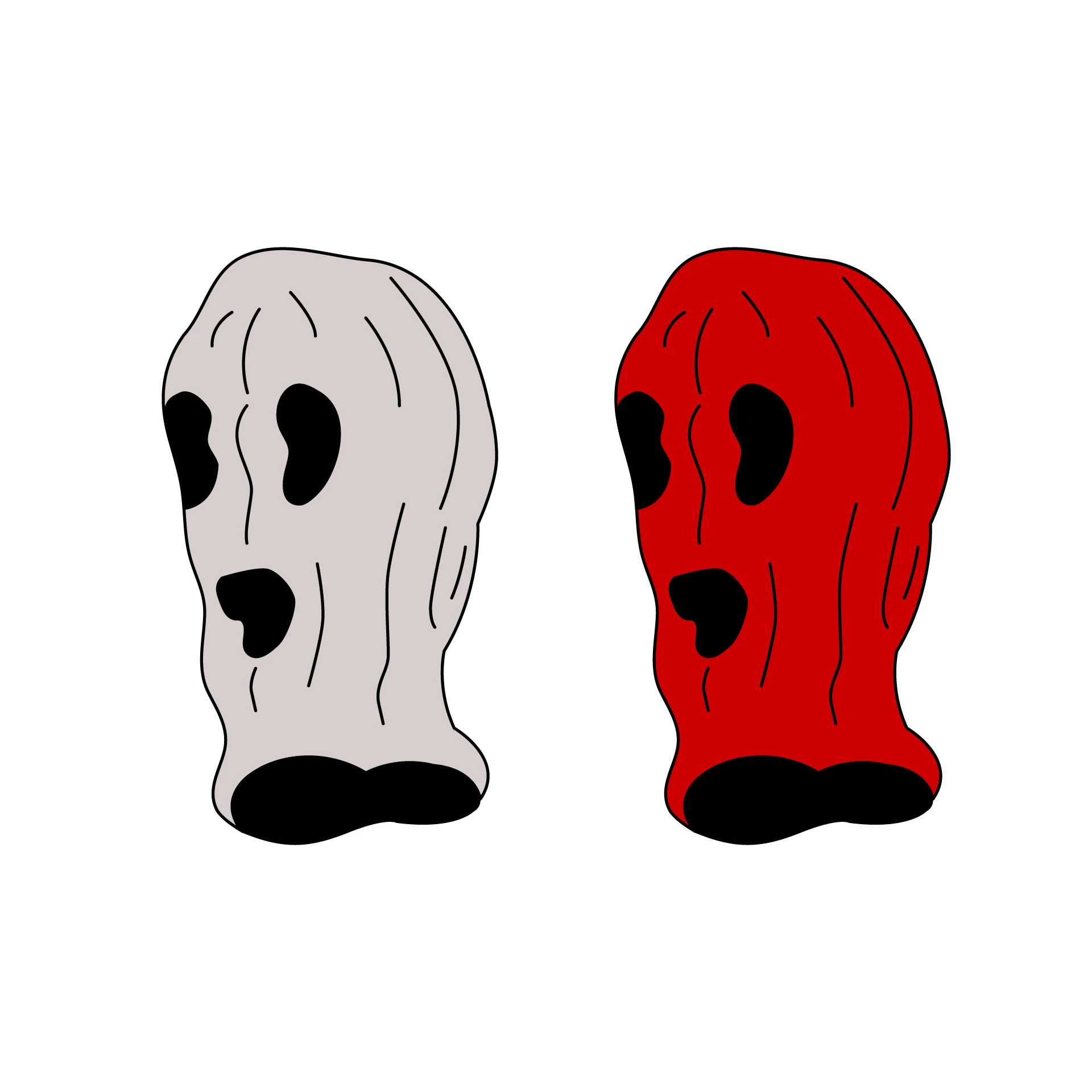
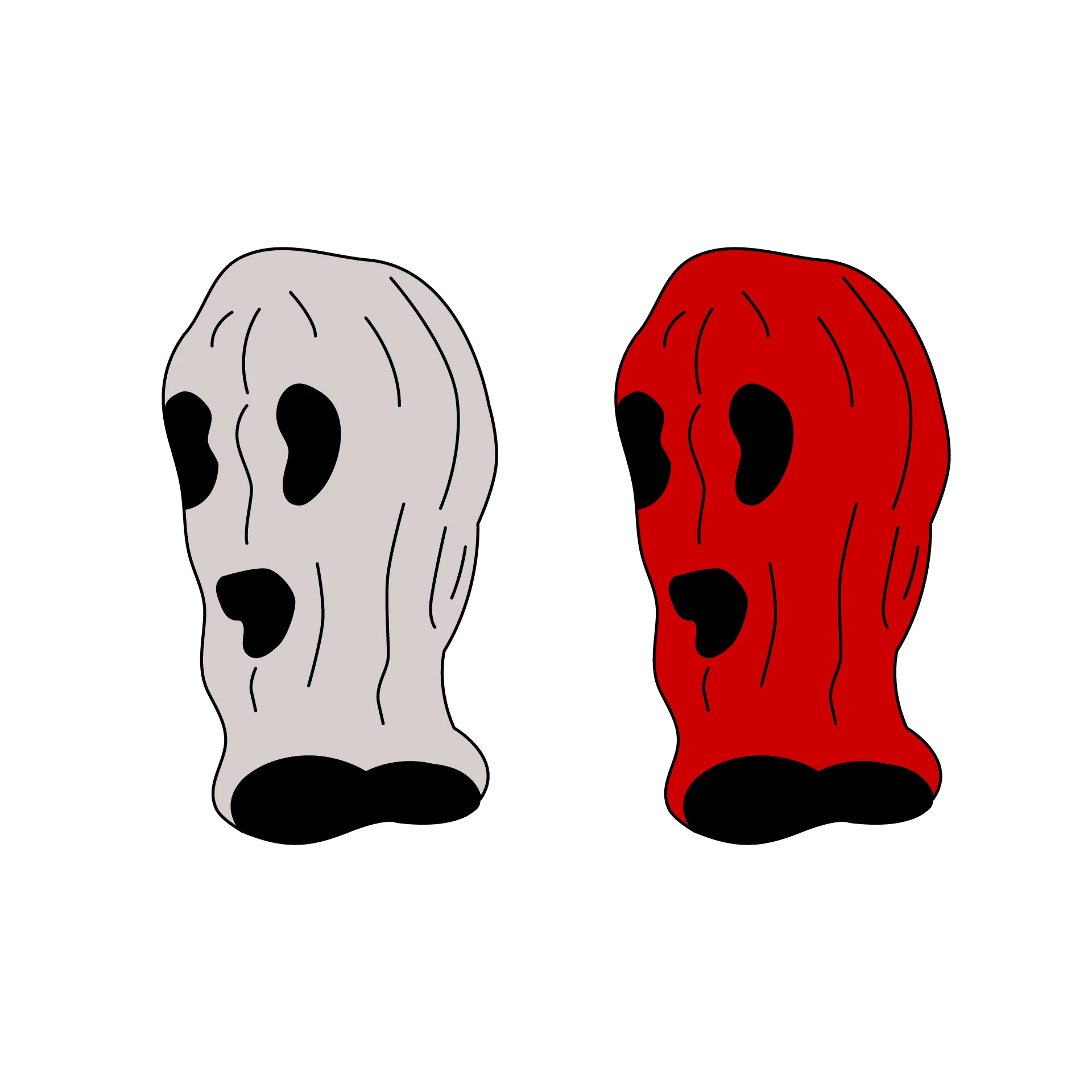
The red facemask lines appear jagged in Illustrator and when saved as a JPG. I can't totally figure it out but it appears to be a coloring issue, a monitor resolution issue, or both. Does anyone have ideas? I have attached the file.


This topic has been closed for replies.

4 replies

barbara_a7746676
Community Expert
Community Expert
September 3, 2022

If you save as an Illlustrator AI file, an EPS file, PDF, or SVG file, the vector lines will be preserved and will be smooth.

Anubhav M
Community Manager
Community Manager
September 2, 2022

Hello jb92512009,


Sorry to hear about this experience. As pointed out by Ton and Monika, saving an image in a raster format such as JPEG will result in pixelation when zoomed in. You may try saving at a higher resolution to reduce it or saving in a raster format such as SVG to alleviate such issues.

Also, kindly check the exported image on a different device to see if the problem persists and share your observations.


Looking forward to your response.


Thanks,

Anubhav

Monika Gause
Community Expert
Community Expert
September 2, 2022

That's probably due to visual effects that depend on the coloring.


Maybe you can point out where you are seeing this by highlighting those areas?

Ton Frederiks
Community Expert
Community Expert
September 2, 2022

I don't see anything I would not expect when exported at that resolution. Saving as an image will always show pixels.

Zoom in and you will see more. You can try to double the resolution to 144 ppi on export.