Inspiring
June 13, 2017
Answered

Join an Open Path to a Closed path (when both objects have no fill)

  • June 13, 2017
  • 2 replies
  • 817 views

Hi

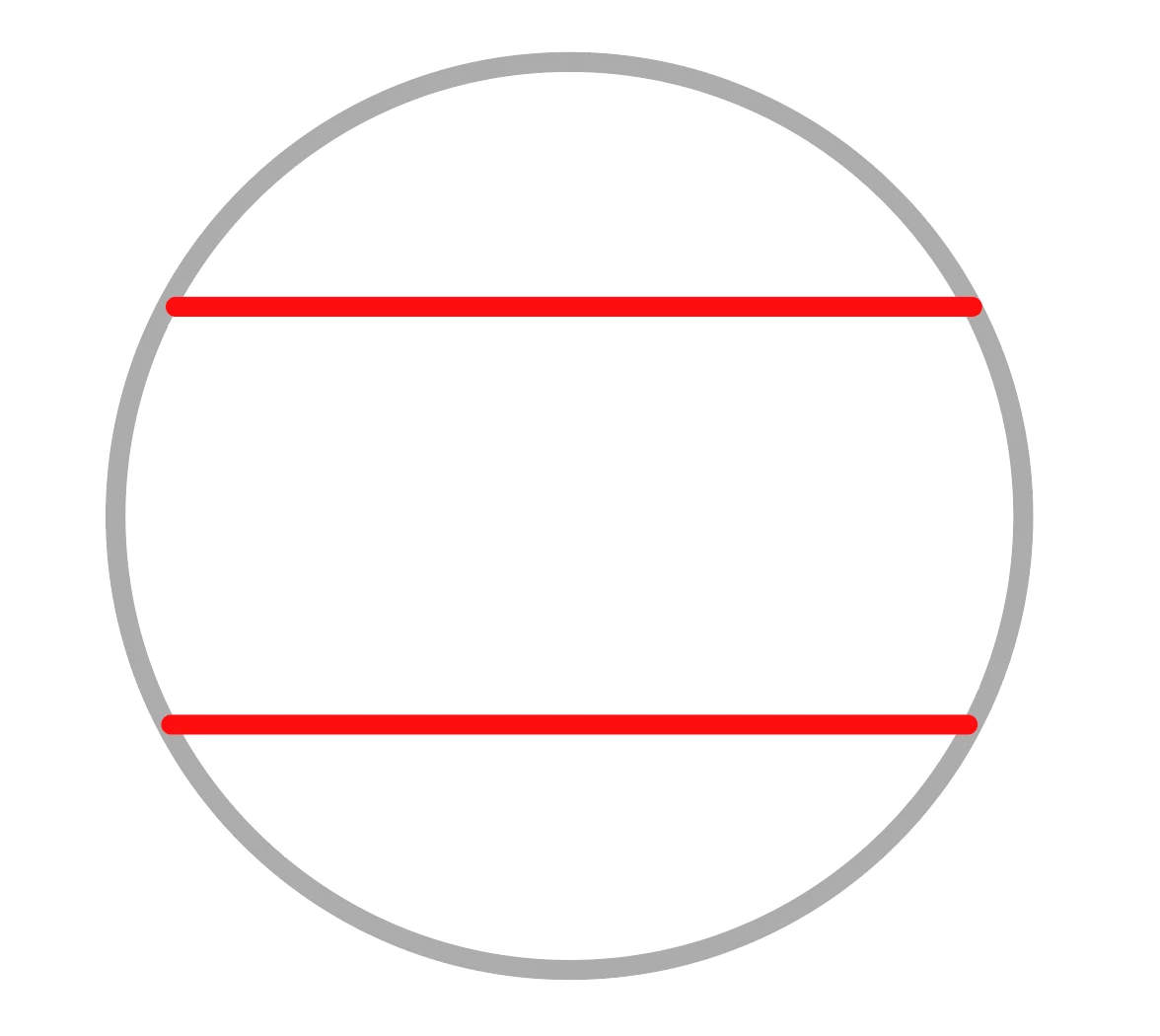
I have a couple of open paths drawn with the pen tool (shown in red) that I'd like to join them to the circle (shown in grey).  The circle has no fill.  When I use the join command this doesn't work, and nor does the path finder 'unite' option.  What is the best way of doing this, and can i do this without expanding the paths because I'd like to use the scissor tool on the resulting object.


Thanks in advance for any suggestions.

Image below:
This topic has been closed for replies.
Correct answer Monika Gause

You can group them, but not Join.

What is your goal? Maybe other methods might help.

2 replies

Mohammad.Harb
Community Expert
Community Expert
June 13, 2017
without expanding the paths

select the Red lines and send them to back

Monika Gause
Community Expert
Monika GauseCommunity ExpertCorrect answer
Community Expert
June 13, 2017

You can group them, but not Join.

What is your goal? Maybe other methods might help.

Inspiring
June 13, 2017

It's going to be part of an SVG / javascript animation, and having the whole object as one stroked path it will make the animation so much easier to achieve.

I'll have to draw the entire thing with the pen tool (i'm guessing that will be the best way?).  I wanted to check just in case it was possible to join and open and closed paths.

Thanks.

Paul

Monika Gause
Community Expert
Community Expert
June 14, 2017

Won't a group work?

You cannot create Y-connections at one anchor point. Only two path segments can be joined.