Participating Frequently
February 4, 2018
Answered

Joining different paths to make shapes

  • February 4, 2018
  • 1 reply
  • 560 views

I'm trying to make and divide these shapes (So they can be edited separately

From where the blue and green paths cross. I have tried pasting the paths on another page and using all the Pathfinder options but I never able to separate the above shapes like I want!
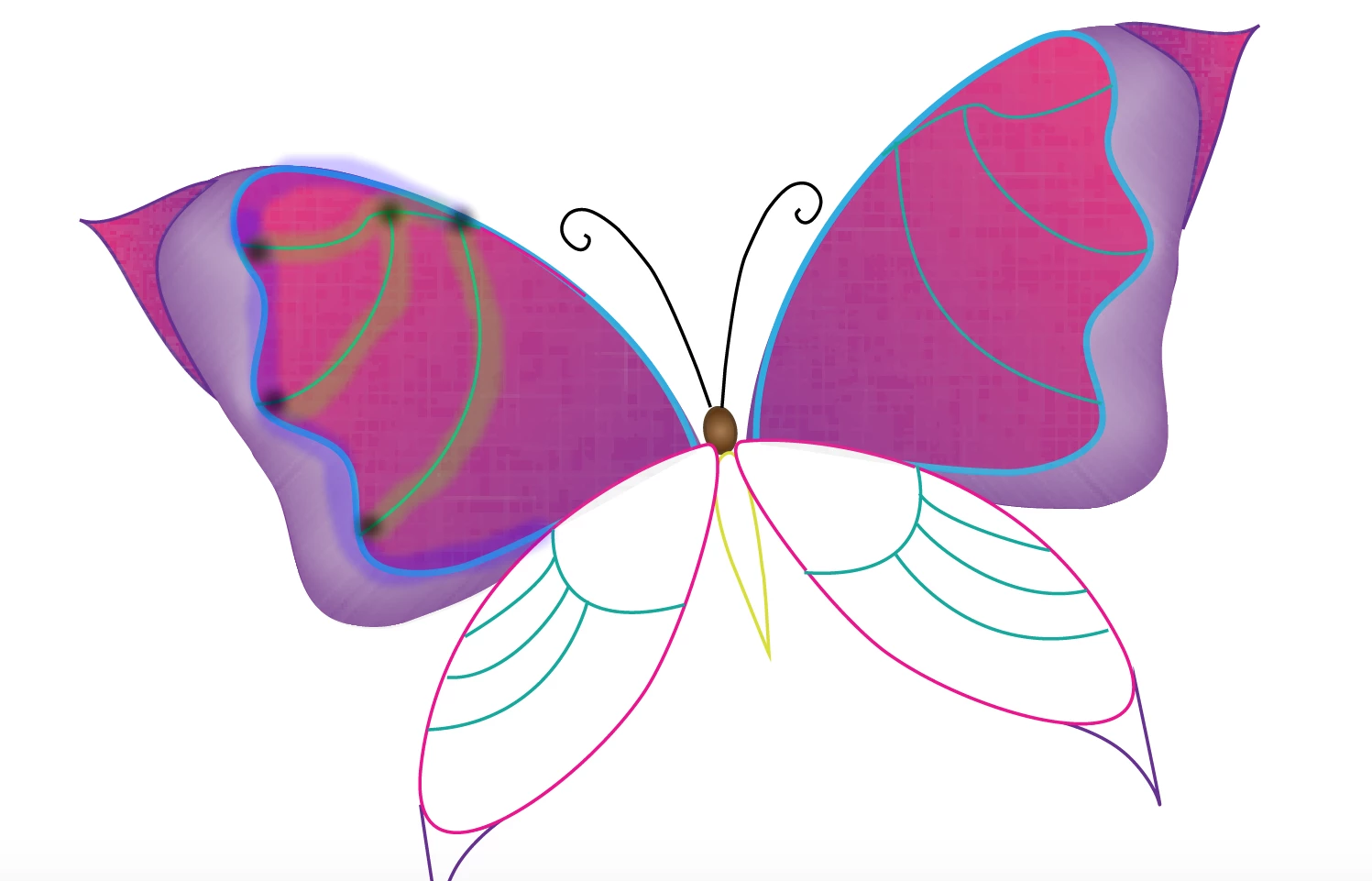
I hope this makes sense!

    This topic has been closed for replies.
    Correct answer pixxxelschubser

    Hi becky411234567,

    move all the paths to another layer and lock the layer with your pictures.

    Then select all and use the Live Paint Bucket tool.

    See here:

    How to create and work with Live Paint groups in Illustrator

    Have fun

    1 reply

    pixxxelschubser
    Community Expert
    pixxxelschubserCommunity ExpertCorrect answer
    Community Expert
    February 4, 2018

    Hi becky411234567,

    move all the paths to another layer and lock the layer with your pictures.

    Then select all and use the Live Paint Bucket tool.

    See here:

    How to create and work with Live Paint groups in Illustrator

    Have fun

    Participating Frequently
    February 5, 2018

    Thanks! It took me a while because I didn't see the "live paint bucket/ selection" on the toolbar. Is there anyway I can place in image in those areas instead of color? Thanks!

    pixxxelschubser
    Community Expert
    Community Expert
    February 5, 2018

    All things you can save as swatch are possible. Images not, but colors, pattern and/or gradients.