Participant
June 26, 2018
Answered

jpeg into a digital line art?

  • June 26, 2018
  • 3 replies
  • 1303 views

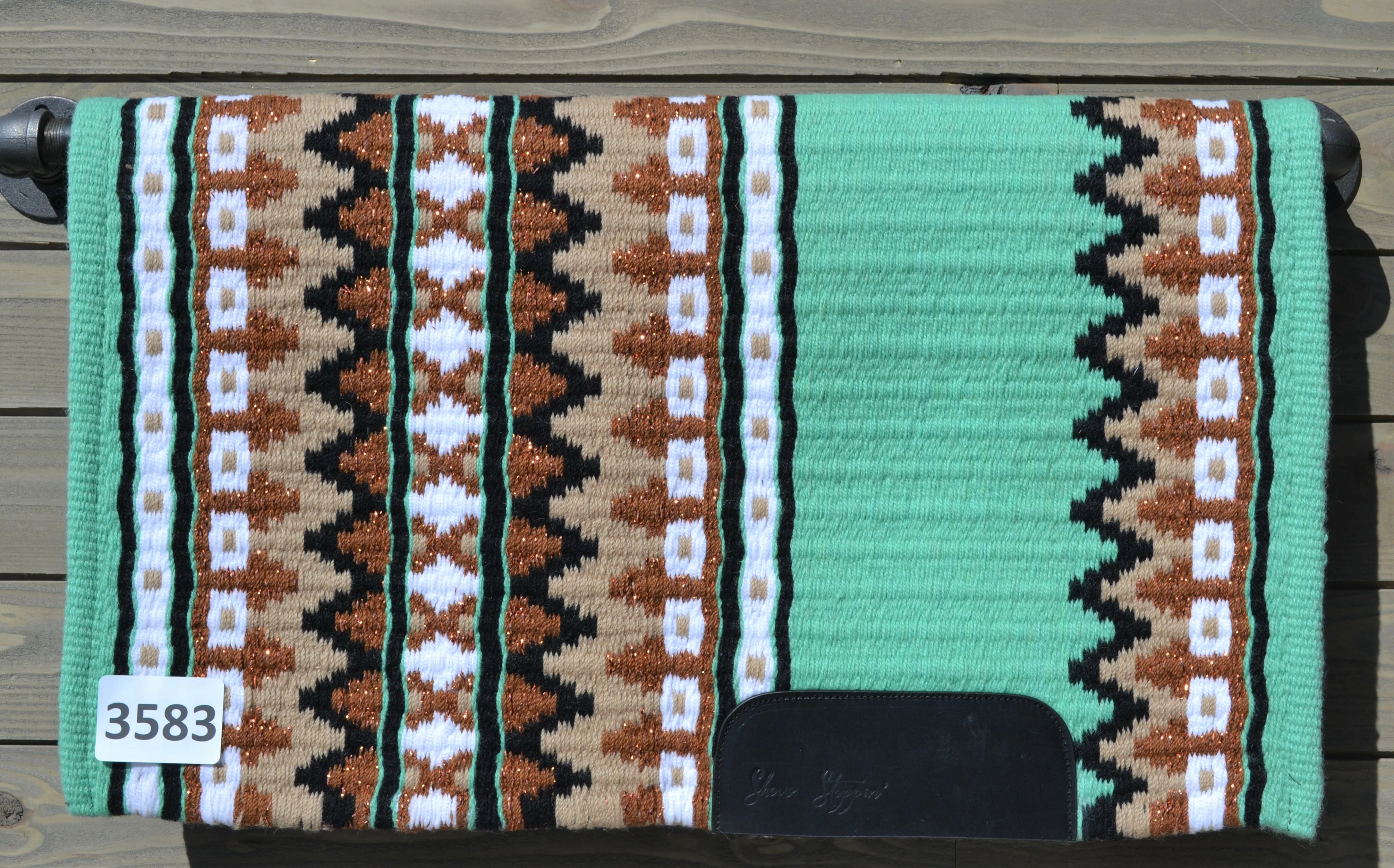
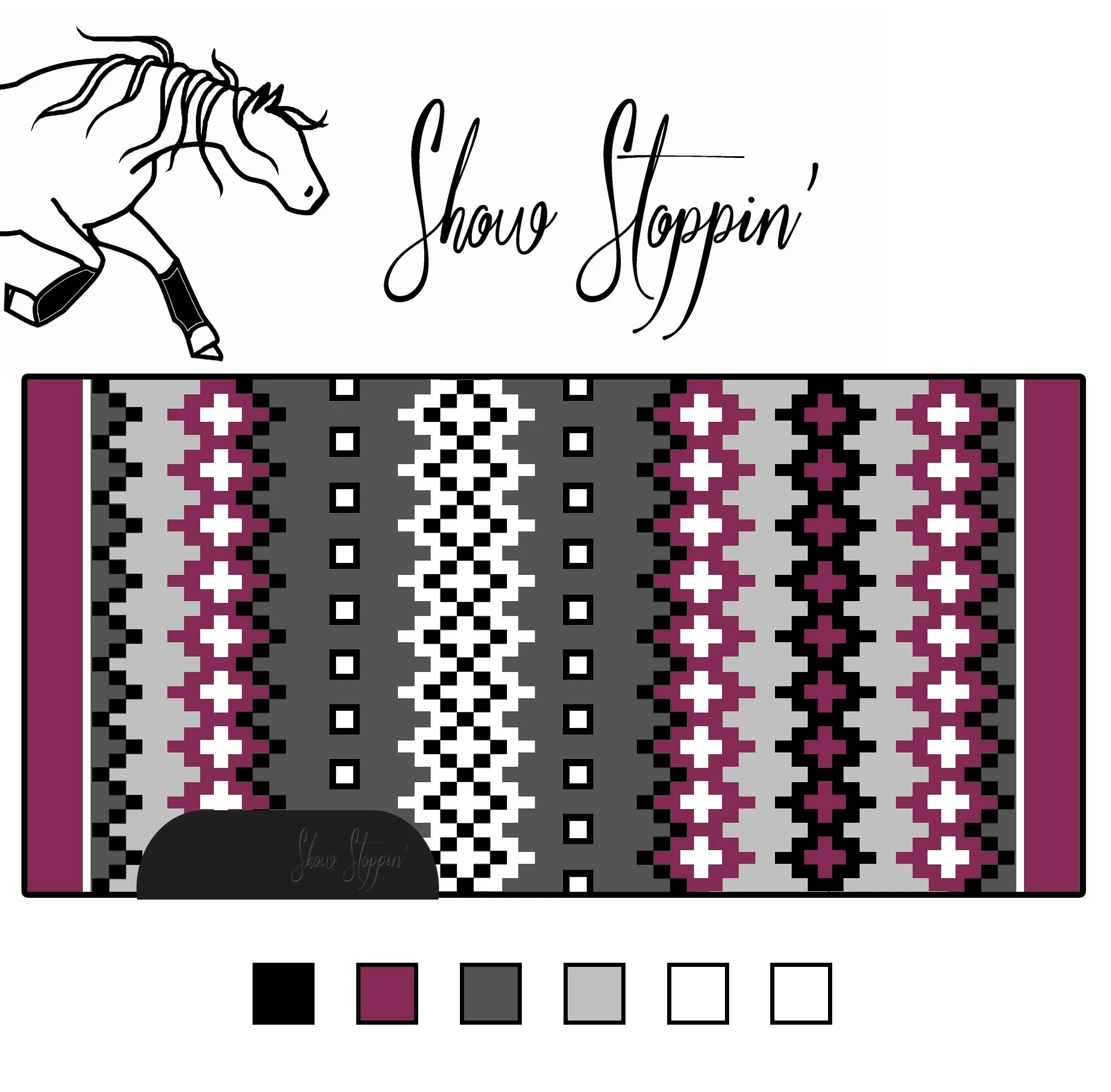
I'm new to Ai and not sure what this is really called but is there a way to take a jpeg and turn it into a editable digital copy of a pattern? Like the first image and turn it into the second image?
    This topic has been closed for replies.
    Correct answer Bill Silbert

    Illustrator does have an Image Trace feature that can change a raster image into editable vector art. Unfortunately, it cannot make an image that is as geometrically accurate as the one that you have shown. The best way to do it is to learn how to use Illustrator's drawing tools and actually draw the pattern. If you want to try out the image trace feature just to see what its like check out this tutorial How to edit artwork in Illustrator using Image Trace . If you want to learn about Illustrator's drawing tools go to Create with drawing tools | .

    3 replies

    KShinabery212
    Community Expert
    Community Expert
    June 26, 2018

    Why not use the picture as a template and then rebuild it in a new layer? 

    This allows you to create parts of the pattern and then duplicate them and drag them to another part of the image.  You can also copy part of the patter and flip it!  

    This would be easy to do with something like this.  Then you will have more control over it.  Plus if you want to change part of the patter and add in your own little bit of creativity you can.

    If that does not make sense I can create a an image to showcase this idea and post it.  Just let me know.

    Let's connect on LinkedIn. https://www.linkedin.com/in/kshinabery/
    Ray Yorkshire
    Participating Frequently
    June 26, 2018

    It looks similar to pixel art style, perhaps you could find tutorials for that and adapt them for illustrator.

    Like most things in design no one touch operation I'm  afraid ,

    You'd  need to, for example,  make a  guide grid,  use the rectangle tool and a symbol of each element and repeat them to populate the grid to create the pattern.

    Bill Silbert
    Community Expert
    Bill SilbertCommunity ExpertCorrect answer
    Community Expert
    June 26, 2018

    Illustrator does have an Image Trace feature that can change a raster image into editable vector art. Unfortunately, it cannot make an image that is as geometrically accurate as the one that you have shown. The best way to do it is to learn how to use Illustrator's drawing tools and actually draw the pattern. If you want to try out the image trace feature just to see what its like check out this tutorial How to edit artwork in Illustrator using Image Trace . If you want to learn about Illustrator's drawing tools go to Create with drawing tools | .
