
Know-how on working with multiple language on packaging in Illustrator
What is the best know-how on working with multiple language on packaging in Illustrator. We are making packaging with over 8 -9 langauges where current we copy past each langauge in the file and in some case we copy paste each word for Excel, and translations for a PDF, it a lot of manual work, is there a workflow to make this a bit easier and faster, when you have 8+ langauges it become a lot of work just copy -past,
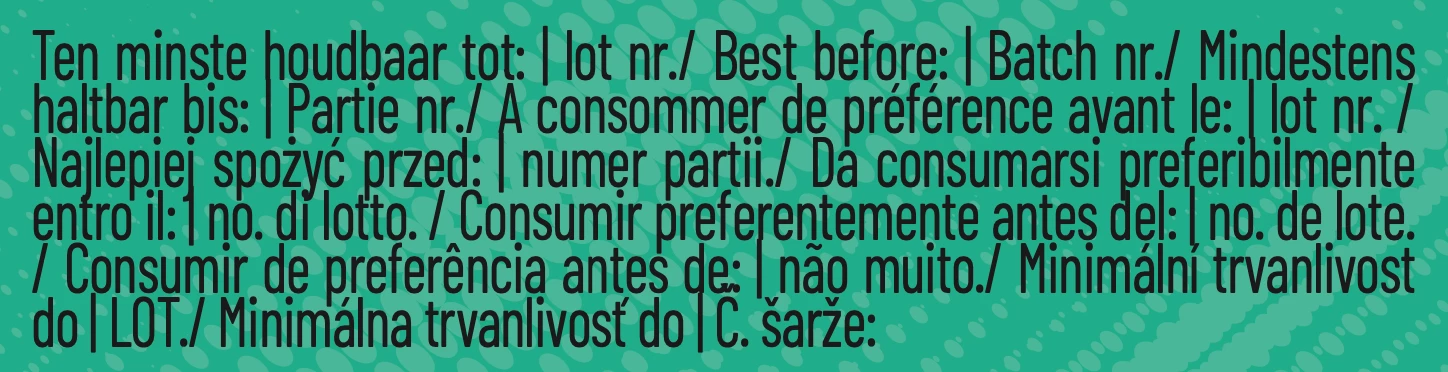
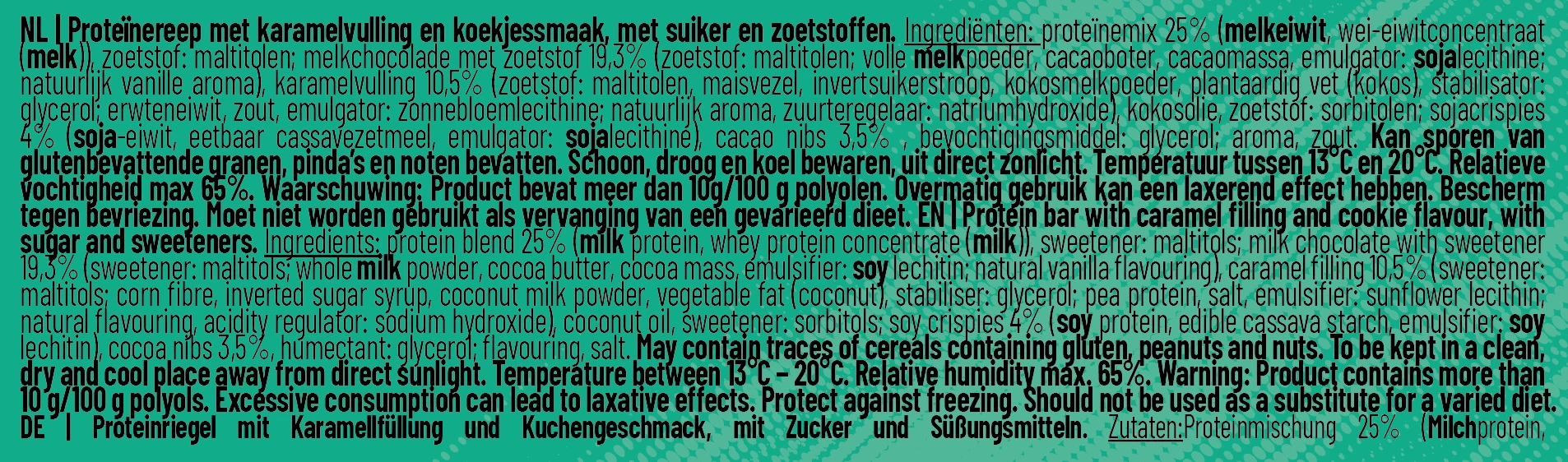
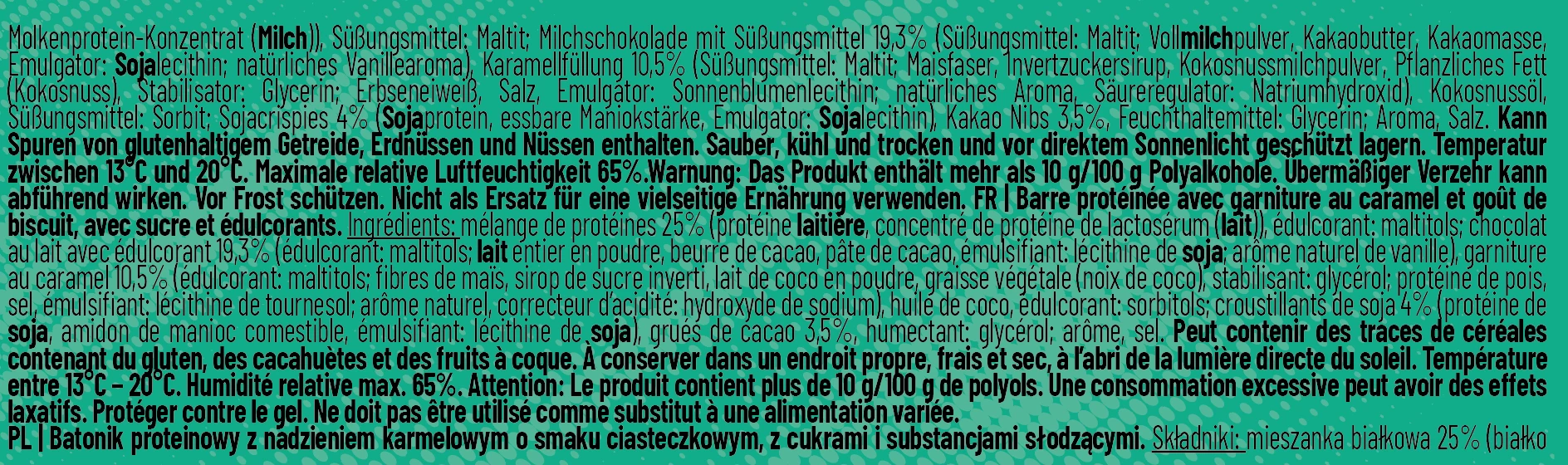
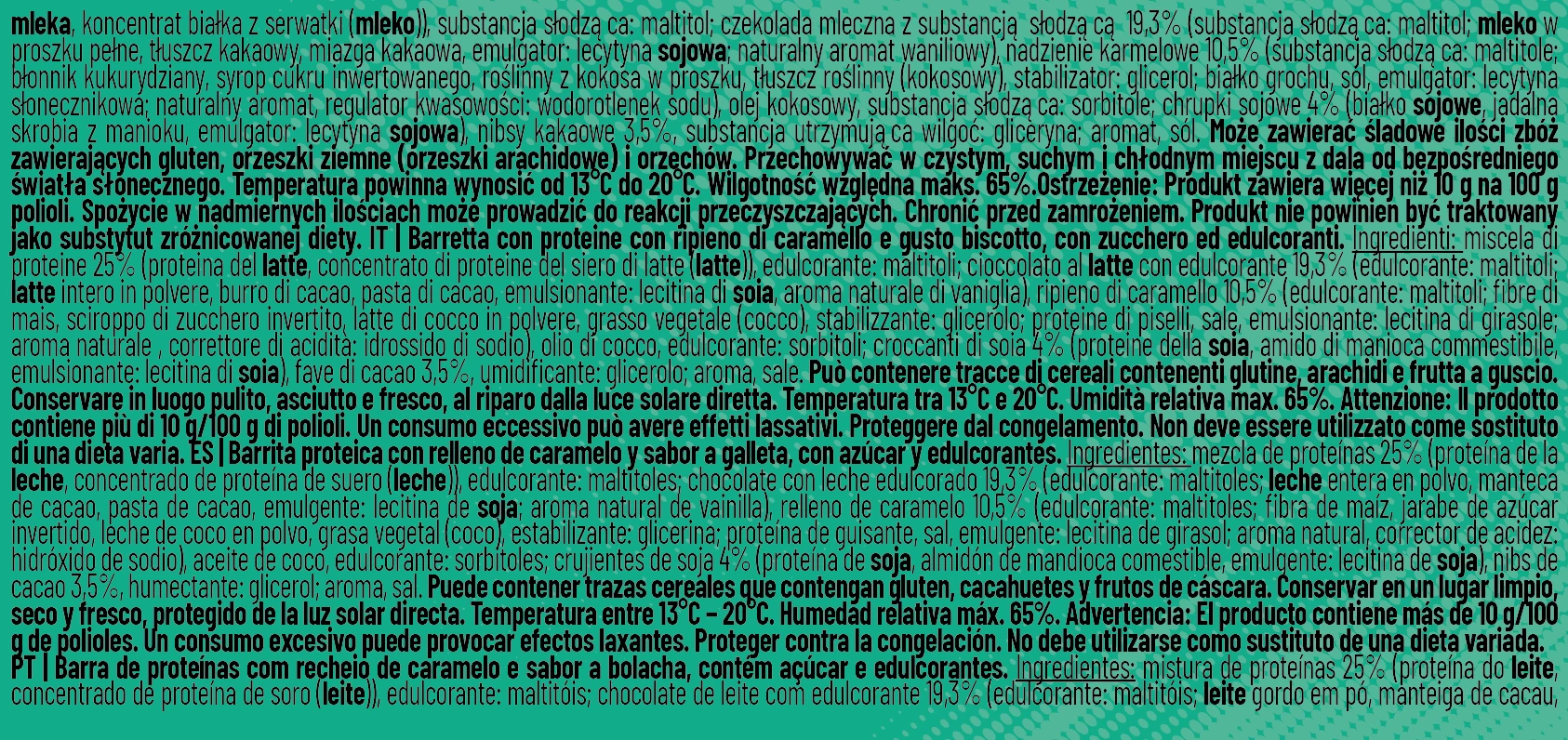
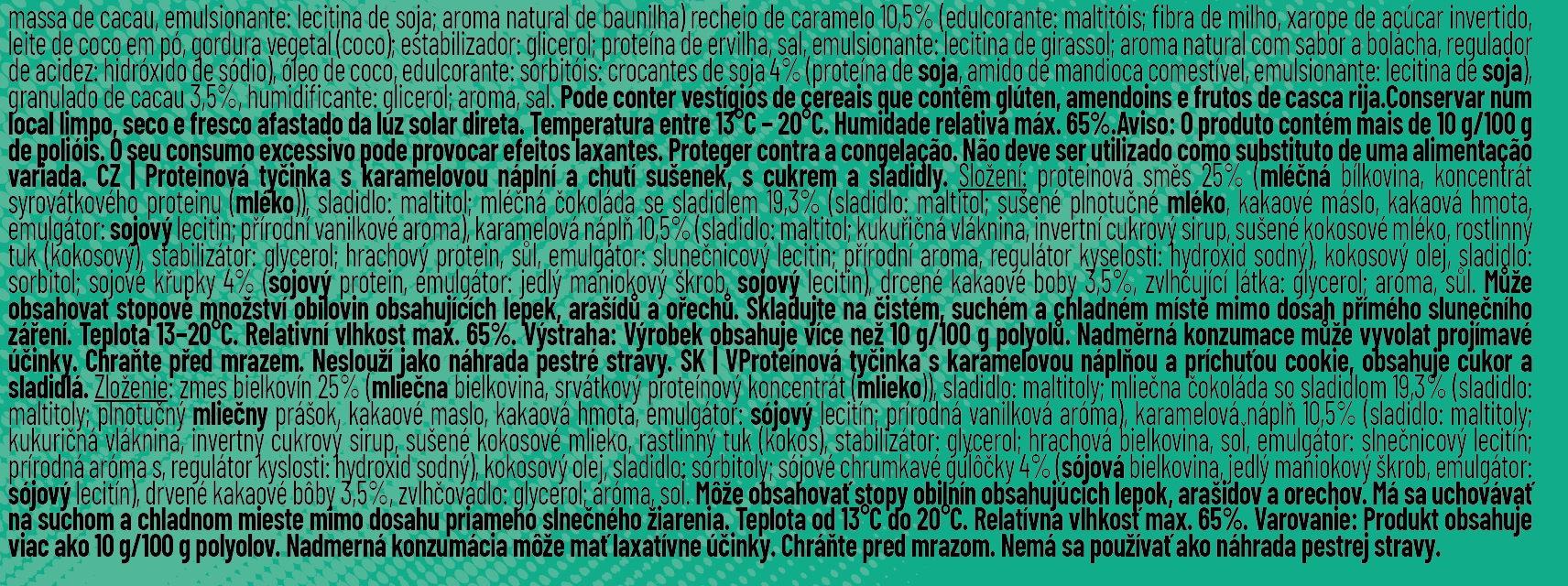
See examples langauges, enclosed
we work with the following langauges NL- EN- DE- FR - PL- CZ - IT - ES - SK - PT - RO
it would be great if there is work-flow to fine tune this process, currently it's a lot of work, copy, pasting, removing style, adding style to sections of the text and so on,
I can't image this how very big companies do this, with a lot of products and langauges
If you have any tips and tricks please let me know,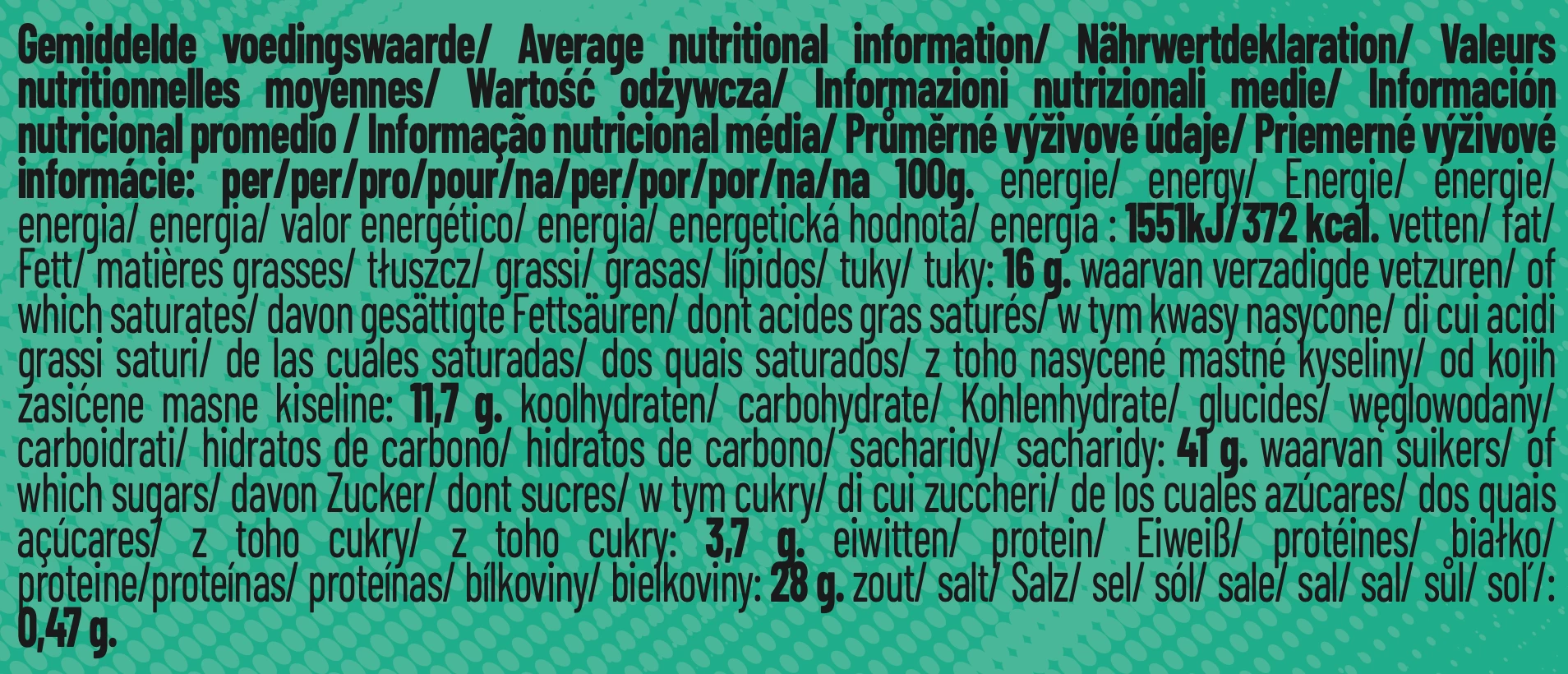


 AdChoices