Inspiring
August 19, 2025
Answered

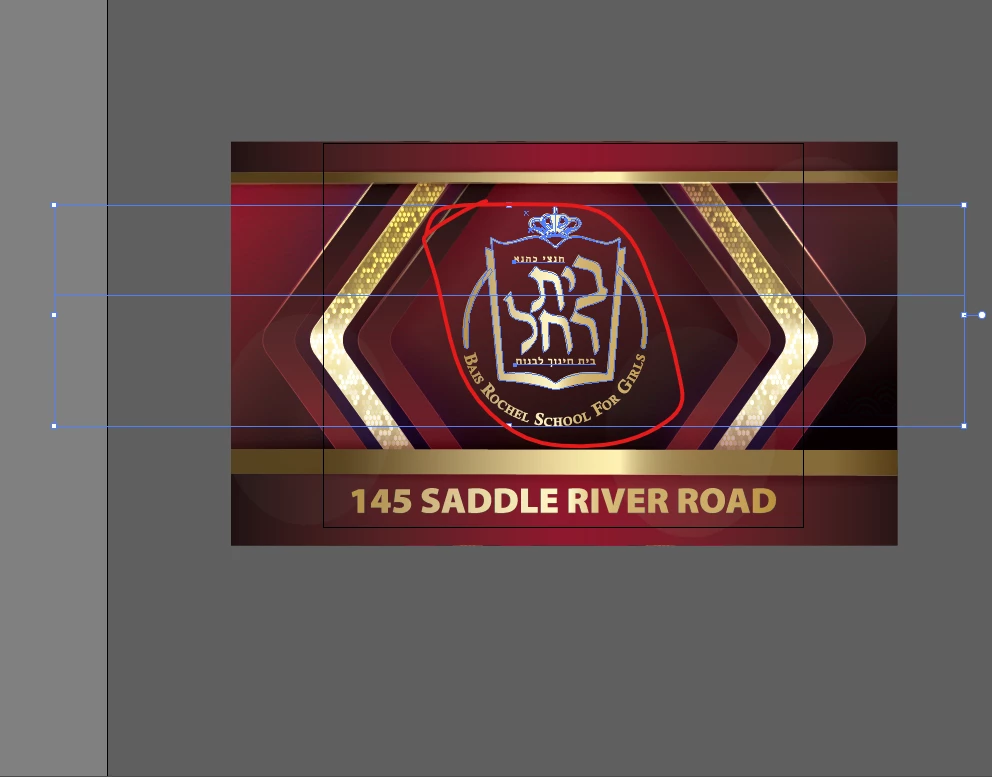
large bounding box

what's this large bounding box here if I'm only selecting this red area??
 

Dave Creamer of IDEAS
Dave Creamer of IDEASCorrect answer
Community Expert
August 20, 2025

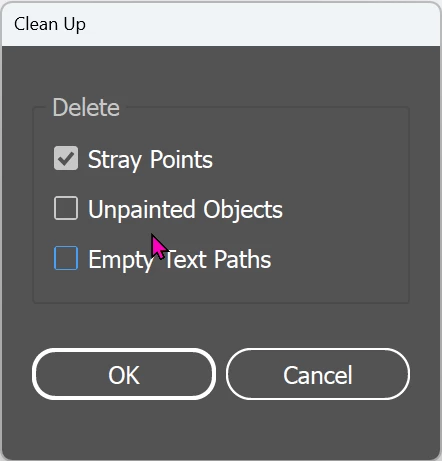
See if you have a stray pen point in your group. You may need to ungroup or use the Direct Selection tool.

Object>Path>Clean Up...


David Creamer: Community Expert (ACI and ACE 1995-2023)

4 replies

Inspiring
August 20, 2025

not sure, I can't figure it out.

it happens when I select this whole group


Translate
Dave Creamer of IDEAS
Community Expert
Dave Creamer of IDEASCommunity ExpertCorrect answer
Community Expert
August 20, 2025

See if you have a stray pen point in your group. You may need to ungroup or use the Direct Selection tool.

Object>Path>Clean Up...


Translate
David Creamer: Community Expert (ACI and ACE 1995-2023)
Ton Frederiks
Community Expert
Community Expert
August 19, 2025

Looks like you have selected som point type too. Can you check what is selected in the Layers panel?

Translate