Participant
July 20, 2021
Answered

Later window blank, all layers vanished.

  • July 20, 2021
  • 2 replies
  • 1610 views

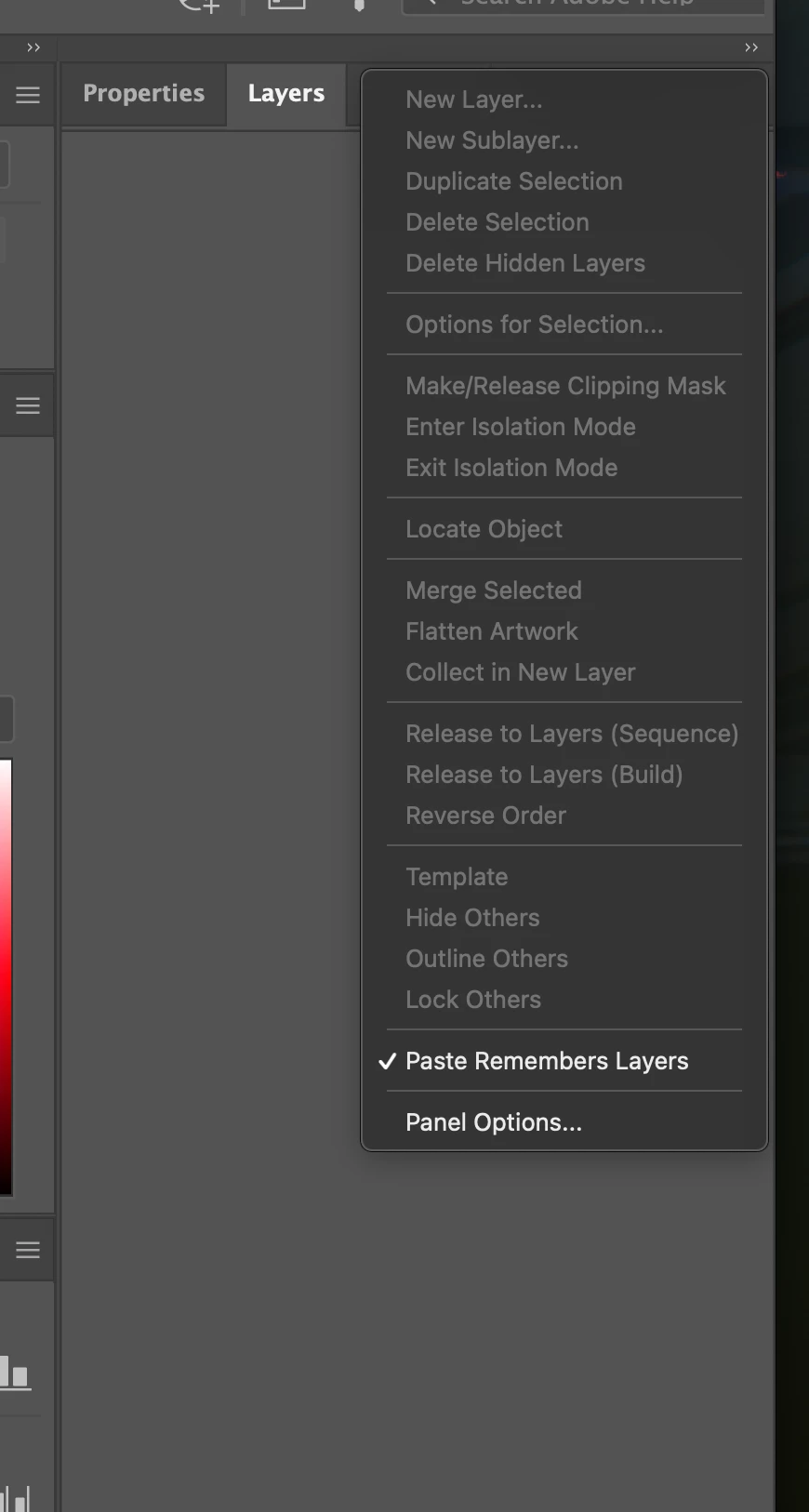
My layer window has stopped showing all the layers for my project. I am unable to reorder anything, cutting and pasting "above" does not work, it simply pastes it back into the original layer which I have no access too! I've attached a screenshot.

I'm using Illustrator 2021 and macOS Big Sur 11.4

I've tried uninstalling/reinstalling illustrator with no success.
 

This topic has been closed for replies.
Correct answer ShereeBrown

Thanks Michael, unfortunitely that did not work. But, what did work was uninstalling it again and selecting "Remove preferences" at that point, now the layer window is back to normal. Thanks for pointing me in the right direction!

2 replies

Michael Bullo
Community Expert
Community Expert
July 20, 2021

Resetting the Illustrator preferences is a good way to fix a lot of odd Illustrator behaviour. The reset button is located within the General tab of the Preferences. On a Mac, this can be accessed from the Illustrator menu. On a Windows machine, from the Edit menu. Click the "Reset Preferences" button. Choose OK. And then restart Illustrator.

ShereeBrownAuthorCorrect answer
Participant
July 20, 2021

Thanks Michael, unfortunitely that did not work. But, what did work was uninstalling it again and selecting "Remove preferences" at that point, now the layer window is back to normal. Thanks for pointing me in the right direction!

Michael Bullo
Community Expert
Community Expert
July 20, 2021

Thank you. Great to hear you found a solution. Enjoy your new Layers panel 🙂

Participant
July 20, 2021

Excuse my spelling mistake in the title... it should be "Layer window..."