MahaB82A
October 22, 2025
Answered

Layer & appearance panel

  • October 22, 2025
  • 3 replies
  • 521 views

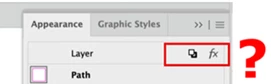
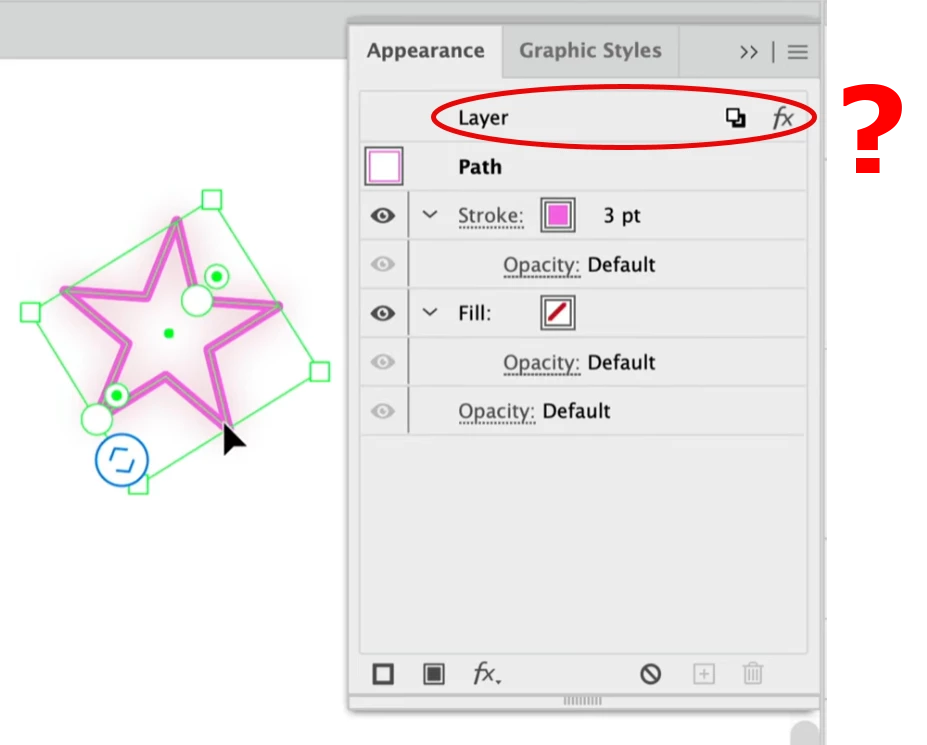
Under what circumstances you can see Layer in appearance panel? I can understand the path below that.


Correct answer CarlosCanto

I cannot see this sign on the top.


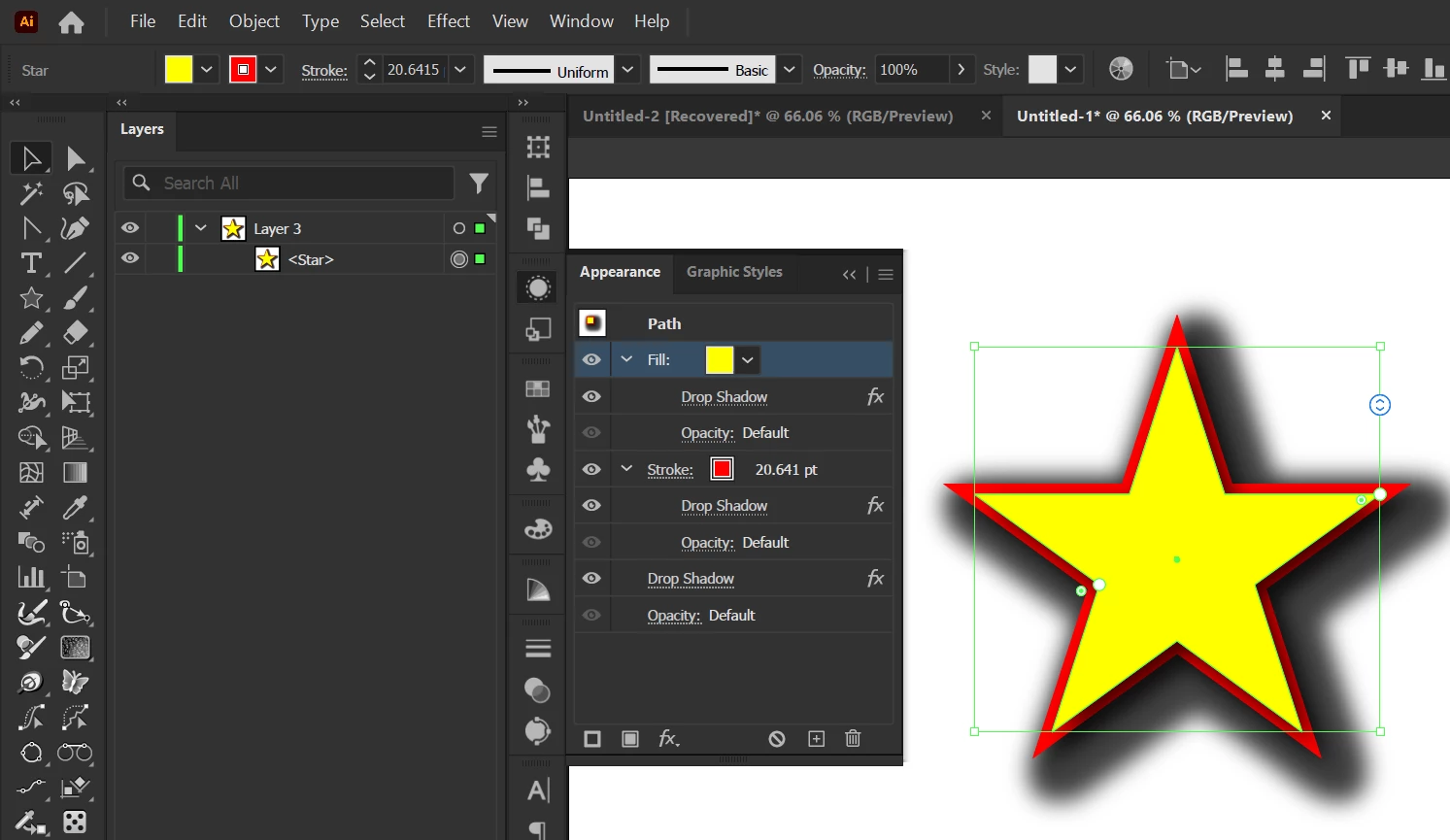
Object, Fill, and Stroke with drop shadow shows fx in the same row not in the top. Video also uploaded.


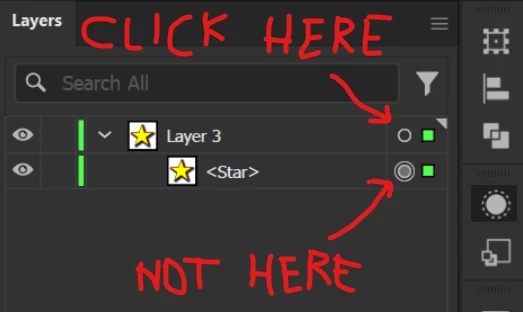
do you see the bottom circle has a "fill", that's an idicator that the item has some effect applied to it. The layer has a default "stroked" circle, that means there's no effect applied


3 replies

MahaB82A
MahaB82AAuthor
October 24, 2025

Thanks for all for your explanation.

Ton Frederiks
Community Expert
Community Expert
October 22, 2025

In addition to what Kurt said, you will target the layer by clicking the circle in the layer name.

When targeted, every effect you apply will be applied to the layer and its contents.

MahaB82A
MahaB82AAuthor
October 22, 2025

Thanks for the explanation. In your example where is this?


Ton Frederiks
Community Expert
Community Expert
October 22, 2025

If you apply effects or change the fill / stroke when the layer is targeted, you will see these symbols appear when an object on that layer is selected.

Kurt Gold
Community Expert
Community Expert
October 22, 2025

It usually appears when you target a layer in the Layers panel or when you select objects on a layer to which appearance attributes are applied (at the layer level).