

Layer not appearing in PDF even with Print selected in Layer options
I've got two open files in Illustrator. I've been working in them both for hours. I've saved them both as PDFs and everything was fine. I then added new layers to both and saved them both and everything was still fine.
Then I realized that I wanted one of the layers to not be visible in the PDF, so I clicked the eyeball to turn off visibility for that layer in both documents but kept the other relevant layers visible.
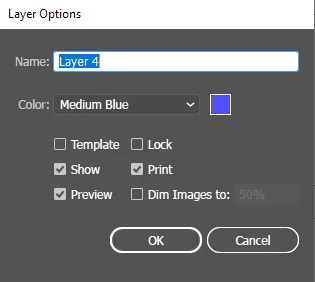
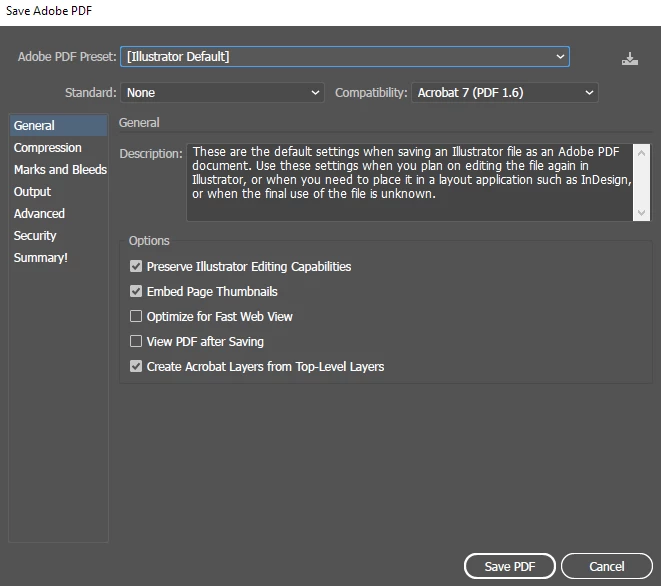
Document 1 saved fine. Everything displays as I want it to. Document 2 is missing a layer. That layer is visible in Illustrator. That layer's options are set to "Print" (see image). When I Save As... PDF, I don't get any options to "Print all layers."
What's truly puzzling is that it's working fine for one document and the other it's not.


 AdChoices