Answered
Layer visibility and lock not responding
Background; CS6 local install running on a Windows 7 machine. I7 3.4 processor, 16 gig of RAM
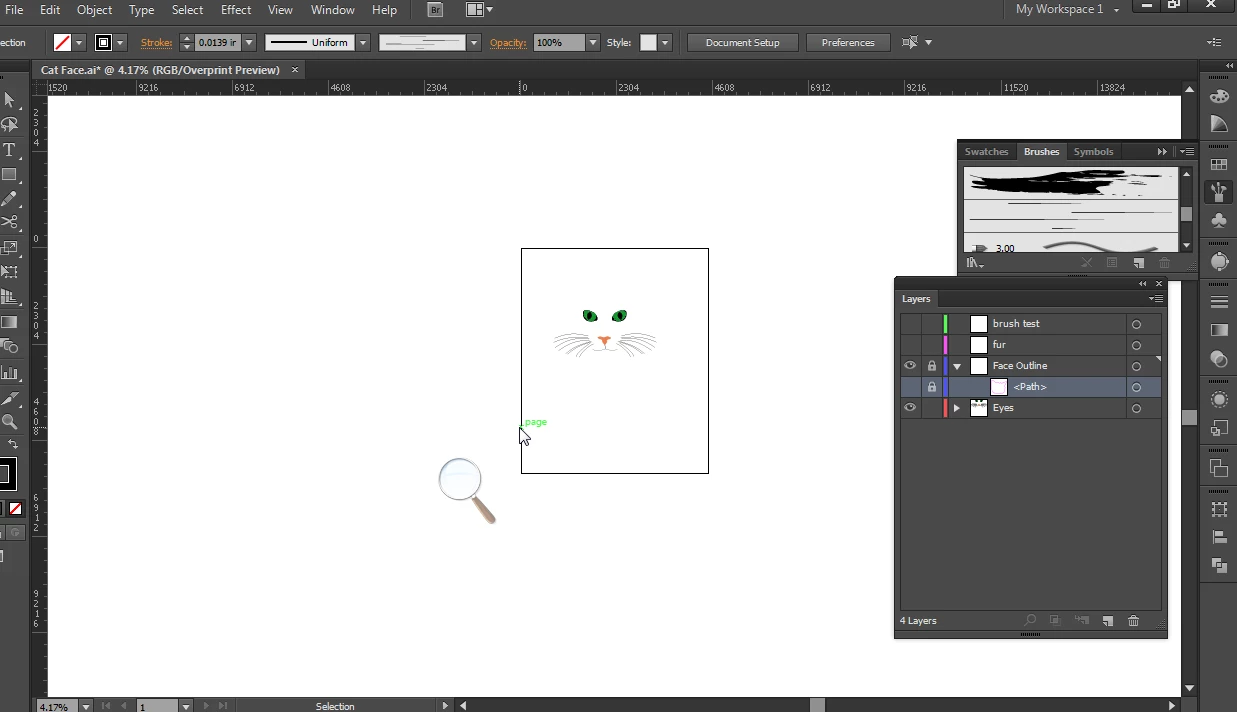
Layer visibility and lock not responding. The icons are there in the layers panel but they don't toggle. The layer in question has the Eye icon turned off and the Lock icon turned on.
If I click the eye icon it briefly turns on for maybe a millisecond . the Lock icon even if I turn it off it only grays out and immediately comes on when i click anywhere else.
What's wrong with this layer?
 AdChoices