
Question
layered Text and remove stroke from top layer to look like its cut out
I'm designing a red shirt. I want my text to look like its cut out like the first picture so the there is a red barrier around the overlapping text (example first picture-but it looks like that b/c I changed the stroke to red to show what I want)
But I don't know how to remove the white stroke (secon picture) to get it transparent or cut it our of the bottom layered text.
I'm not sure I'm explaining this correctly but any help would be appreciated.
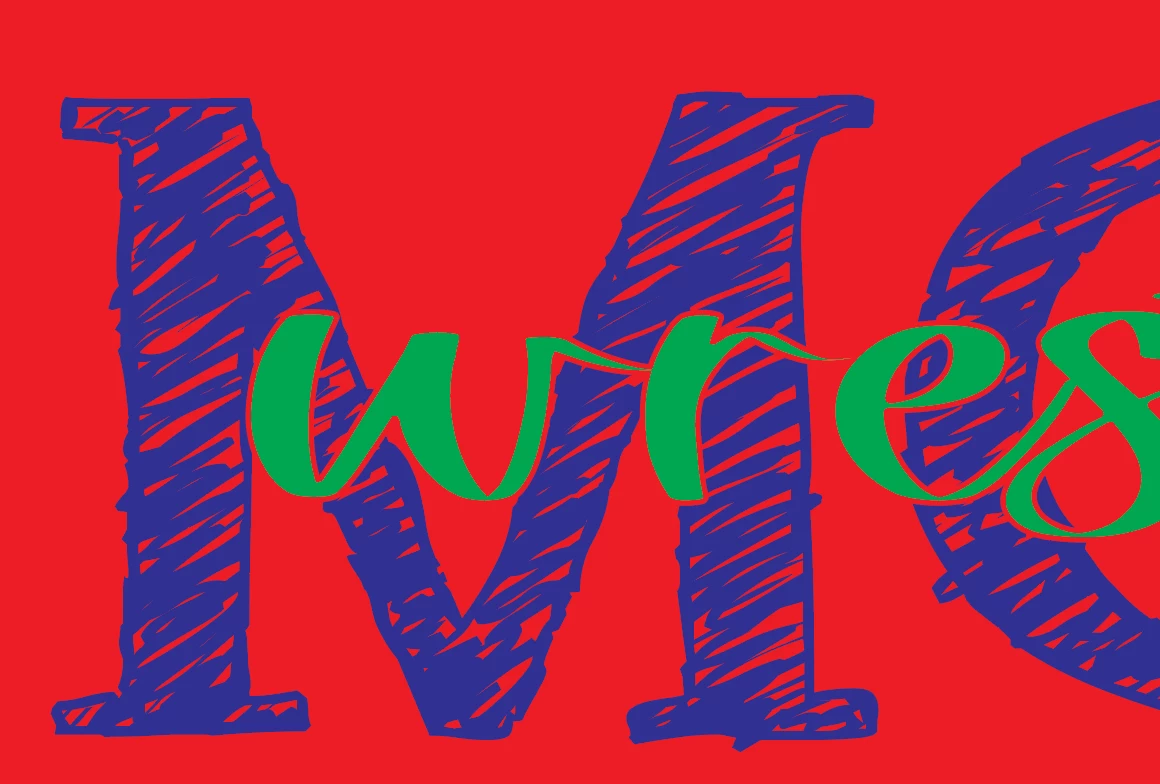
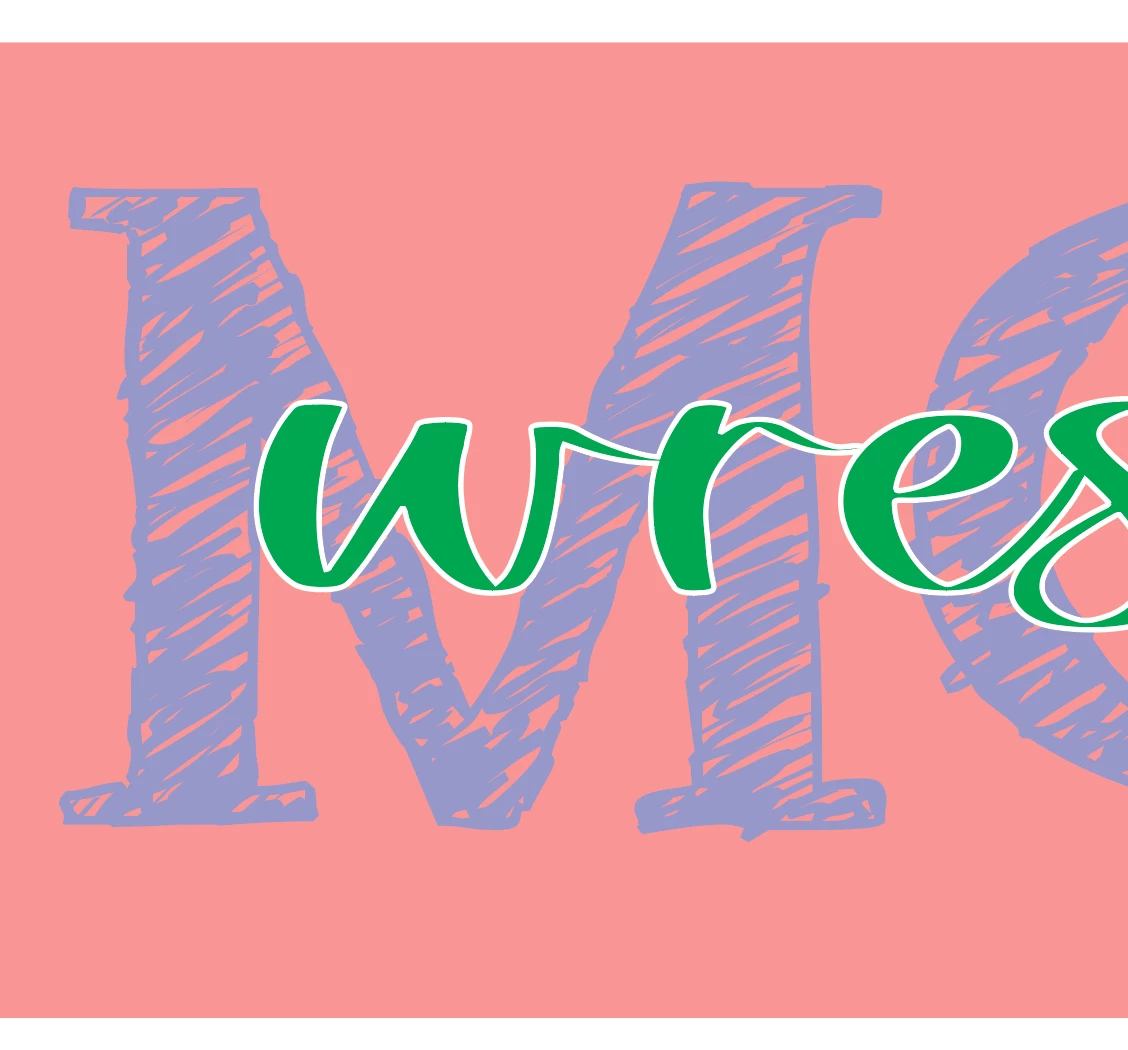


 AdChoices