Inspiring
September 25, 2022
Answered

Learning 3D

  • September 25, 2022
  • 3 replies
  • 1138 views

I am trying to learn a little bit about the Illustrator 3D tool.  Right now it's about how to use colors on my image.  Nothing I try is working on making a ribbon.  Is there a site I can visit to learn more about this?

This topic has been closed for replies.
Correct answer Ares Hovhannesyan

Okay I'm getting better at the gradient but how do I get the left side colored.  See screenshot.  And in your screenshot, how do you color those black sides?
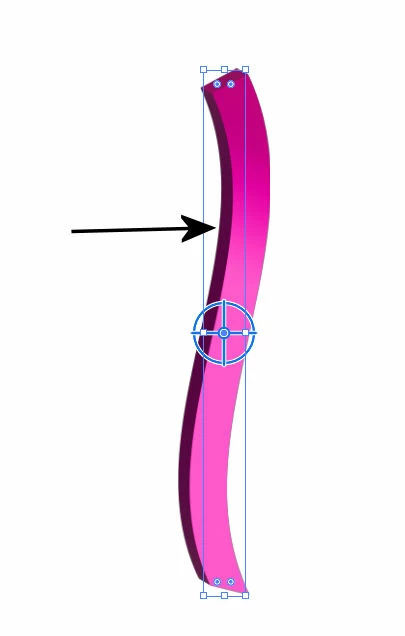
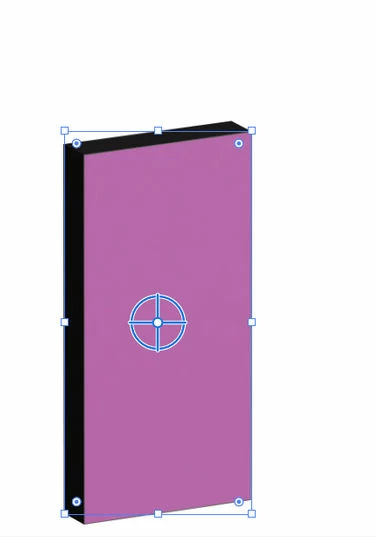

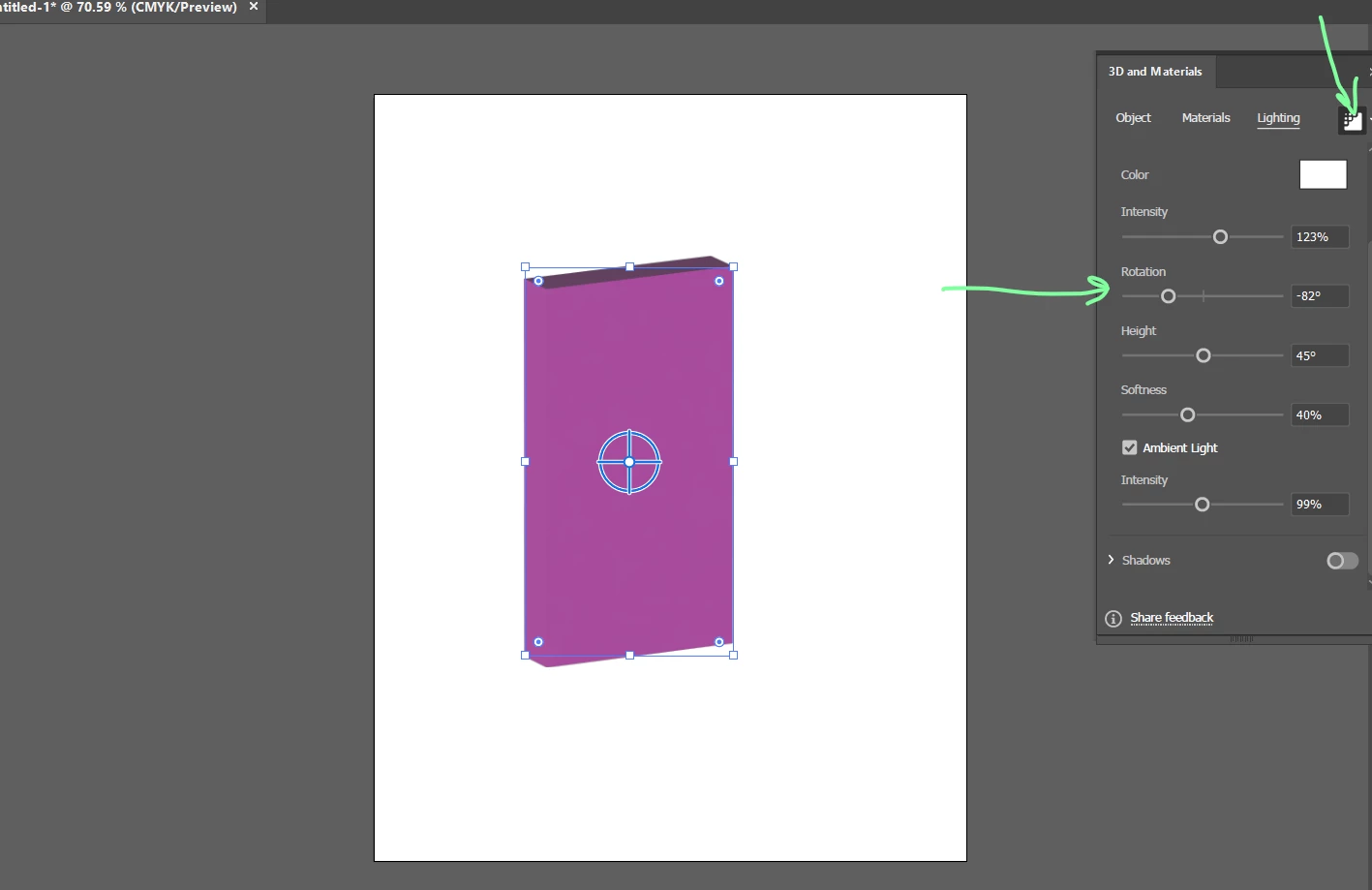
Use render Mode and change rotation.
3 replies

Ares Hovhannesyan
Community Expert
Community Expert
September 25, 2022
Monika Gause
Community Expert
Community Expert
September 25, 2022

Can you perhaps show what you are struggling with?

Are you using 3D (classic) or 3D and Materials?

How are you applying the color? By applying a label?


Sometimes it's as easy as a stroke that is applied to the base shape and prevents the fill of the shape from being visible.

pslane1Author
Inspiring
September 26, 2022

I am trying to make a simple gradient ribbon but cannot get the colors right.  I've been working with the gradient tool with no response so I guess that's the wrong way to go.  I have the latest AI and whatever version came with it.  What do you mean by a label?

The help sites I've visited are saying much about the color of the object.  After I get that info I just mostly want to play around with it. (and my ribbon, of course)  I have always enjoyed using Xara 3D. 

On the screenshot the side colors I have been able to colorize but can't get my color on the large face of the image.

Monika Gause
Community Expert
Community Expert
September 26, 2022

WHen dealing with 3D effect on objects, the color is determined by the original color of the object and the lighting.

WHen you are using the "3D and materials"  effect, then you can also apply color by applying a material (or editing the material).

If instead you want to colorize the object using a gradient, then you need to expand the effect to get simple vector paths. After doing this, you can no longer edit the 3d aspects of the object (e.g. rotate it or extrude it further or less), but you can color it indepently from lighting settings. If you are using "3D and materials" you have to very careful to actually get vector objects.

CarlosCanto
Community Expert
Community Expert
September 25, 2022