broomeGirl
Inspiring
September 13, 2017
Answered

Legacy anchor points in client supplied file

  • September 13, 2017
  • 2 replies
  • 1474 views

Hi first up I just wanted to say how invaluable this forum has been to me over the years.  The moderators and forum users have always been so helpful and also very prompt in answering my questions, so THANKS

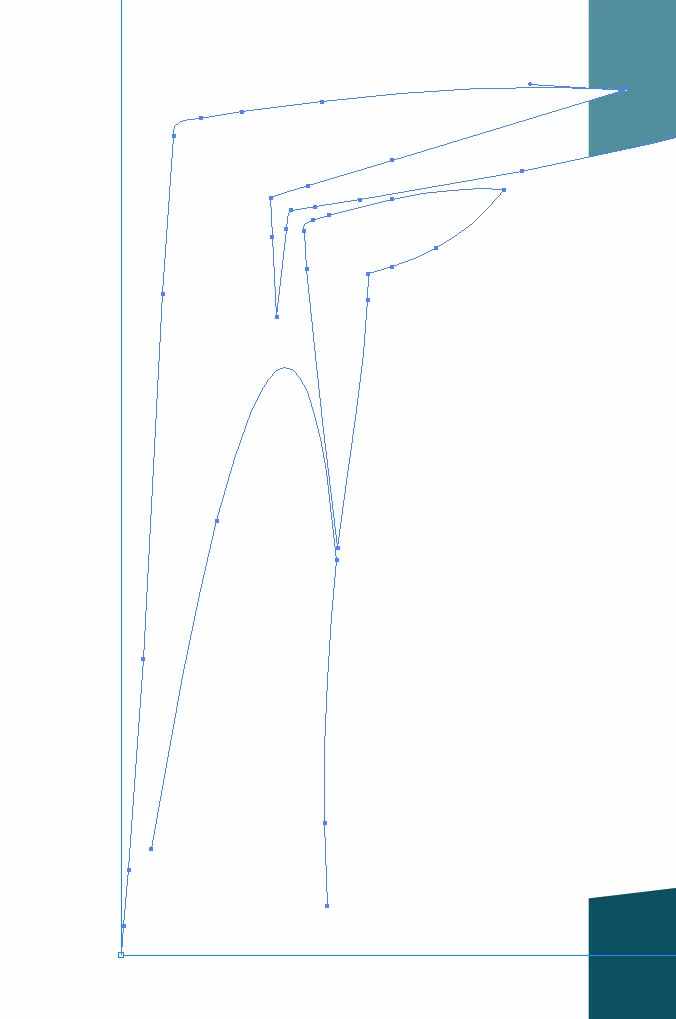
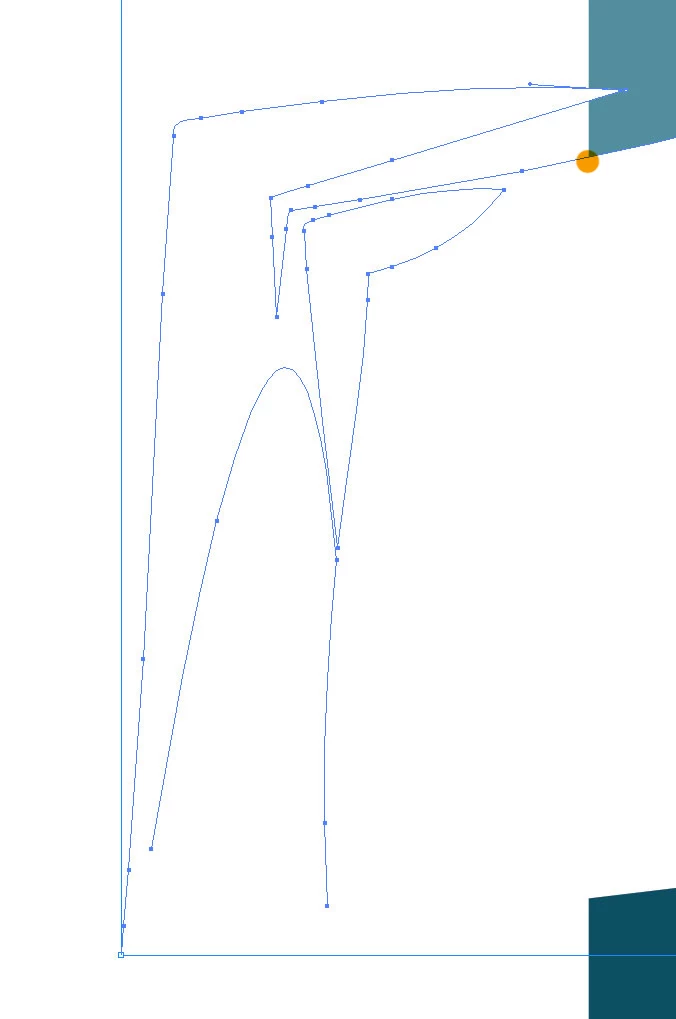
A client recently supplied a file to me that I would like to clean up if the job is not too time consuming.  Please see supplied screenshot.  I would like to delete the anchor points to the left of the image as when the file is exported it leaves white space on the left hand side.  I know I can just crop it in photoshop but in a recent job, it would have been so much easier to use the ai file instead of the png.
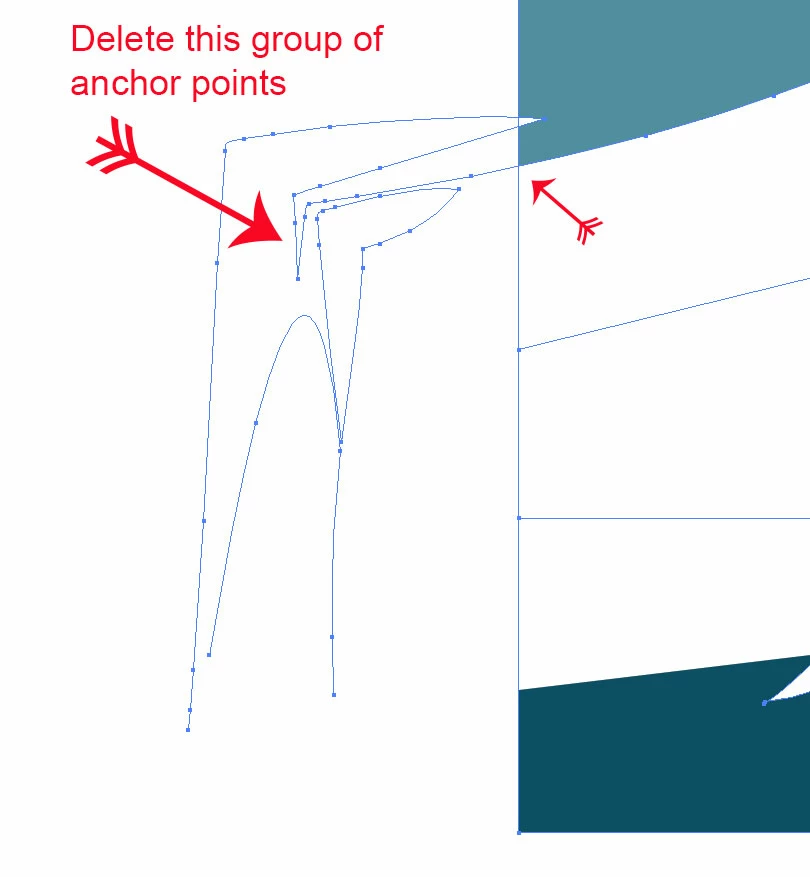
I am assuming if I could close off the line at the point where the small arrow is, I could just delete the rest of the anchor points but I am unsure how to do close it off.  Thanks for any help.
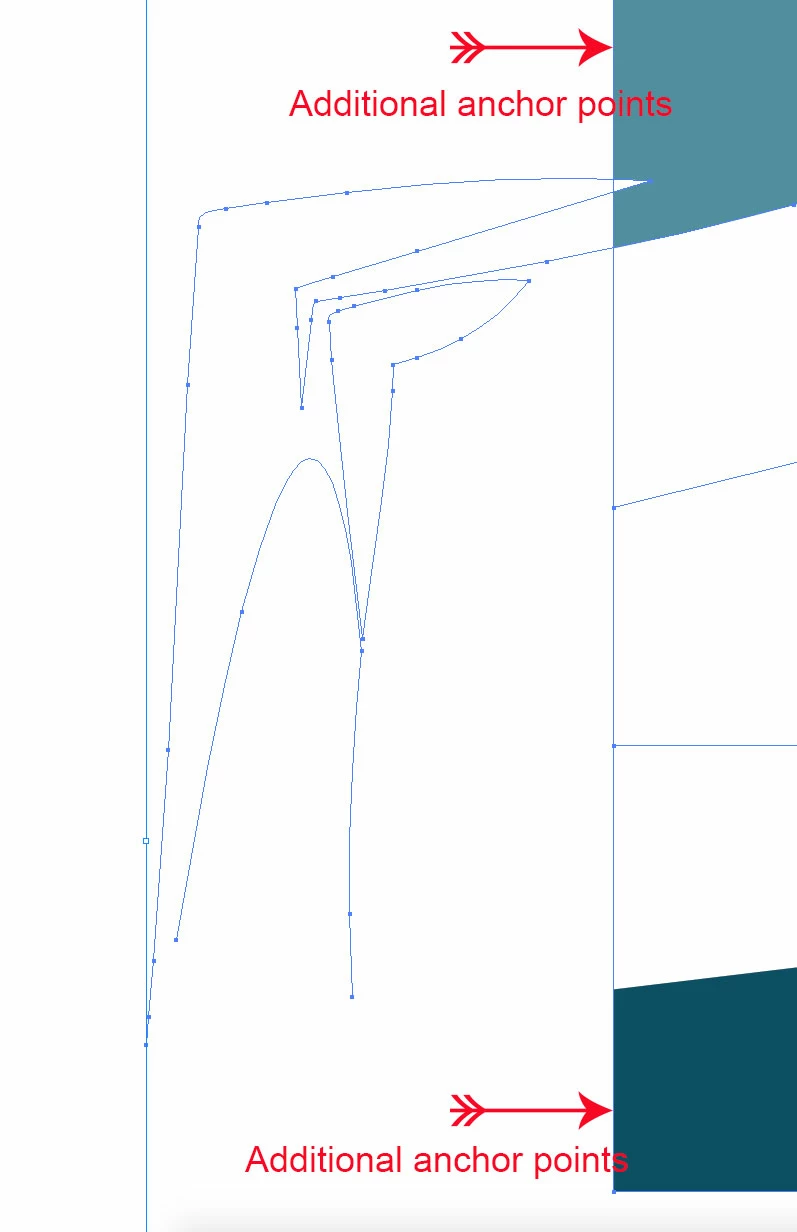
This topic has been closed for replies.
Correct answer Monika Gause

Thanks Monika,

I tried what you suggested but lost some of the white artwork.  I probably did it wrong.  Can I elaborate to make sure?  Please see screenshot.

Direct Selection tool

After deleting, I lose the white part.

THANKS


I don't know where you put the extra anchor points, but I think you need a point on the selected path at this position:

2 replies

angie_taylor
Legend
September 13, 2017

Grab the Eraser tool and make it really big. Erase the points you don't need by dragging it over them. The path should automatically close after you have done this.

Hope this helps

broomeGirl
Inspiring
September 13, 2017

Hi Angie,

Thanks for the suggestion.  I tried this and it does get rid of some of it but as some of the anchor point are really close to the edge, if I get too close it removes the existing edge.  Hope that makes sense.

angie_taylor
Legend
September 13, 2017

If you zoom in really close and make the Eraser smaller to get rid of the additional annoying points perhaps?

michelew83603738
Community Expert
Community Expert
September 13, 2017

Is this shape made with one path? This is what I would do.

I would use the pathfinder command:

I would make a rectangle over the area I want to delete:

Then select all of the shapes:

Go to Window>Pathfinder>Minus Front:

You should end up with this:

If there are any stray anchor points, they shouldn't be connected to the other shape and you should be able to delete them with the direct select or regular selection tool.

broomeGirl
Inspiring
September 13, 2017

Thanks for your help but that didnt work.  I think its a bit of a mess, see screenshot of overall logo