Inspiring
April 22, 2020
Answered

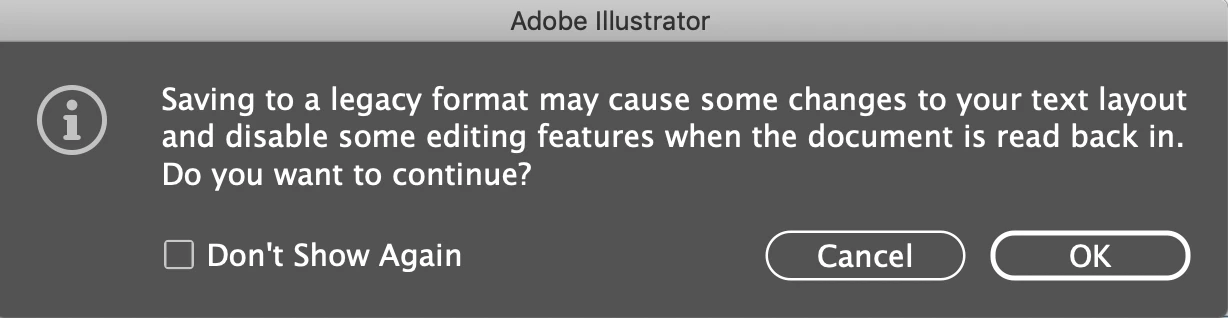
Legacy Warning message when saving my files

  • April 22, 2020
  • 2 replies
  • 962 views

anybody else get this? I'm working in the most current version and i keep getting this message. What gives?

This topic has been closed for replies.
Correct answer OJ1234567

thx Monika! i haven't yet checked "Don't show agian". Thanks for the intel.


Thanks everone. I did a "save as" and saved to version 2020. Problem solved.

2 replies

Legend
April 22, 2020

S larry explains if you ;pplan to save on an earlier version of Ai, this message appears.

You can check the Don't show again box, if you get tired of it.


When you save on current version (default) the message should not appear ever.

OJ1234567Author
Inspiring
April 22, 2020

So just chedk the "don't show again" box and don't worry about the warning? I'd rather save to the current version to avoid any problems if that's an option but not sure how to do that or if it can even be done...

Ton Frederiks
Community Expert
Community Expert
April 22, 2020

Do a Save As and replace the existing file with Version 2020.

Larry G. Schneider
Community Expert
Community Expert
April 22, 2020

Were the files you are working on originally saved in an earlier version of Illustrator? 

OJ1234567Author
Inspiring
April 22, 2020

yes.