
Known Participant
September 20, 2022
Answered

Libraries Panel Not loading

  • September 20, 2022
  • 5 replies
  • 2136 views

Hi brainy people.


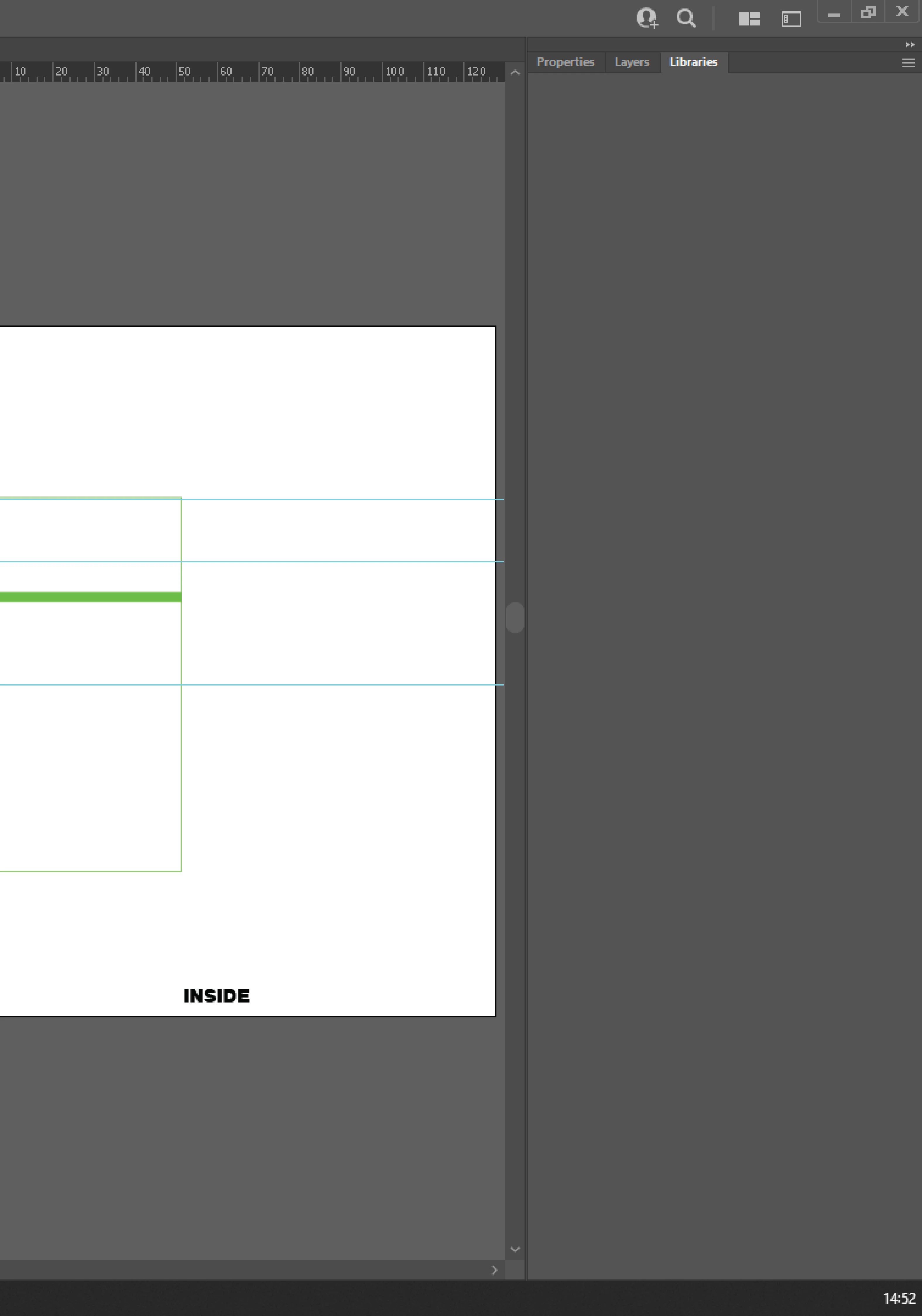
Just today my libraries panel has stopped loading. I've tried logging out and back in, restating the computer and a few other things but it just won't populate with my files that I need.


How can I get this back? I have spot colours here that I need to create print files, and need them urgently for files I am working on now.

Screenshot:
This topic has been closed for replies.

5 replies

Participant
December 6, 2022

I have had this exact issue and the only solution for me has been to use an older version of Illustrator. Not ideal at all. So far no "Correct Answer" in the support sections have actually been "Correct" I am so frustrated because I also need spot colors, among other final, painstakingly assembled assets. 

Known Participant
December 6, 2022

There have been a few updates since I had this issue and haven't had any problems since. Are you using the latest version?

Known Participant
September 20, 2022

Thanks guys. All sorted now. Although the installer did hang at 81% with less than one minute to go for about half an hour, got there in the end though.

Adobe Employee
September 20, 2022
Hi,
Sorry, you're facing this problem. Could you please try:
1. Delete all folders that start with “CC_LIBRARIES_PANEL_EXTENSION_xx_xx_xx” in this location: WIN: C:\Program Files (x86)\Common Files\Adobe\CEP\extensions MAC: Macintosh HD⁩ ▸ ⁨Library⁩ ▸ ⁨Application Support⁩ ▸ ⁨Adobe⁩ ▸ ⁨CEP⁩ -> extensions
2. Follow the steps from Solution 2 in this article: https://helpx.adobe.com/creative-cloud/kb/libraries-panel-not-working.html
Before trying the steps - please, make sure you've killed CCLibraries process in Task Manager / Activity Monitor, as well as quitting all Adobe related products. This is mentioned in steps 1 and 2 of the article, but I wanted to point it out because it's important.

Thank you,
Sarfaraz
CCLibraries
Known Participant
September 20, 2022

Wow, typos... 'Restarting' not 'restating'