
Known Participant
October 31, 2019
Question

Libraries sync error in Illustrator

  • October 31, 2019
  • 3 replies
  • 1649 views

Hi


Im copy pasting smart objects from Illustrator to Photoshop. I cant reopen them into Illustrator. The Creative Cloud is giving me this
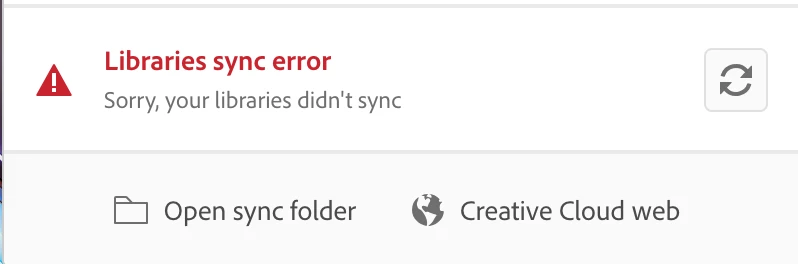
 

And in Illustrator im getting this
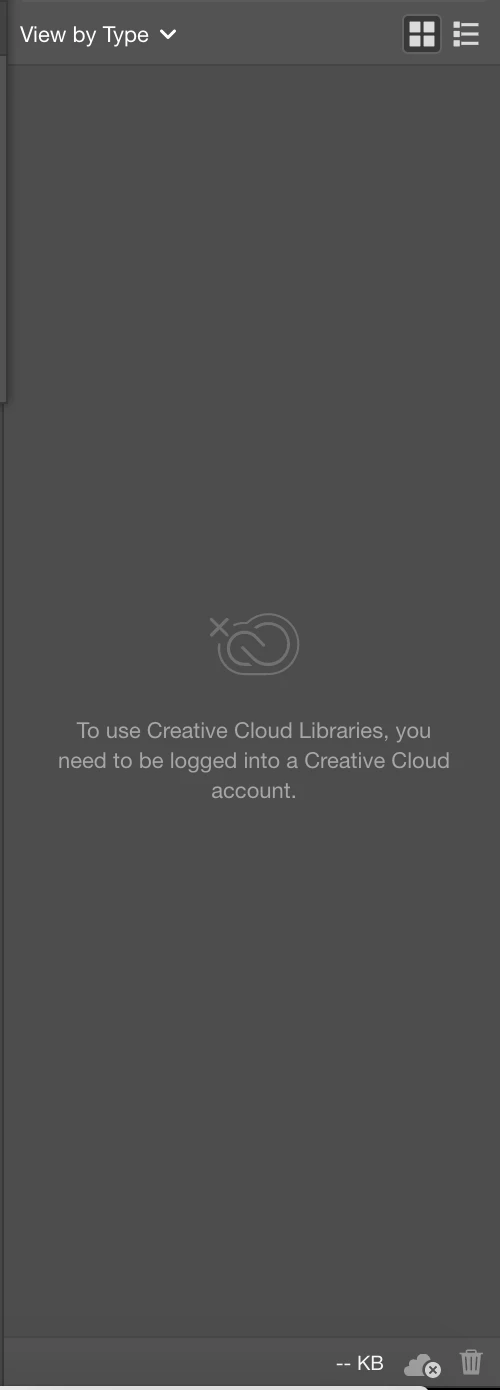
 

Photoshop is loading the Library correctly. Illustrator isn't.


Im using the trainwreck called Catalina. Any help?


{Renamed by MOD}

This topic has been closed for replies.

3 replies

Ashutosh_Mishra
Inspiring
February 18, 2020

Hi All,


Sorry, you are facing this problem. Could you please try below steps:


1. Delete all folders that start with “CC_LIBRARIES_PANEL_EXTENSION_xx_xx_xx” in this location:

WIN: C:\Program Files (x86)\Common Files\Adobe\CEP\extensions

MAC: Macintosh HD⁩ ▸ ⁨Library⁩ ▸ ⁨Application Support⁩ ▸ ⁨Adobe⁩ ▸ ⁨CEP⁩ -> extensions
2. Follow the steps of Solution 2 in this article: https://helpx.adobe.com/creative-cloud/kb/libraries-panel-not-working.html
Before trying the steps - please, make sure you killed the CCLibraries process in Task Manager / Activity Monitor, as well as you have quit all Adobe related products. This is mentioned in steps 1 and 2 of the article linked in step 2, but wanted to point out, because it is important.


Let us know how it goes.


Regards,

Ashutosh

Participant
February 18, 2020

Did we get a resolution here? Lightroom is failing on opening "Unable to connnect to the server" and quits out, the only other thing is creative cloud is suggesting the same "Libraries sync error - Sorry we couldnt connect to the server"


I've done most general trouble shooting.

Participant
November 12, 2019

I'm having the same issues. Tried everything in this tread (https://community.adobe.com/t5/Get-Started/CC-keeps-trying-to-sync-libraries-every-5-seconds/m-p/10689099#M437657) and still get "Libraries sync error, Sorry, we couldn't connect to server." PLEASE HELP!