
Library Panel contents invisible but clickable
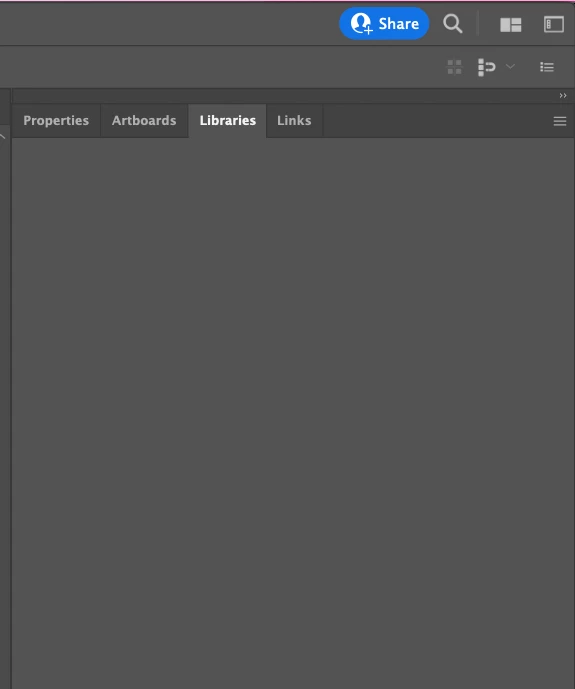
The Library Panel in Illustrator, Photoshop and AE is broken and doesn't render its contents, which remain invisible, but yet clickable. This is annoying and any number of updates or reinstalls does not help.
Appeared first on MaxOS Catalina and currently on a freshly installed Monterey.
The Problem:
The Library Panel appears empty, but in fact, it is not. The contents of it are just not rendered properly. I know, because going with the mouse over the "empty" contents shows mouse-over effect where a button is to be expected. The problem is seen in many adobe Apps, so it seems to be a global CC issue.
Machine:
Macbook Pro 2019 model.
Currently with an updated MacOS Monterey, but the issue appeared first on Calatina, so it is unlikely to be an OS problem.
No plugins or such.
Tried:
- reinstalling CC Libraries
- updating and reinstalling Illustrator
- fresh MacOS Install (means wiping the entire storage)
Theories:
- possible CC connection issue / port?
- GPU Driver level problem, but in that case, there should have been way more people like me
I couldn't get direct support from Adobe, so I hope the community hivemind can help 🙂
 AdChoices