Participant
October 22, 2024
Question

Library tip dialogs show up every time I access my library

  • October 22, 2024
  • 1 reply
  • 128 views

Every single time I open my Libraries pane in Illustrator, I have to close out these two annoying dialogs before I can access my libraries. 
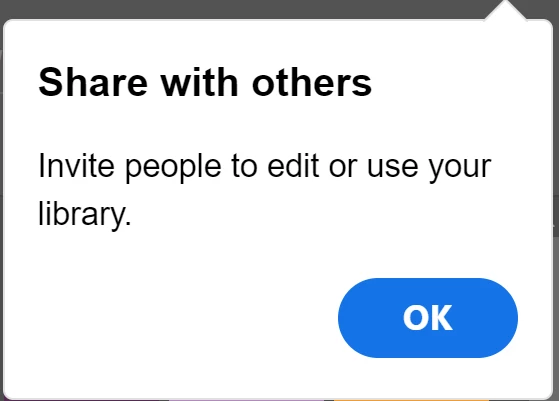
 

Every. Single. Time. I. Open. Illustrator. 


I've already unchecked "Show Tool Tips" and "Show Rich Tool Tips" in Settings > General - how do I stop this madness?


This topic has been closed for replies.

1 reply

Anubhav M
Community Manager
Community Manager
October 22, 2024

Hello @darrenstimulant,

That should not happen. Would you mind trying to reset Illustrator's preferences as described in this article (https://adobe.ly/40dVx2D) and checking if it helps?


Disclaimer: Please note that renaming preferences folders will remove all the custom settings, and Illustrator will launch with default settings. You can also save a backup of the folders, the location of which is mentioned above.


Looking forward to hearing from you.


Anubhav