


Line and square with the same width/height shows up differently.
Hi there,
I have a line and a box in the canvas, and the width is set to be the same. However, when I actually look at the canvas, they seem to show up in different width.
Here is the example:

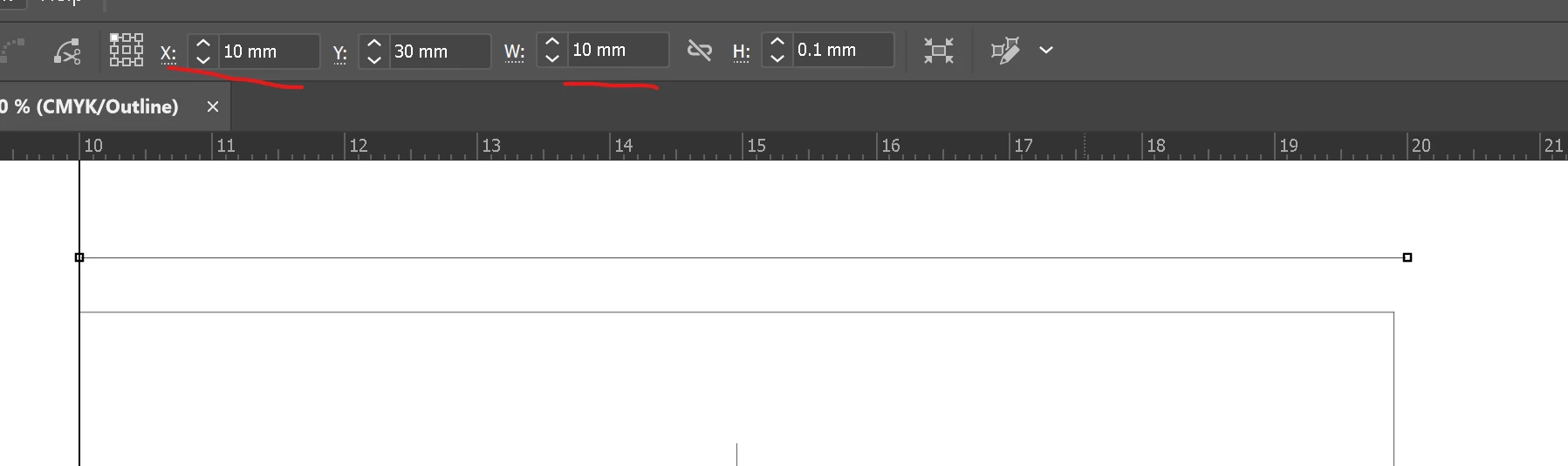
I am using outline view here to illustrate the problem. As you can see here, the line above is slightly longer than the square below. However, if i check the width of these two objects, they have the same width.
Line:
Square:
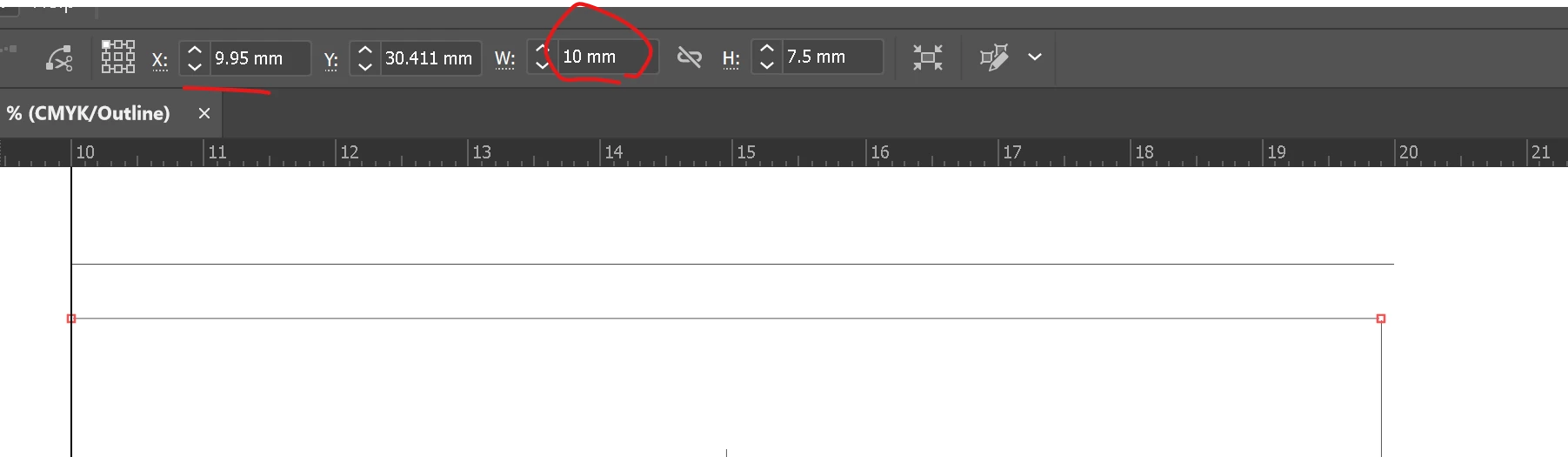
They are both aligned to the guide on the left side, and both has the same width. Since they are both snapped onto the guide, I assumed that they both will have the same X but apparently that is not the case. If I try to make the first one using the same X by typing the value, both ends don’t align anymore.
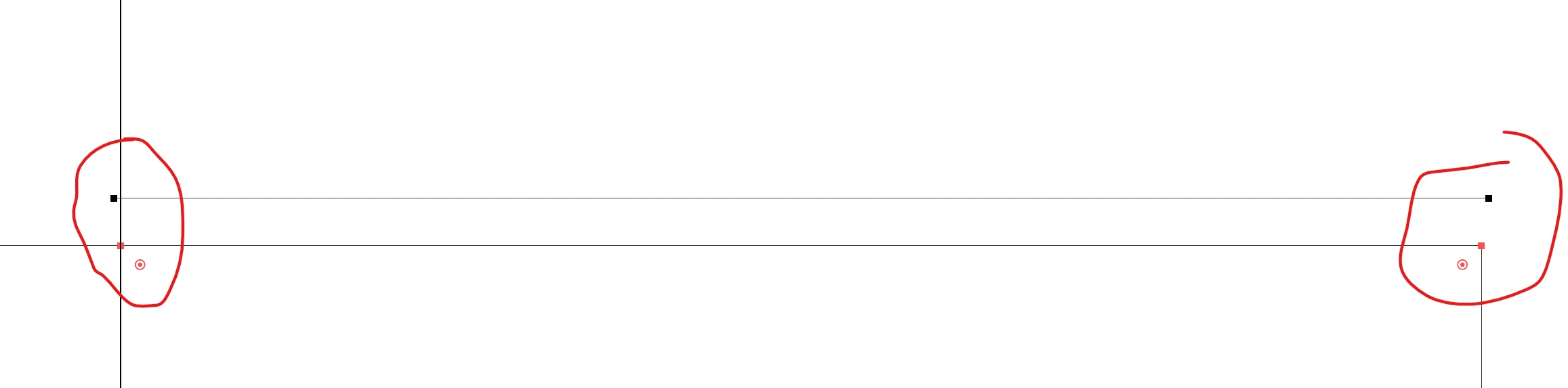
Has anyone experienced similar issue before? It looks like if I draw the square again, it does match the line above so it has something to do with the existing square but I looked around and couldn’t find anything that would indicate what difference could be causing this.
Interestingly, the same thing is also happening for the height as well.
Thanks
 AdChoices