
quentcap
Participant
August 1, 2019
Question

Line icon from shape with fill to path with stroke

  • August 1, 2019
  • 3 replies
  • 2626 views

Hello,

I'm trying to work on some downloaded logos for a client and they came as shape format while they've a linear look.

My end result is to bring them in aftereffects to do a path animation.

In order to do this i'd like to transform those shapes and fills into a single stroke and path.

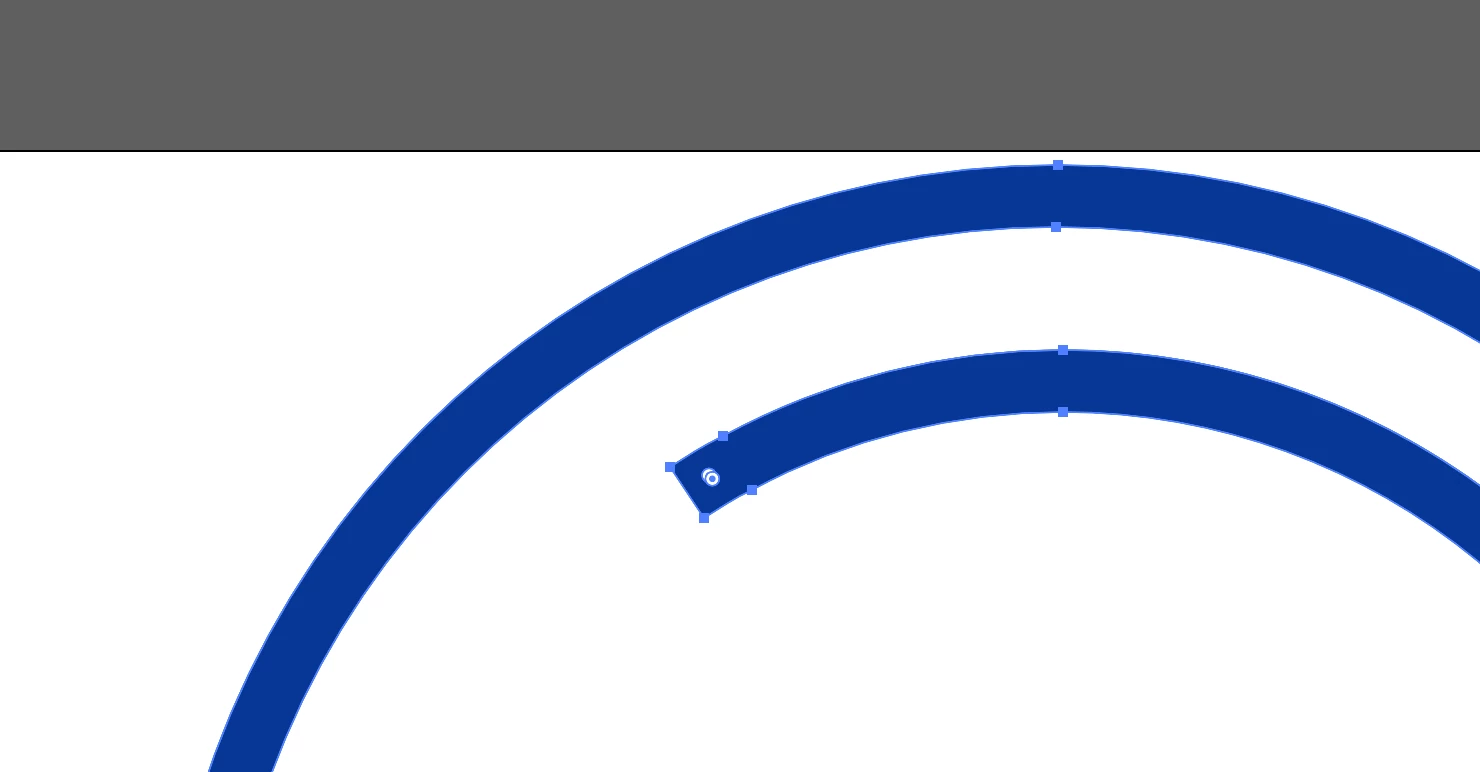
Icon sample:
This topic has been closed for replies.

3 replies

Participating Frequently
August 1, 2019

Most accurate would be to draw, however you could try using the "Scissor Tool".

Jacob Bugge
Community Expert
Community Expert
August 1, 2019

quent,

One simple way for something like the image is to (switch from fill to stroke to see what you are doing):

1) Direct Select both end segments and delete them, to get two open paths;

2) Object>Blend Options>Spacing>Specified Steps = 1;

3) Select both paths and Object>Blend>Make, then Blend>Expand, then delete the two original paths and set the Stroke Weight to the width = the distance between the original paths.

This will give you an accurate stroked version, the step in the blend being exactly like the spine of the stroked path, which will be identical to the one the filled path was made from by Object>Path>Outline Stroke.

It can also be used on parts of more complex paths, such as forked ones, after separating at relevant Anchor Points or the like, with the possible need for extensions to rejoining parts into a whole.

Mohammad.Harb
Community Expert
Community Expert
August 1, 2019

if you want to use ( Stroke Effects  or   Trim Path ) in after effects, The best way is to Draw a path with the pen tool over the fills