
Participant
October 24, 2018
Question

line weights(stoke) & transparency does not export in pdf format.

  • October 24, 2018
  • 2 replies
  • 3247 views

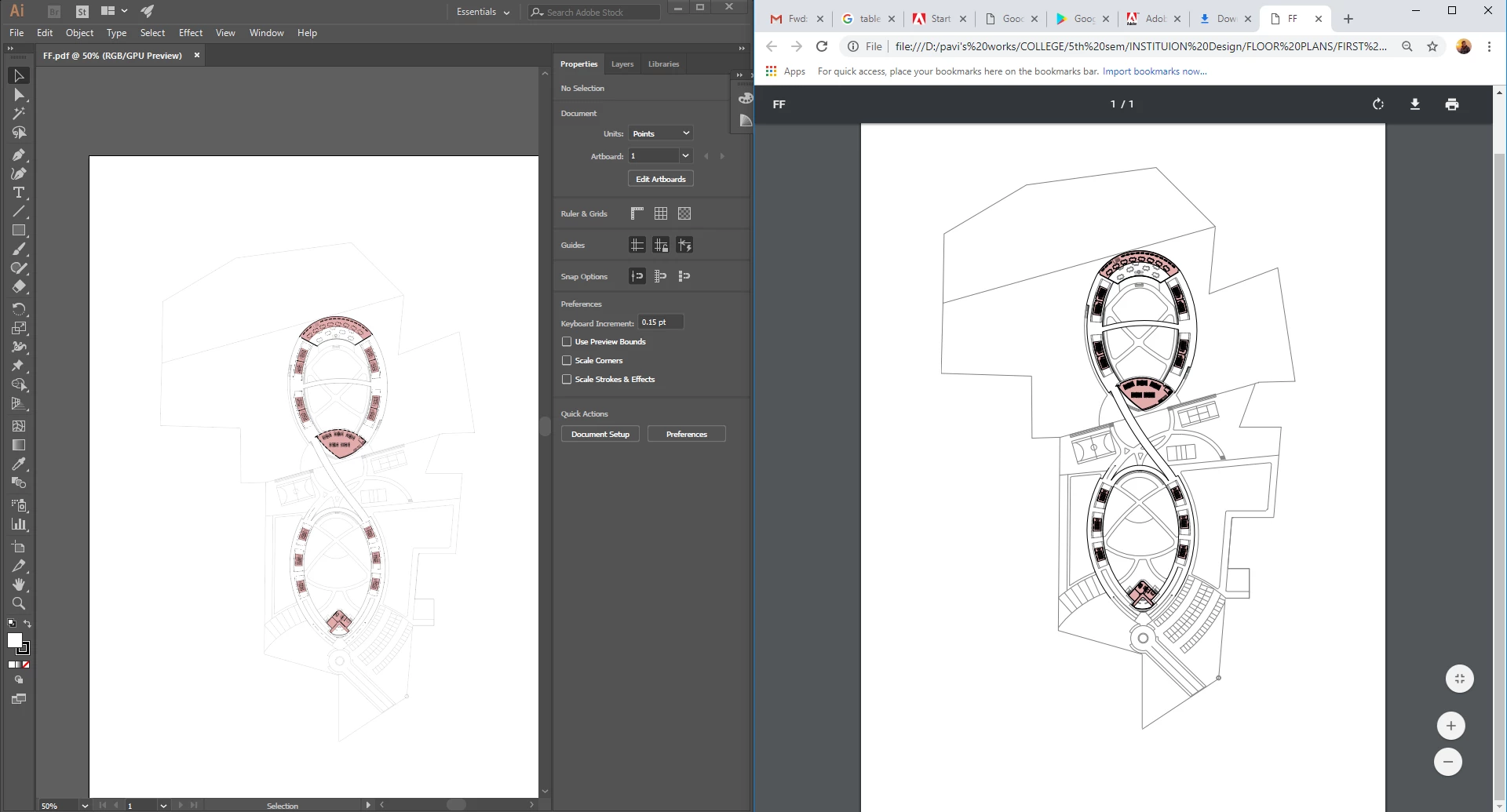
i am trying to export my floor plans to PDF format. my stroke width and transparency is fine in working mode.when i try to export it using <FILE<SAVEAS<PDF , all line weights look the same.(picture below)
2.i read in a thread that if you try from print menu it works so i tried.

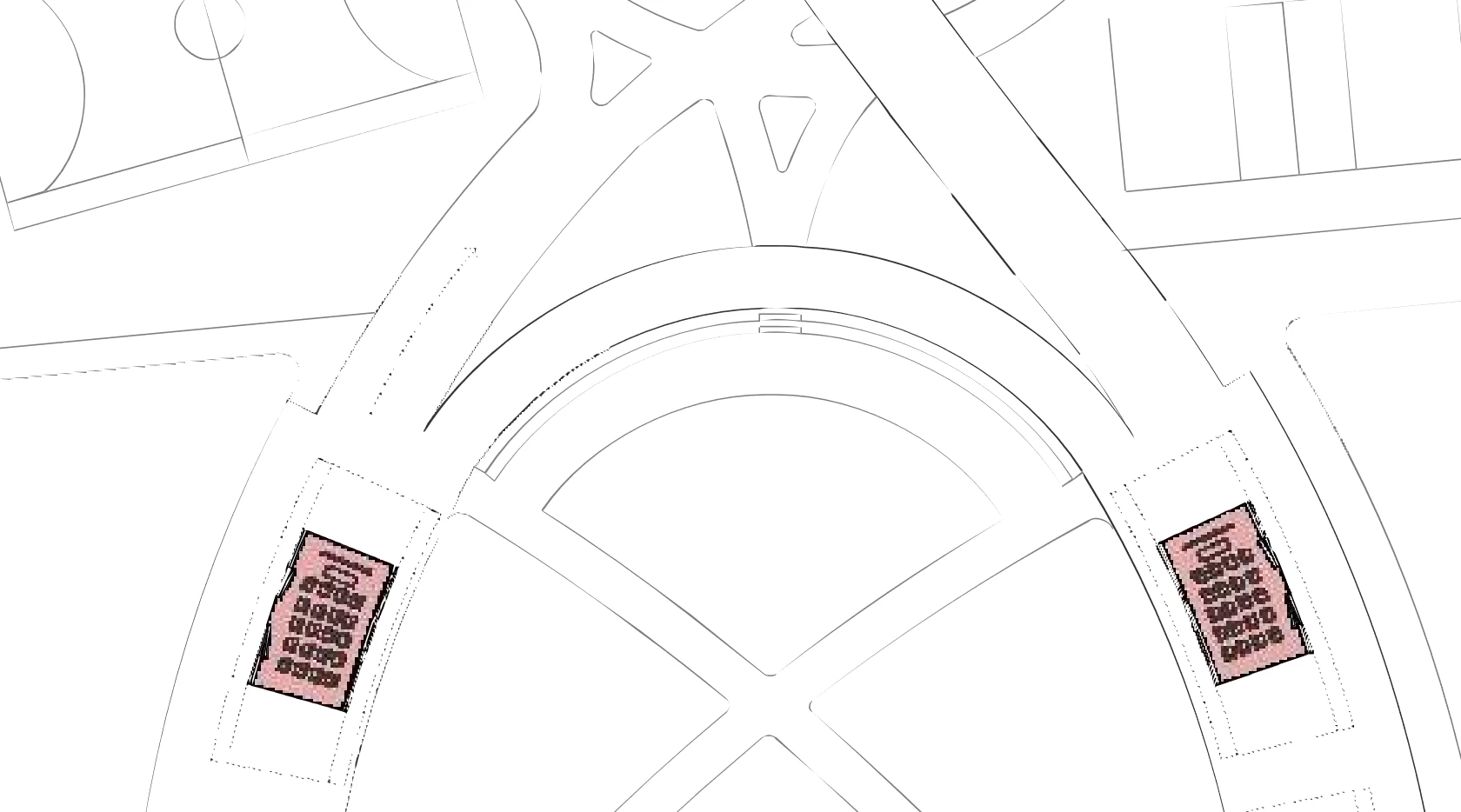
But the result was i got the line weights but the line fades away and looks missing and pixelated in print.(image below)
please help i am desperate as i have a review tomorrow.

PS.i am using Illustrator cc18. but i am having the same issue in other versions as well.

    This topic has been closed for replies.

    2 replies

    Monika Gause
    Community Expert
    Community Expert
    October 24, 2018

    At which zoom level are we looking at that plan in the screenshot?

    How thick exactly are the lines?

    Acrobat has a setting to "enhance thin lines" in order to make them visible if they are too thin. Maybe that kicks in.

    Bill Silbert
    Community Expert
    Community Expert
    October 24, 2018

    What is the original format of the floor plan? Is it an .ai vector file created natively in Illustrator? Also what "Adobe pdf preset:" did you set for the pdf which you made out of Illustrator (High Quality, Smallest File Size, etc.)?

    pavithar7Author
    Participant
    October 24, 2018

    thank you for the quick reply.

    i exported the floor plans from Rhino 3D, which is vector lines. and i chose the High quality print. (image below)

    but why is it that the stroke weights change when i save as PDF and it looks fine in working mode?

    Bill Silbert
    Community Expert
    Community Expert
    October 24, 2018

    When it imports into Illustrator what does it look like in the Outline mode (toggle Command (Mac)/Control (PC)-Y to go back and forth from Preview Mode to Outline Mode)? If you can see all of the lines in Outline Mode then that means it is coming in as vector. If not then Illustrator is seeing it as an image and it seems possible that it may be an issue with the way that it imports into Illustrator.