
Participant
July 2, 2024
Question

Lines missing when importing PDF into Illustrator

  • July 2, 2024
  • 1 reply
  • 504 views

Hi, I am working on a project where I am importing a map from QGIS into Illustrator to edit labels and other things. When I export the PDF from QGIS and open it in preview or other apps, it appears normal. However, when I open it in Illustrator, it is missing. I have attached pictures: 

 Missing border on east side in Illustrator,
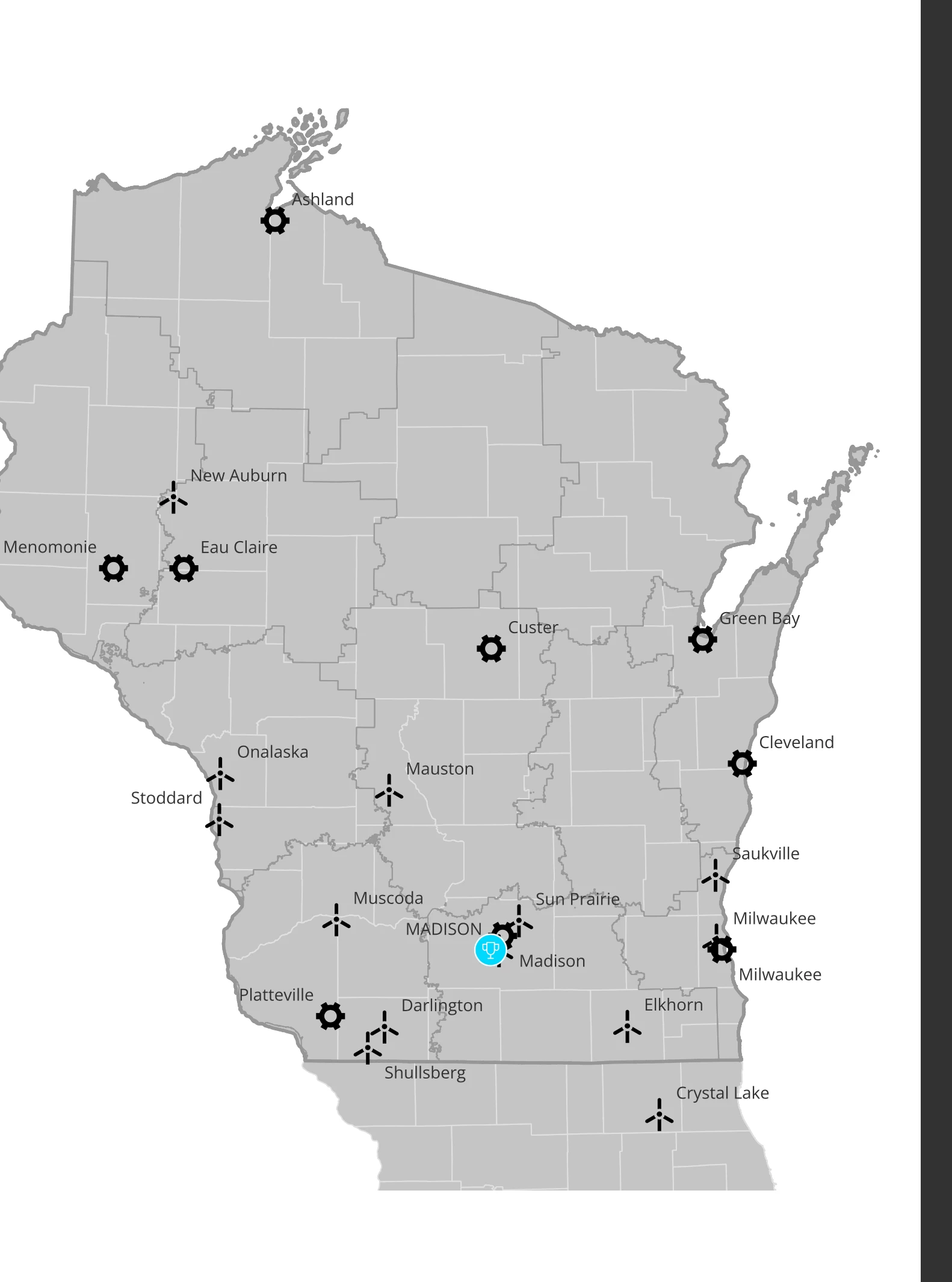
 

 Border appears in preview and other apps. 


I've tried exporting from QGIS as a SVG and the border is missing entirely when opened in Illustrator.


Please help!!

This topic has been closed for replies.

1 reply

Community Manager
July 2, 2024

Hello @KATHRYN341039725q82,

We understand that encountering technical issues can be frustrating. Would you mind sharing some more details, like the exact version of the OS/Illustrator, a public link to a sample file after uploading it to Dropbox/Google Drive/etc., and a screen recording of the problem (https://adobe.ly/3XHCb4C), so we can investigate this further?


Looking forward to hearing from you.


Thanks,

Anubhav

Participant
July 2, 2024

I am using AI 2024. Here is the link to the drive which has the sample file as well as includes the screen recording: https://drive.google.com/drive/folders/1rGJD-AlkrH5MdYDf68rFrJ16NGF7nlvS?usp=sharing 

Community Manager
July 2, 2024

Hello @KATHRYN341039725q82,

Thanks for sharing the details. Kindly allow me some time to check this with the team.

Thanks,
Anubhav