Inspiring
January 21, 2024
Answered

Lines not sitting correctly in pixel grid when copy pasting into PS

  • January 21, 2024
  • 2 replies
  • 306 views

Hello community.


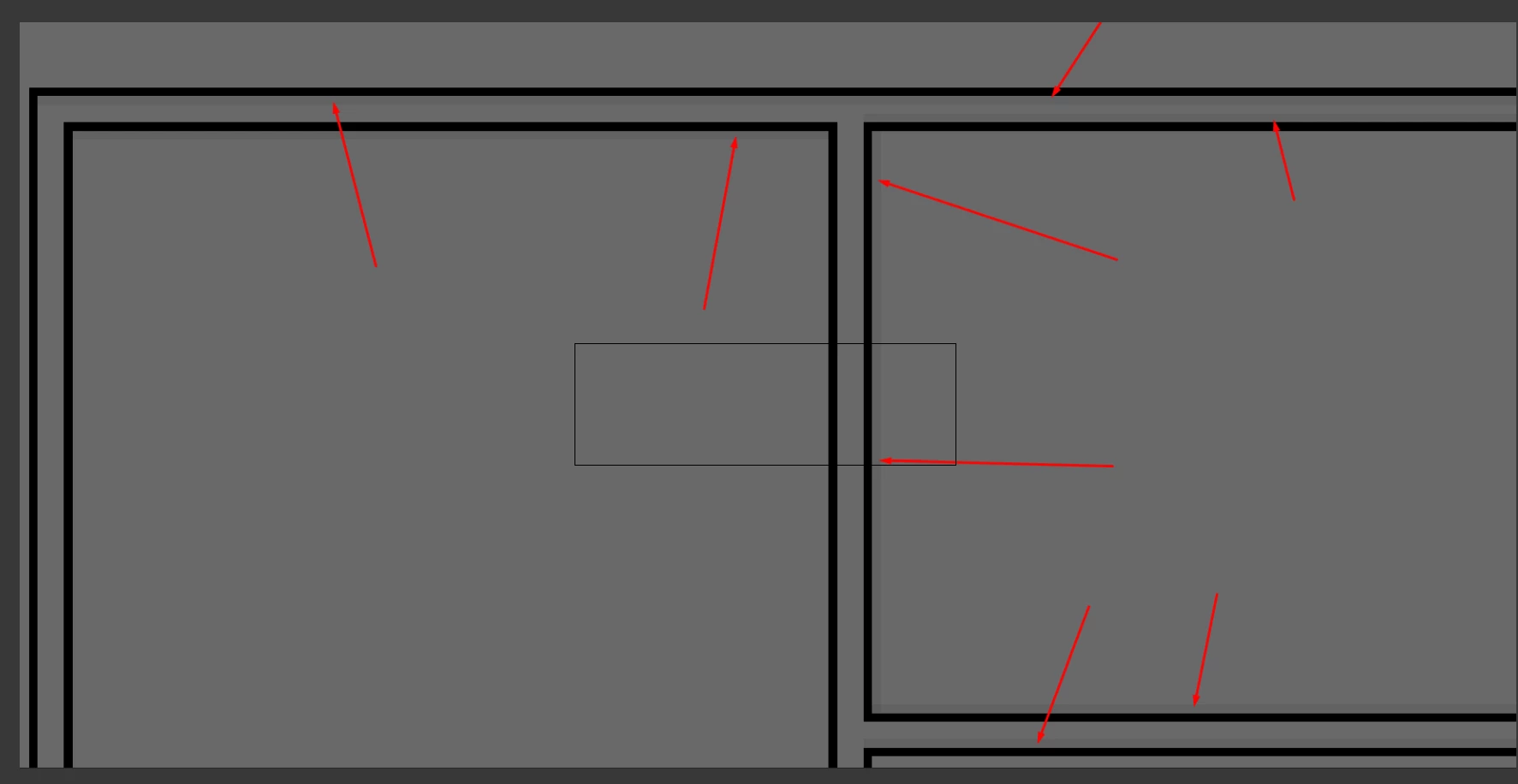
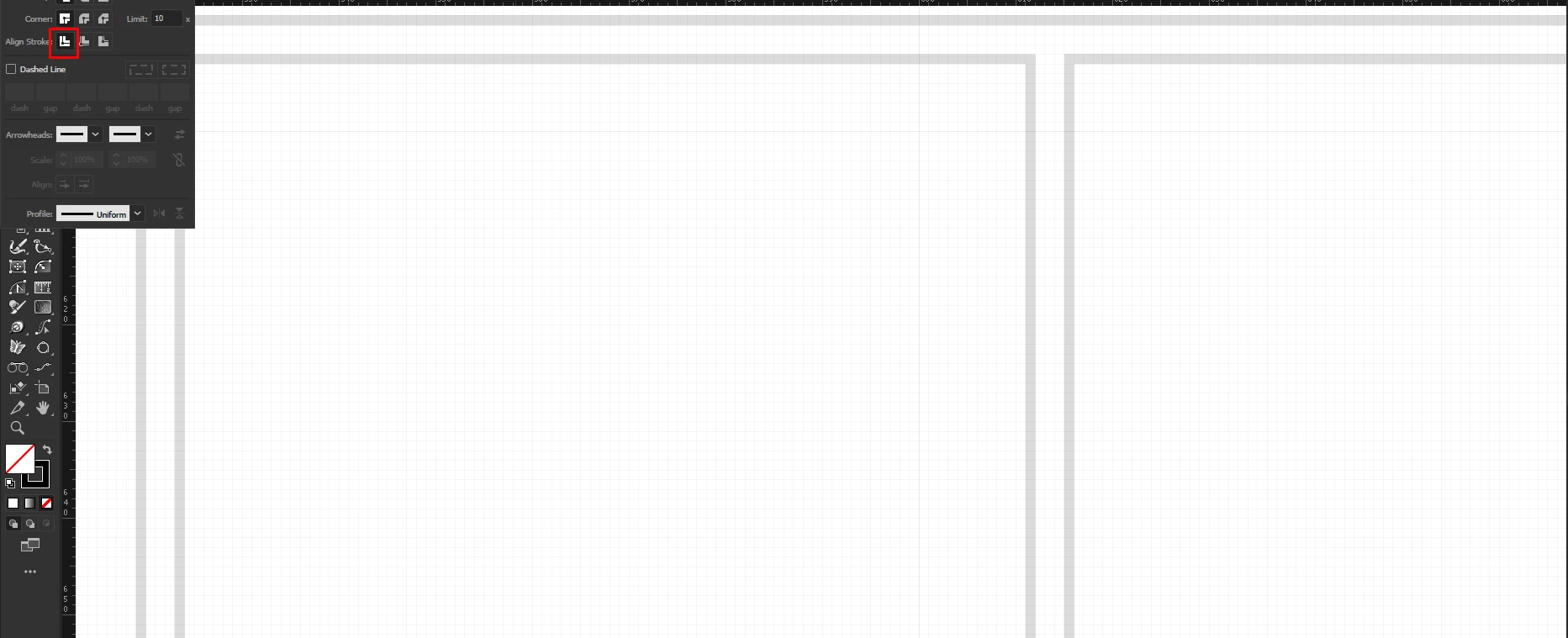
Im going lines in AI, and I have snap to pixel turned on, the lines sit perfectly in on the grid in AI. When I copy/paste into PS., the lines do seem to be sitting correctly within PS pixels, but I can also see some grey

lines, as if there's an aliasing problem. What am I doing incorrectly?


This topic has been closed for replies.
Correct answer Ton Frederiks

Try an invisible 1000 x 800 pixels rectangle, same as your artboard and copy that together with the artwork.

2 replies

Ton Frederiks
Community Expert
Community Expert
January 21, 2024

I can replicate it with a normal canvas document.

When I create an invisible rectangle that has the size of the artboard and copy that together with the artwork, it pastes correct.

Ton Frederiks
Community Expert
Community Expert
January 21, 2024

Is your Illustrator document a Large Canvas document?

If so, it will always give anti-aliasing effects.

Inspiring
January 21, 2024

The canvas size is 1000 x 800 pixles. But the what Im copy pasting into PS is only 843 x 148 pixels.In AI, all these lines are sitting perfectly in the grid. 


Ton Frederiks
Community Expert
Ton FrederiksCommunity ExpertCorrect answer
Community Expert
January 21, 2024

Try an invisible 1000 x 800 pixels rectangle, same as your artboard and copy that together with the artwork.