
Link is missing when reopen Ai file
Hello,
I keep having a problem of losing a link to a PDF in a Ai file when I save and reopen it.
When reopened, all the PDF links are missing, and vector lines in PDFs are automatically embedded, exploded and grouped as fills. I have Illustrator CC 2017 but this problem happened a few times when I had CC 2015. JPEG and PNG files are fine. You can see below the process I go through. Is there a problem with the way I bring in PDFs or save Ai files?
1. Place PDF and PNG in a new Ai file. [Link], [Replace], and [Show Import Options] are checked before placing. Notice the links show up for both PDF and PNG after placing.

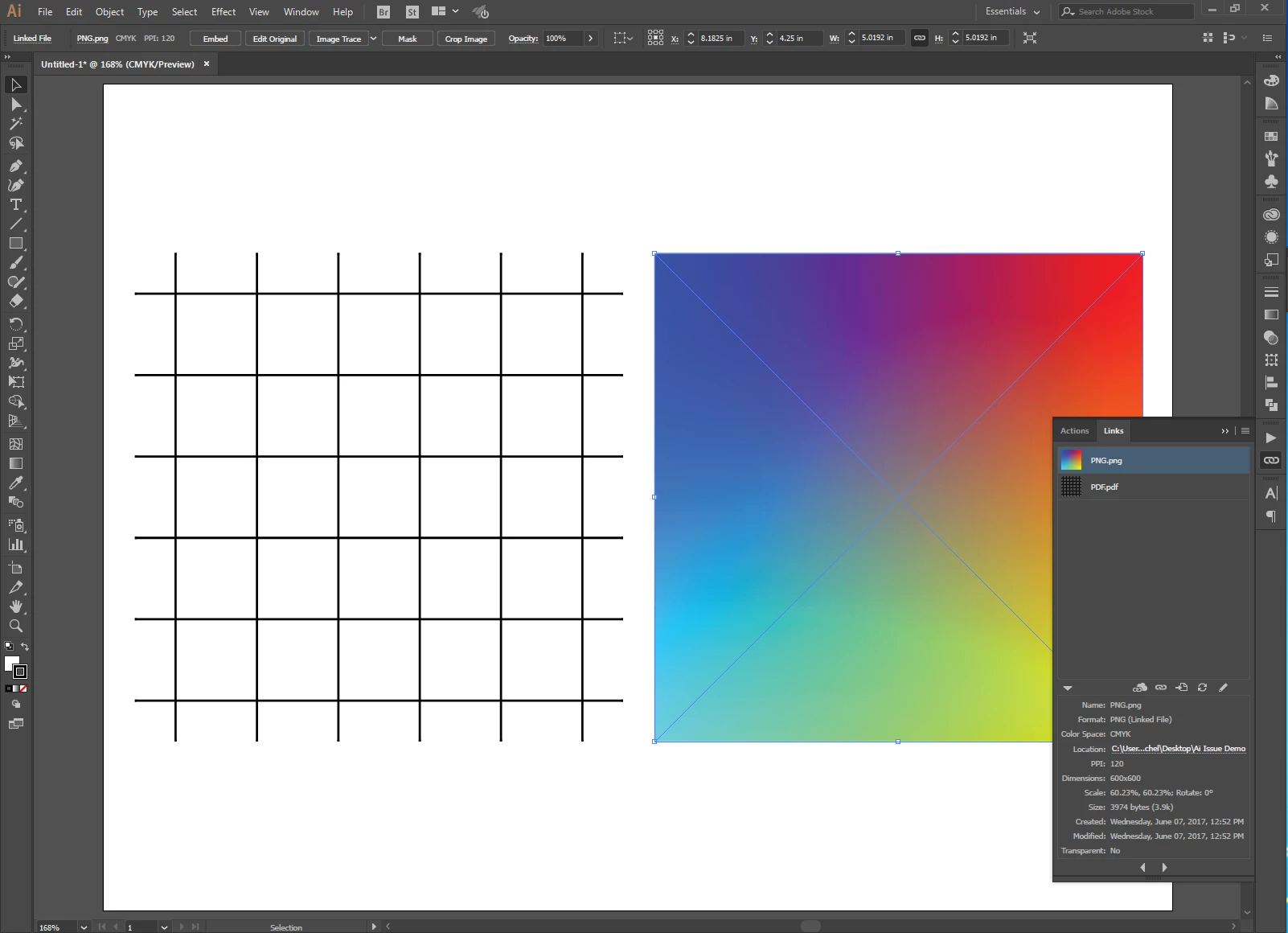
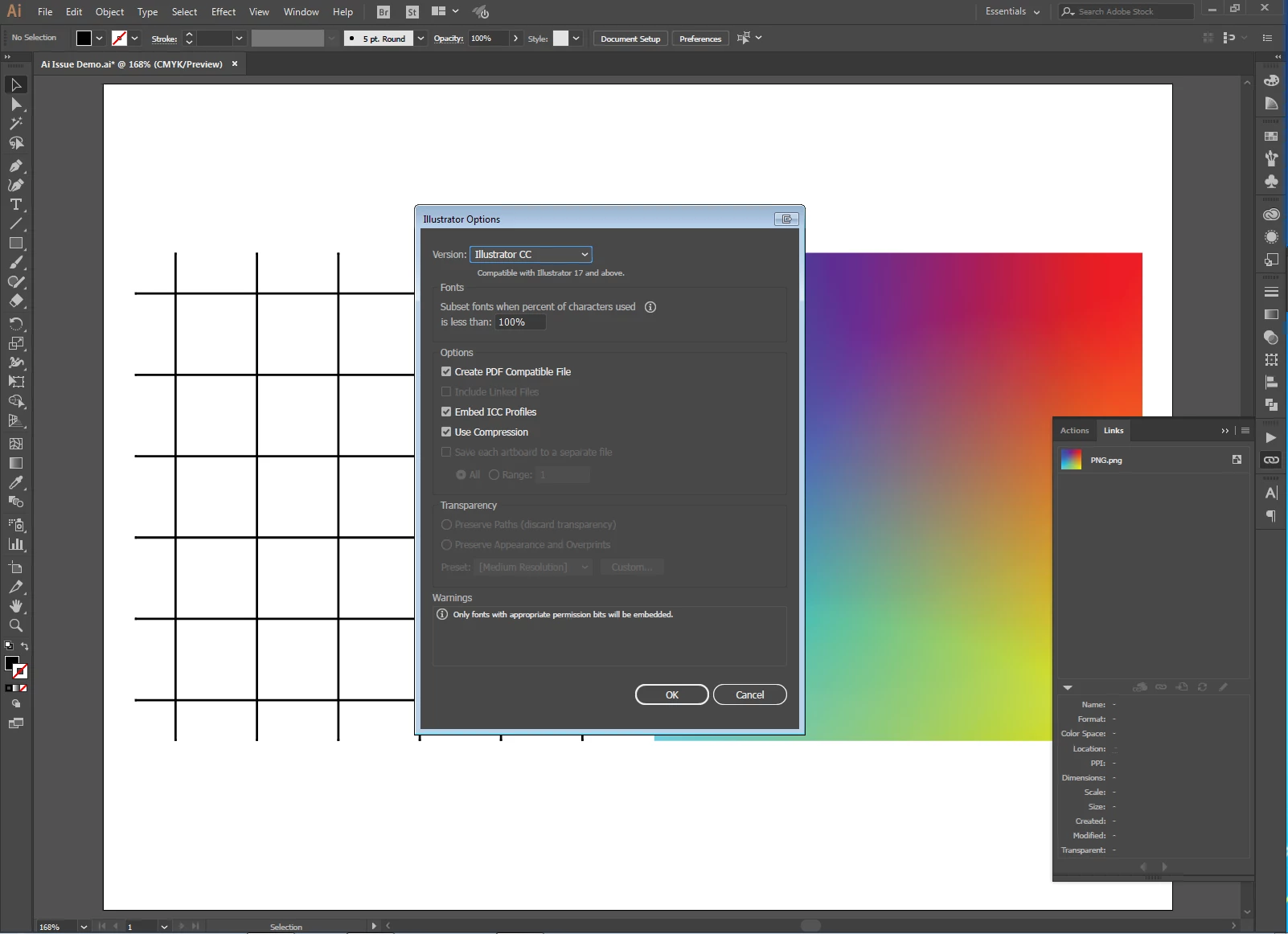
2. Save the Ai file. It's saved as Adobe Illustrator (*.Ai). All four options, including [Include Linked Files], are checked before saving.
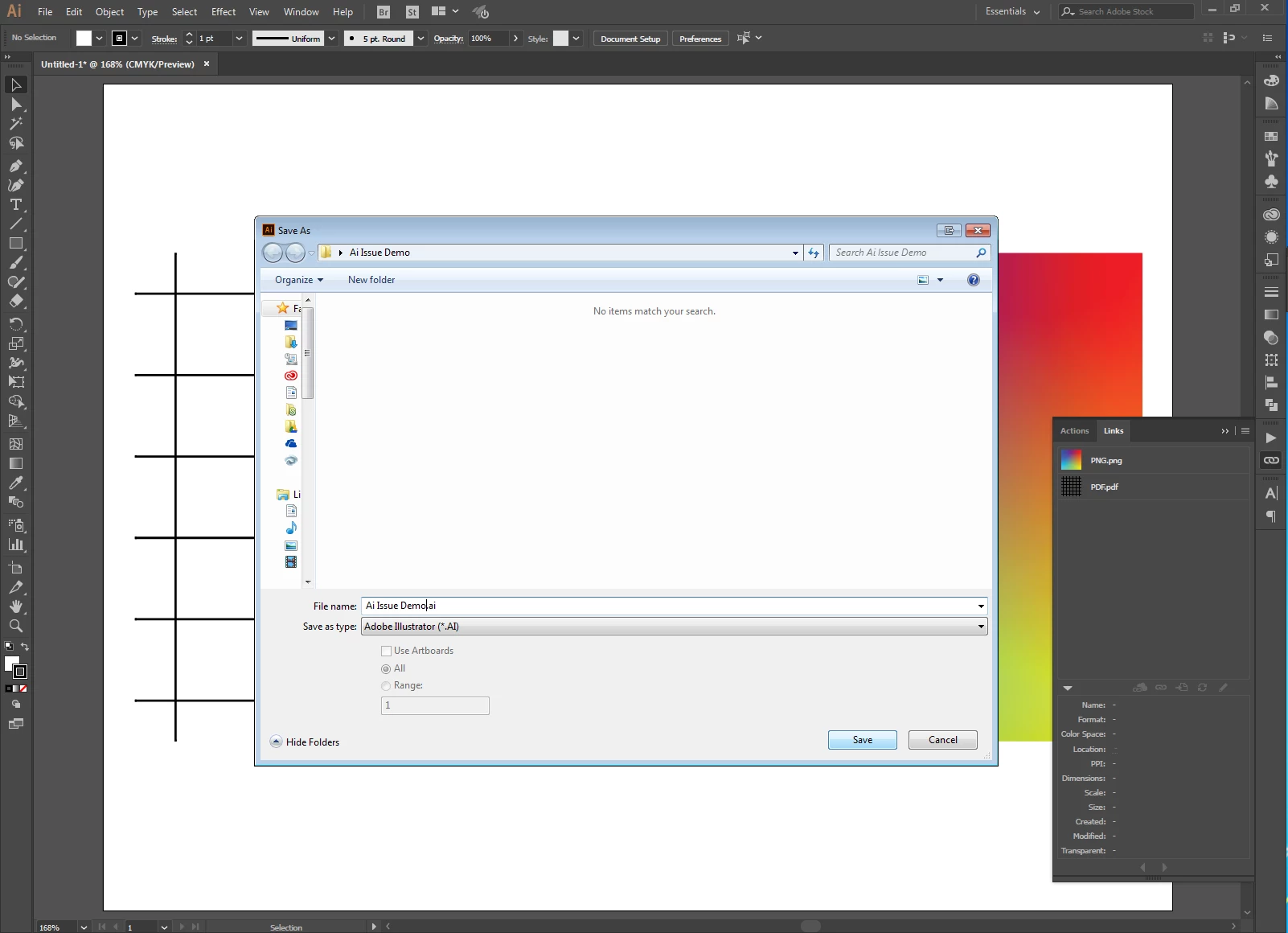
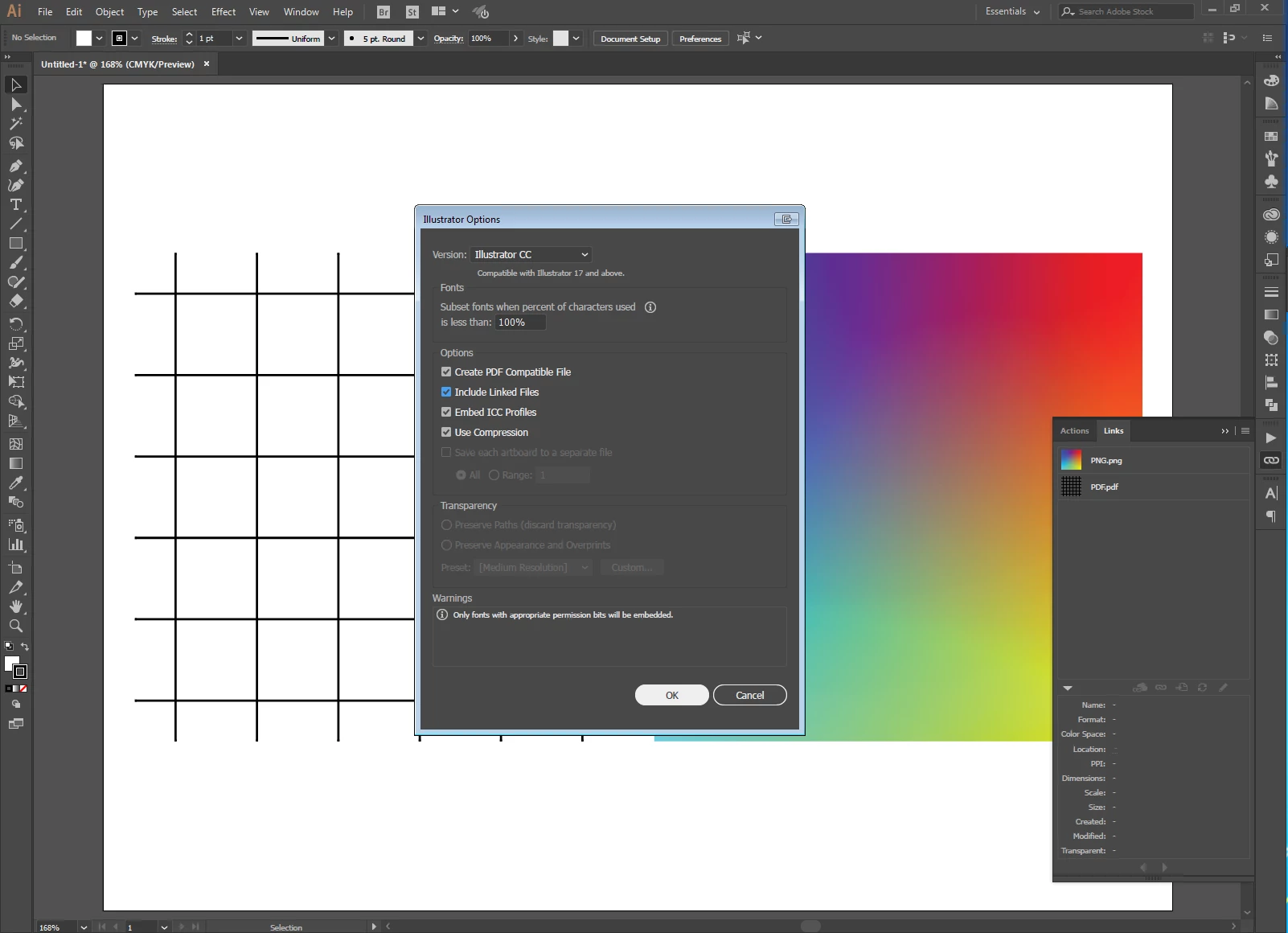
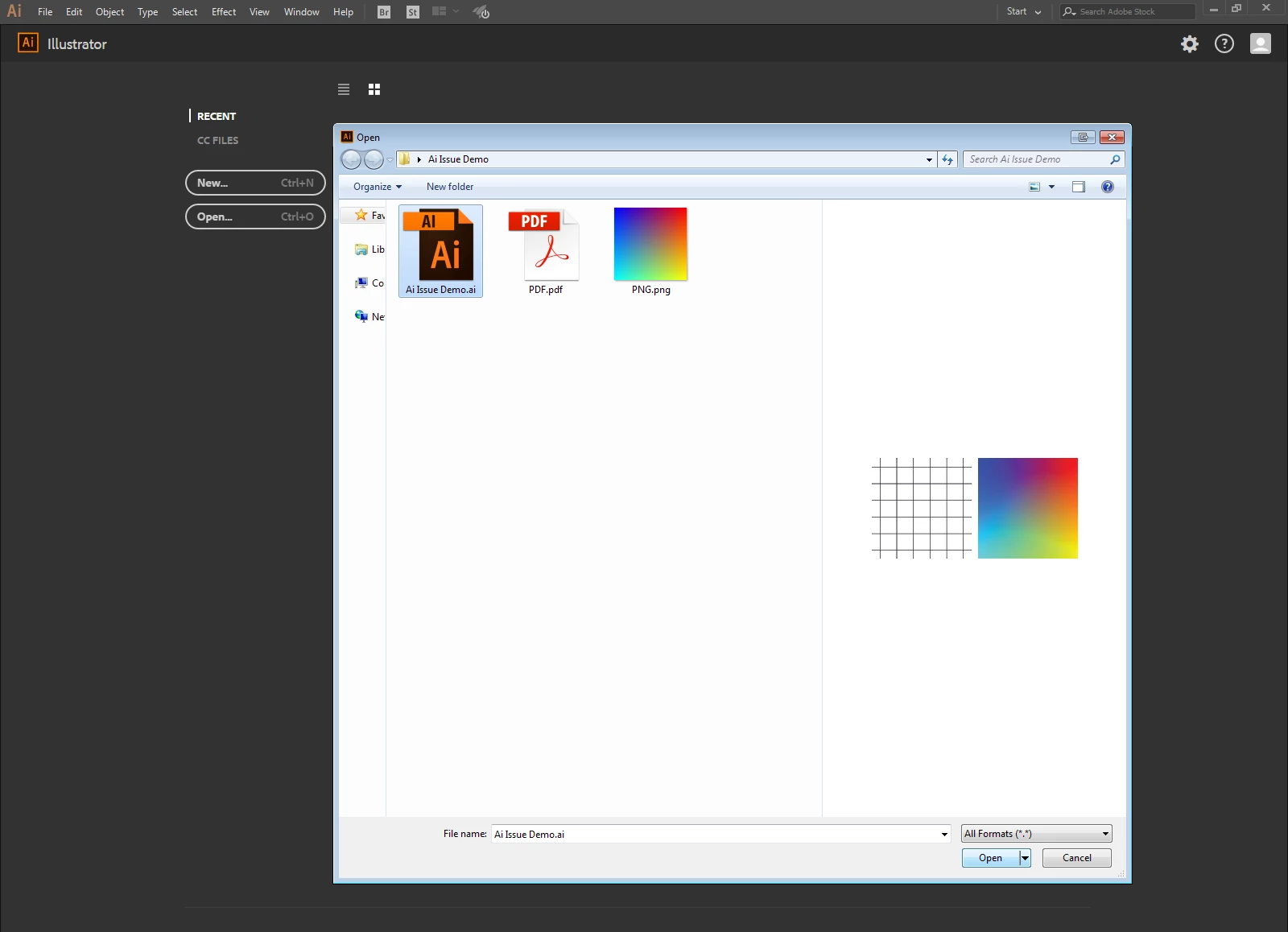
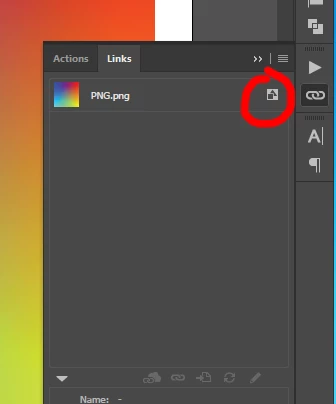
3. Reopen the saved file. Notice the link for PDF is gone. PDF is embedded and the vector lines are exploded as fills.

4. Resave the file. The option, [Include Linked Files], is grayed out.
Does anyone know how to resolve this issue?
Thanks!
 AdChoices