


nrdstudio
Participant
July 18, 2025
Question

Linked images appearing strange when copy and pasted between artboards/documents

  • July 18, 2025
  • 1 reply
  • 86 views

Has anyone else had this issue?
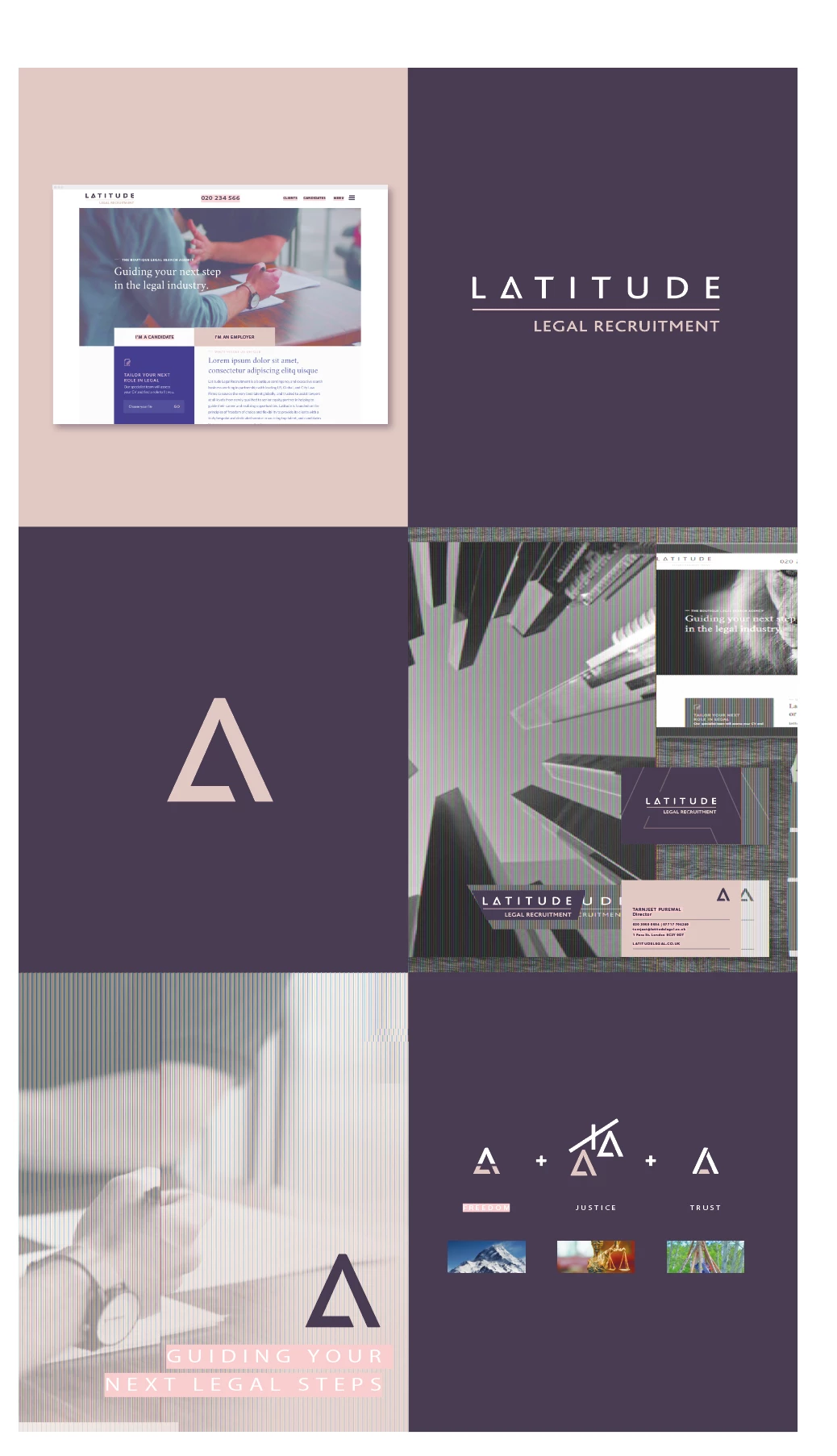
When I copy and paste grouped elements containing images either onto new artboards within 1 document, or from 1 document to another

My linked images turn to/view as this strange black and white grainy image
Then if I copy/paste in place it reverts back to correct look

Any suggestions? I tried reinstalling, but same issues
1 reply

Rene Andritsch
Community Expert
Community Expert
July 18, 2025

Can you please state your Illustrator version and operating system. I tried to copy paste a group with text and images from one artboard to the next as well as from one document to the next and cannot see your described behavior. I’m on macOS 15.5 and Illustrator 29.6.1

Can you please try to restart your computer, turn on screen recording and post the recording of the issue? Thank you.