skip-ad
Participant
December 9, 2025
質問

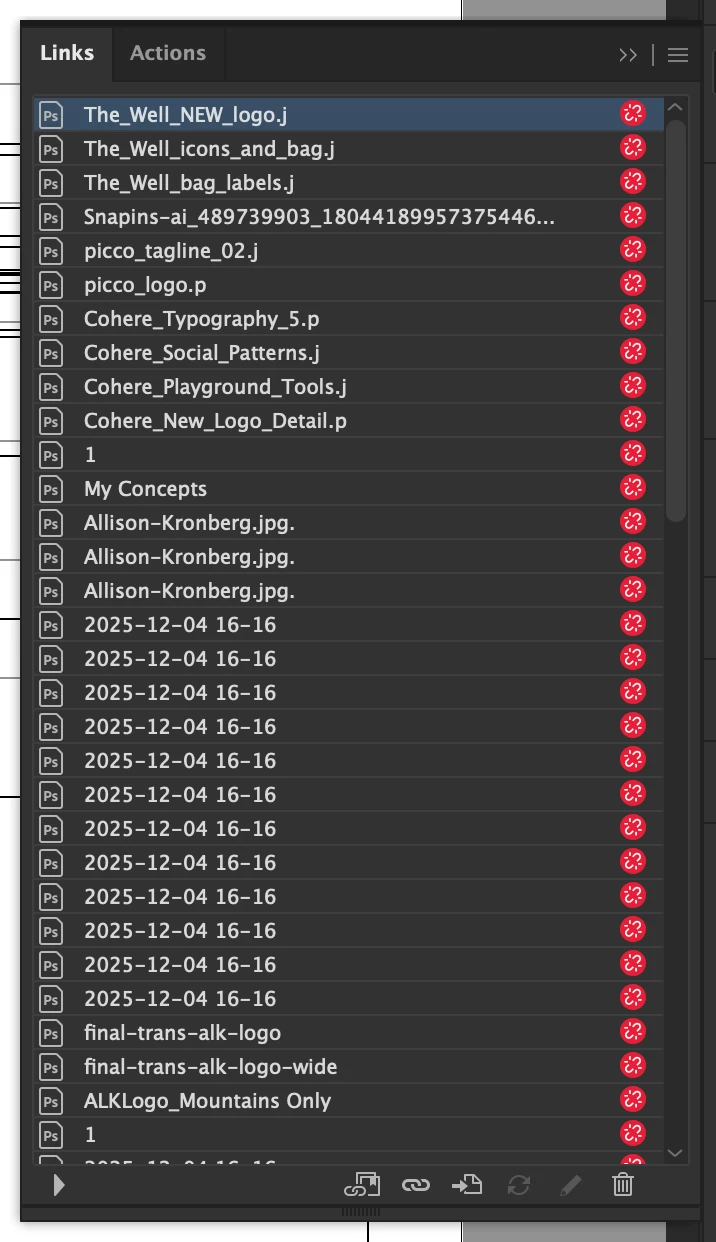
Links repeatedly break after being relinked, letters disappear at the end of the linked file names
  • December 9, 2025
  • 返信数 1.
  • 267 ビュー

868701iF39166094EF195FD.png

868700iEB1449A05E8943C6.png

868702iEFBBC43FA318F7C7.png


I am experiencing an issue where links repeatedly break and then letters disappear at the end of the linked file names. After relinking, saving, and then re-opening the Illustrator file, the links break/unlink again.


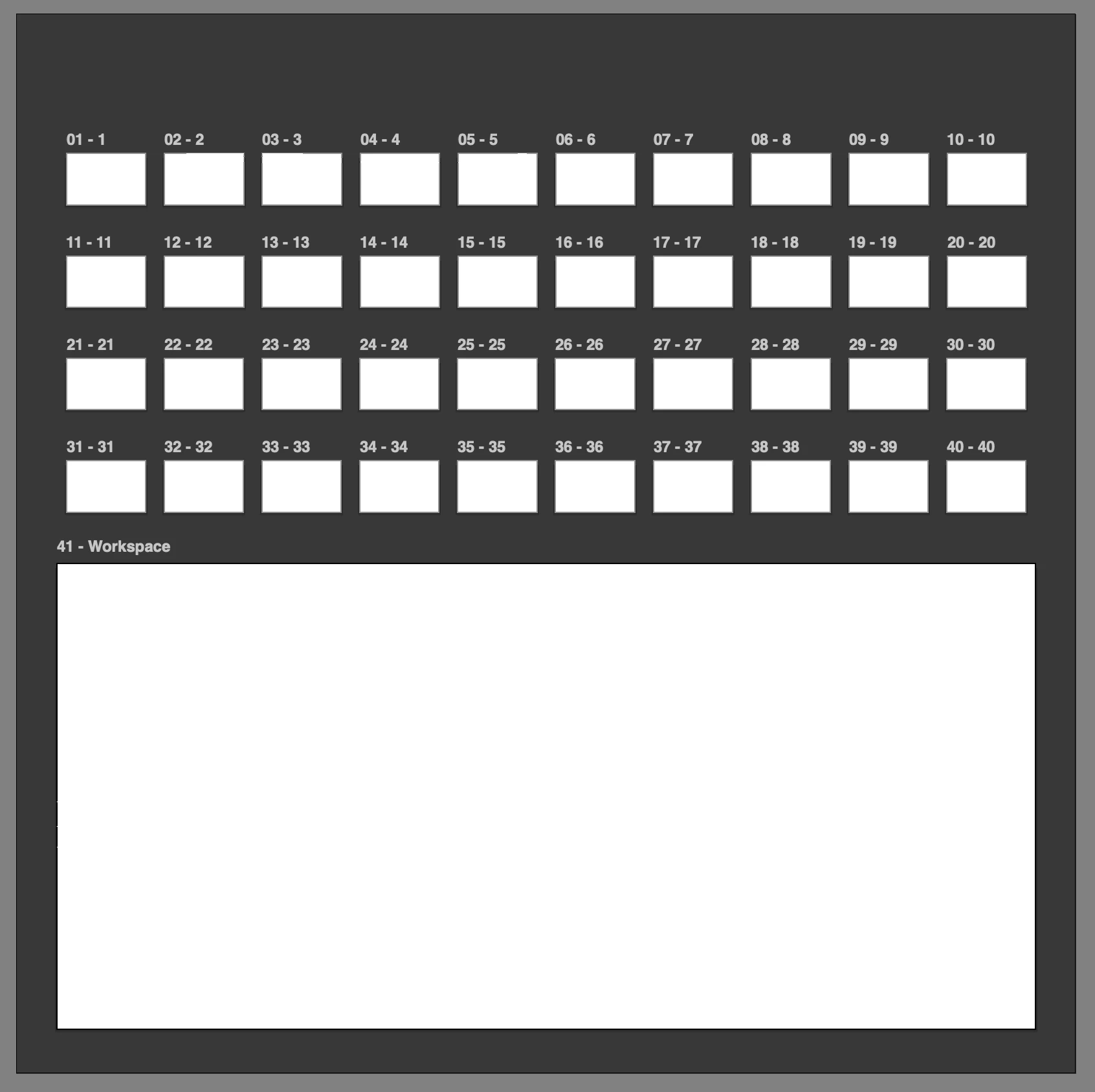
  • When this happens, I'm then unable to see any artwork (it appears blank/white) unless I view in Outline mode. All of the artwork is still present. Also "View using GPU" becomes greyed out.
  • I've tried copying and pasting artwork to a new blank template file (which I've used many times without issue before) but the issue is replicated.
  • I tried restarting my computer, uninstalling and reinstalling Illustrator, and deleting preferences. None have helped.
  • It seems to be related to linking images specifically because the vector artwork alone copies over fine. The issue occurs when I add linked images.


I've tried to attach the Illustrator file but it's not allowing me currently ("The attachment's deck-white_r-00.ai content type (application/postscript) does not match its file extension and has been removed." Even though it is an Illustrator file.) Thank you in advance if you're able to help!

返信数 1

skip-ad
skip-ad作成者
Participant
December 9, 2025

868696iC299A6830E8DFBDD.png

868697iA94AA26F9B1C2A8F.png

868698i5172A3C7F9BBB572.png


I am experiencing an issue where links repeatedly break and then letters disappear at the end of the linked file names. After relinking, saving, and then re-opening the Illustrator file, the links break/unlink again.


  • When this happens, I'm then unable to see any artwork (it appears blank/white) unless I view in Outline mode. All of the artwork is still present. Also "View using GPU" becomes greyed out.
  • I've tried copying and pasting artwork to a new blank template file (which I've used many times without issue before) but the issue is replicated.
  • I tried restarting my computer, uninstalling and reinstalling Illustrator, and deleting preferences. None have helped.
  • It seems to be related to linking images specifically because the vector artwork alone copies over fine. The issue occurs when I add linked images.


I've tried to attach the Illustrator file but it's not allowing me currently ("The attachment's deck-white_r-00.ai content type (application/postscript) does not match its file extension and has been removed." Even though it is an Illustrator file.) Thank you in advance if you're able to help!

Anubhav M
Community Manager
Community Manager
December 10, 2025

Hello @skip-ad,

I'm sorry to hear about your experience. Could you confirm the version of the OS/Illustrator installed, and if this happens with specific files or files stored in a particular folder location (internal/external/network drive or a cloud-synced folder like Google Drive/Dropbox/etc.), so we can better assist you?

Looking forward to hearing from you.

Anubhav

skip-ad
skip-ad作成者
Participant
December 11, 2025

I am using a Apple Macbook Pro 14in M3 Max with MacOS Sequoia Version 15.6.1. I have Adobe Illustrator Version 30.0 installed.

The files are stored locally/internally on the Macbook's hard drive.


I just tested the image linking theory on a blank web Illustrator document with an image file from a different local folder. The issue persists:


869112i9DFA2768827872D0.png