Live Paint Bucket
What is the reason Live Paint Bucket shows three colors? Is there any way to get color what we want instead of searching?
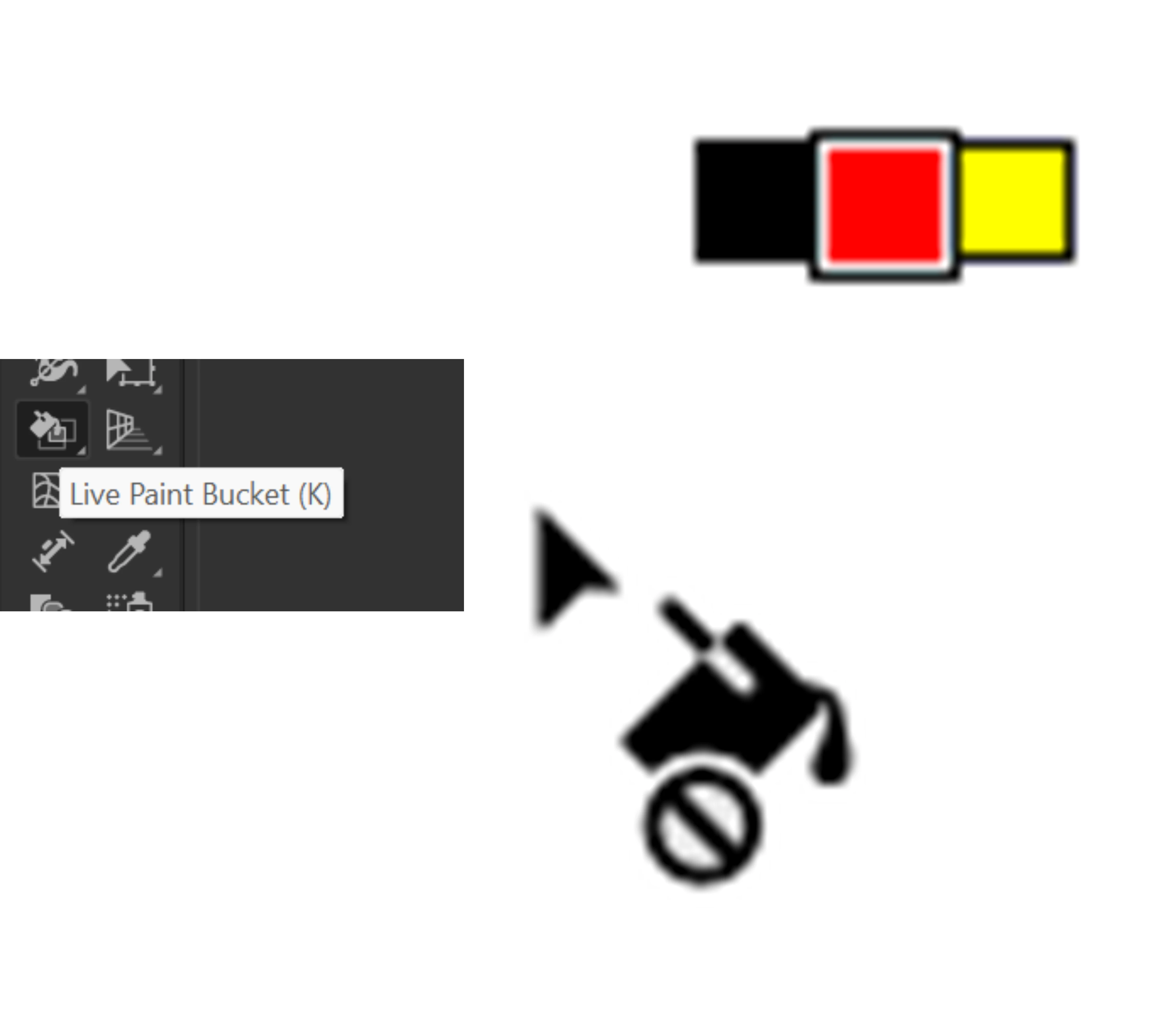

the reason and purpose of it is to show you the adjacent swatches to quickly paint your beautiful art.
in your sample screen shot you're painting with Red, if you press the right Arrow, the Yellow Swatch will become active (the yellow swatch is next to the Red swatch in the swatches panel). If you press the left Arrow, it will re activate the Red Color again, and if you press the left arrow once more it will activate the Black Color.
so, if you have a color palette you want to paint with, create a Swatch Group and put all you colors in it. Then when you're painting you'll just have to press the left and right arrows to switch colors
Already have an account? Login
Enter your E-mail address. We'll send you an e-mail with instructions to reset your password.
