
Live Paint Bucket / Fill tool not working within closed paths
Hey there, I'm new-ish to Adobe Illustrator, but I've looked everywhere for the answer to this and no forum question really pinpointed why this has been happening in my situation or provided a solution.
I have paths formed by the brush tool and when I have enclosed shapes that are definitely on the same layer, the Live Paint Bucket and Fill option alike create the following:
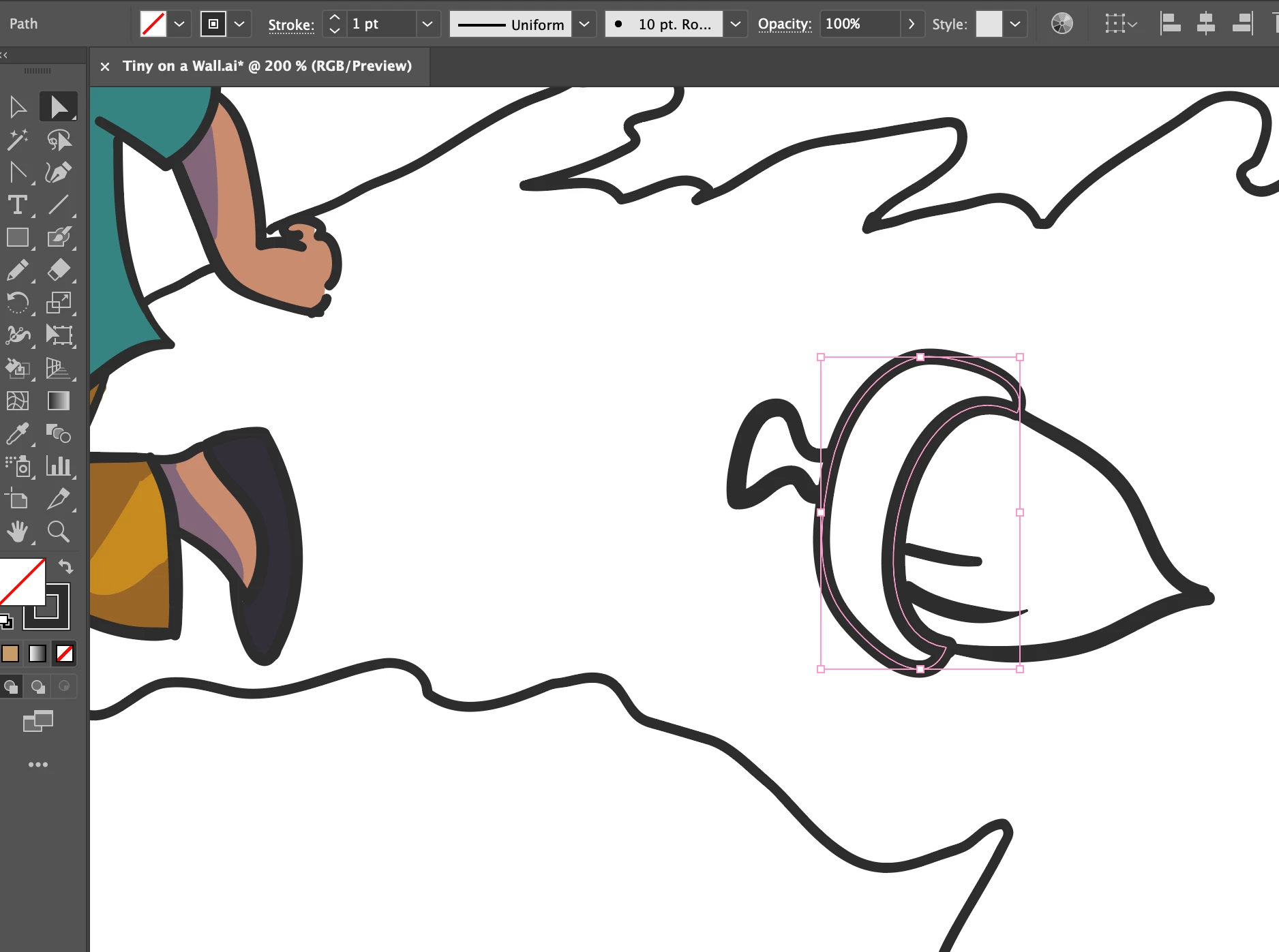
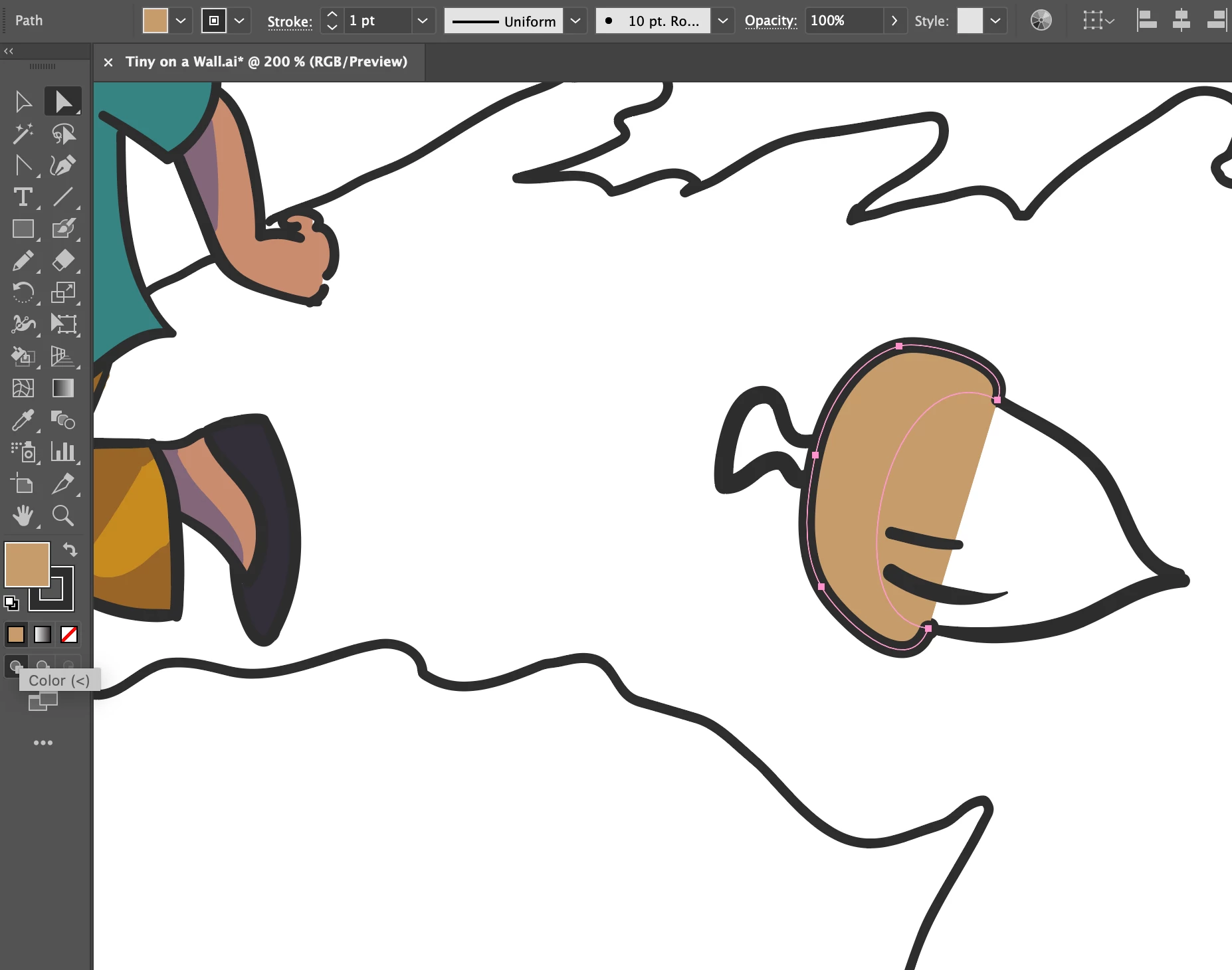
It either erases the brush stroke or looks like this:
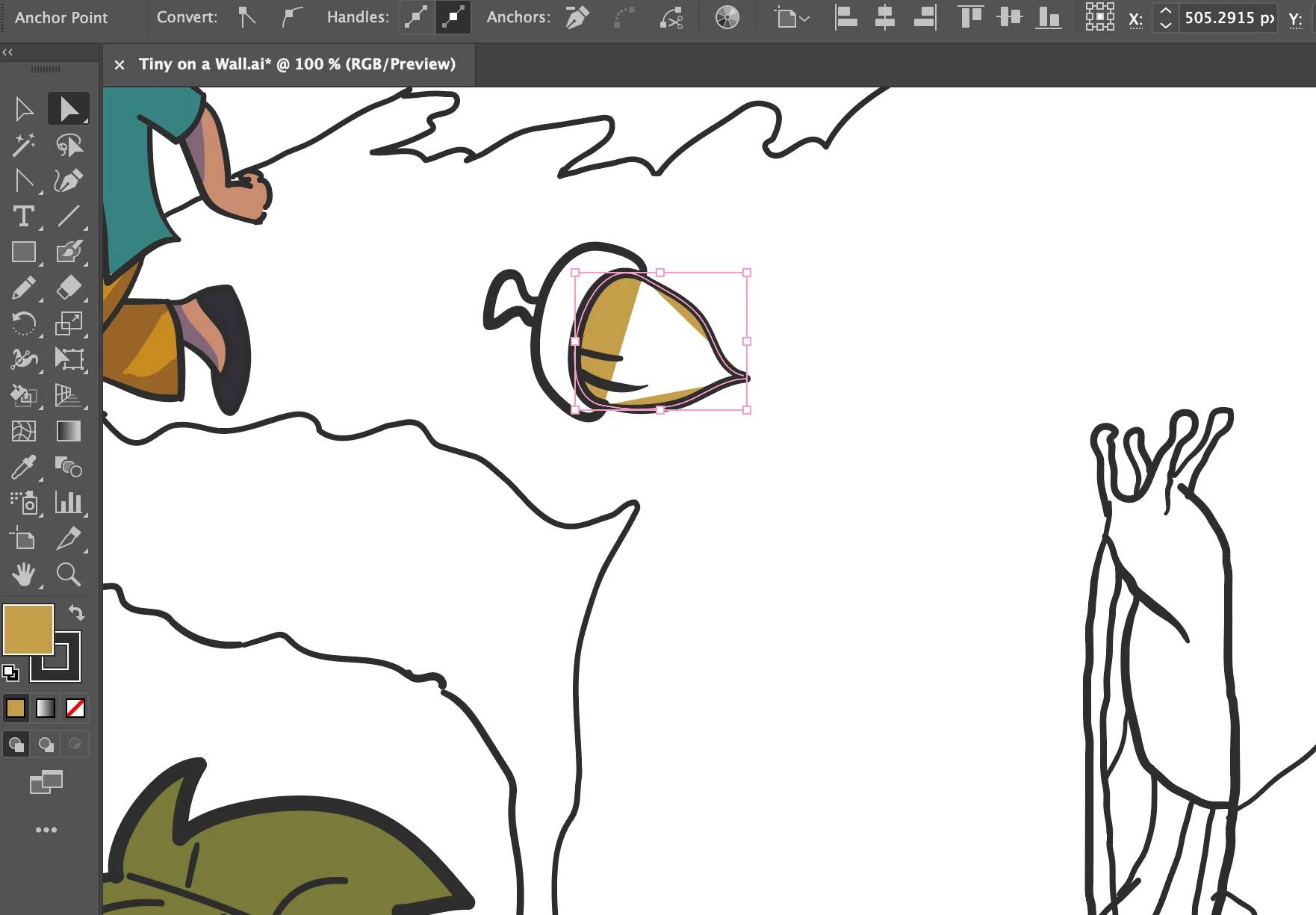
Where the fill space is disjointed and stretching between anchor points, even though the outline is enclosed.
Other times it WILL fill it in after giving a warning window stating "Complex visual appearance attributes such as brushes, live effects, transparency...options may be lost when converting to a Live Paint Group" and then converting the brush strokes I drew into basic un-tapered strokes. Like so:
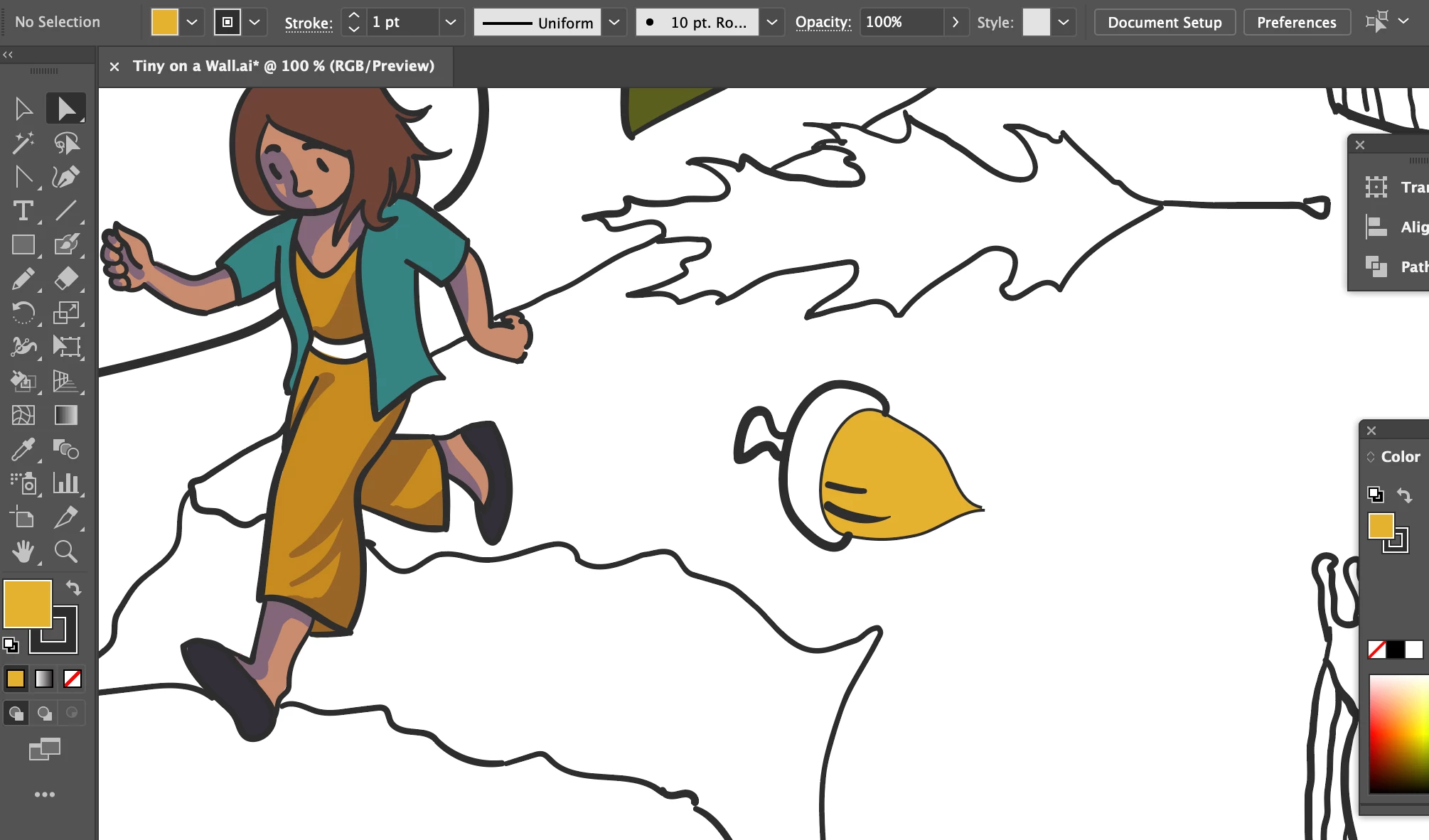
I don't want to reduce all the line art to basic uniform lines. I also don't want (and shouldn't have) to edit every brush stroke after filling everything in. Is this some error in Illustrator or is there some workaround?
I tried Gap options both for small and large gaps and there is no difference. What's going on? Please help.
I'm working on a Mac with Adobe Illustrator 2021.
 AdChoices