
Participant
September 12, 2023
Answered

Live paint issue: Blob brush + Shape builder seem to make it incompatible

  • September 12, 2023
  • 1 reply
  • 311 views

Hi there, 

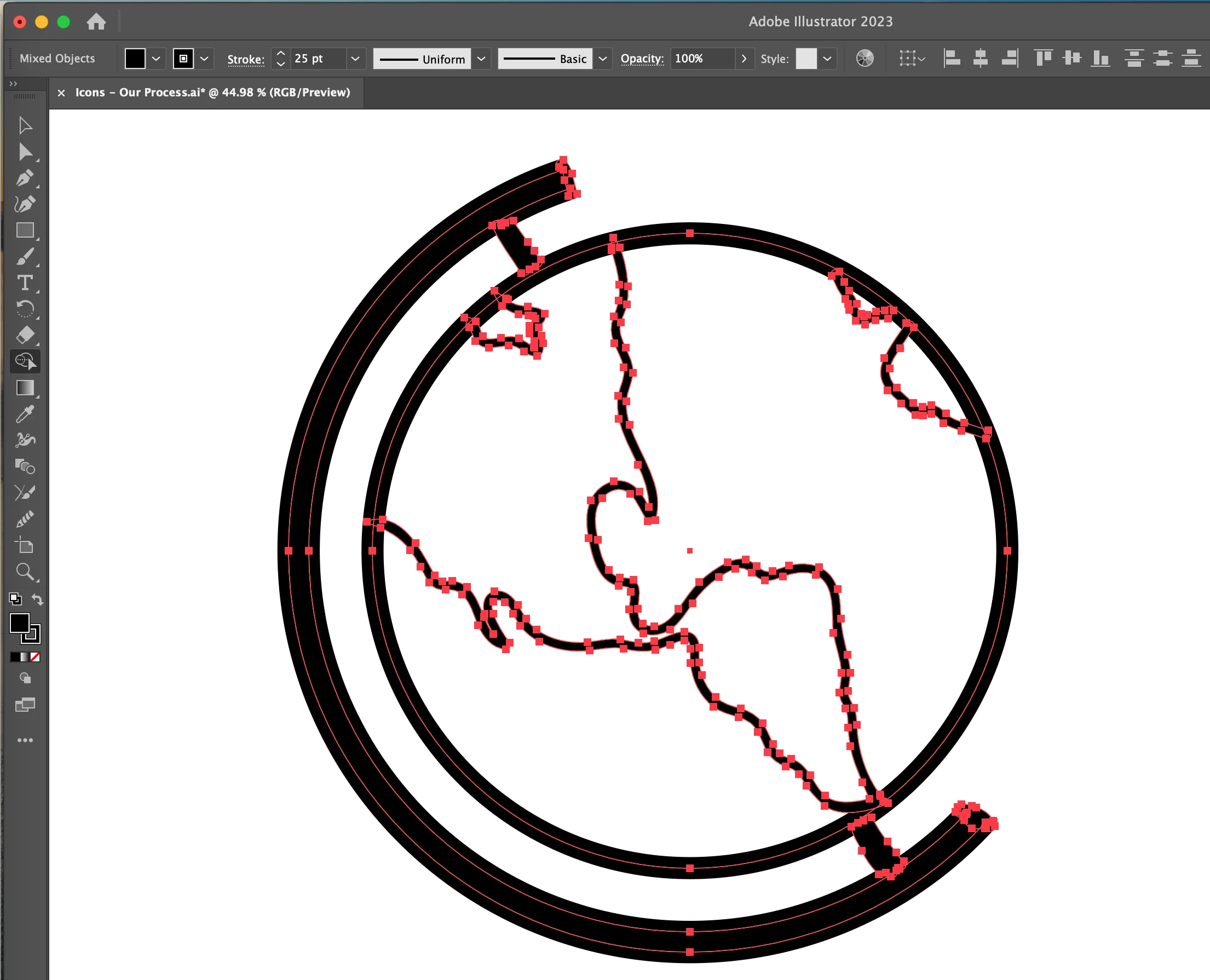
I'm sure I've made a mistake in creating the design the way that I have, but II've tried using both the shape builder and live paint option to color the Americas in the design below. I've attached a view of the full selection here: 
 

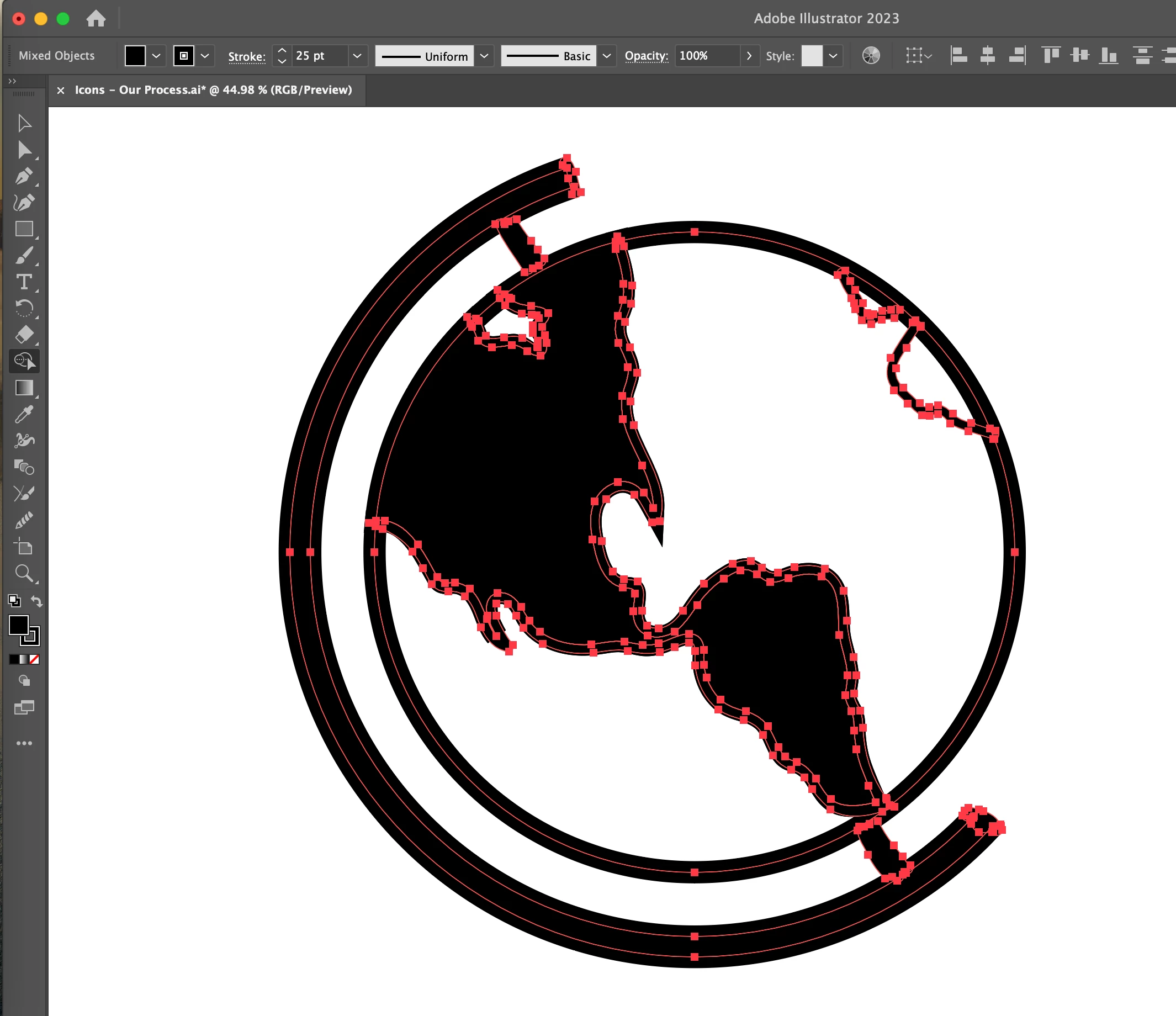
My first guess was to use the Shape builder tool to color in the Americas, but when I did that, Florida get very sharp (see below) and many of the other anchor points were moved / transitioned. Additionally, I want the Americas to not be the same color as the outline of the globe. 


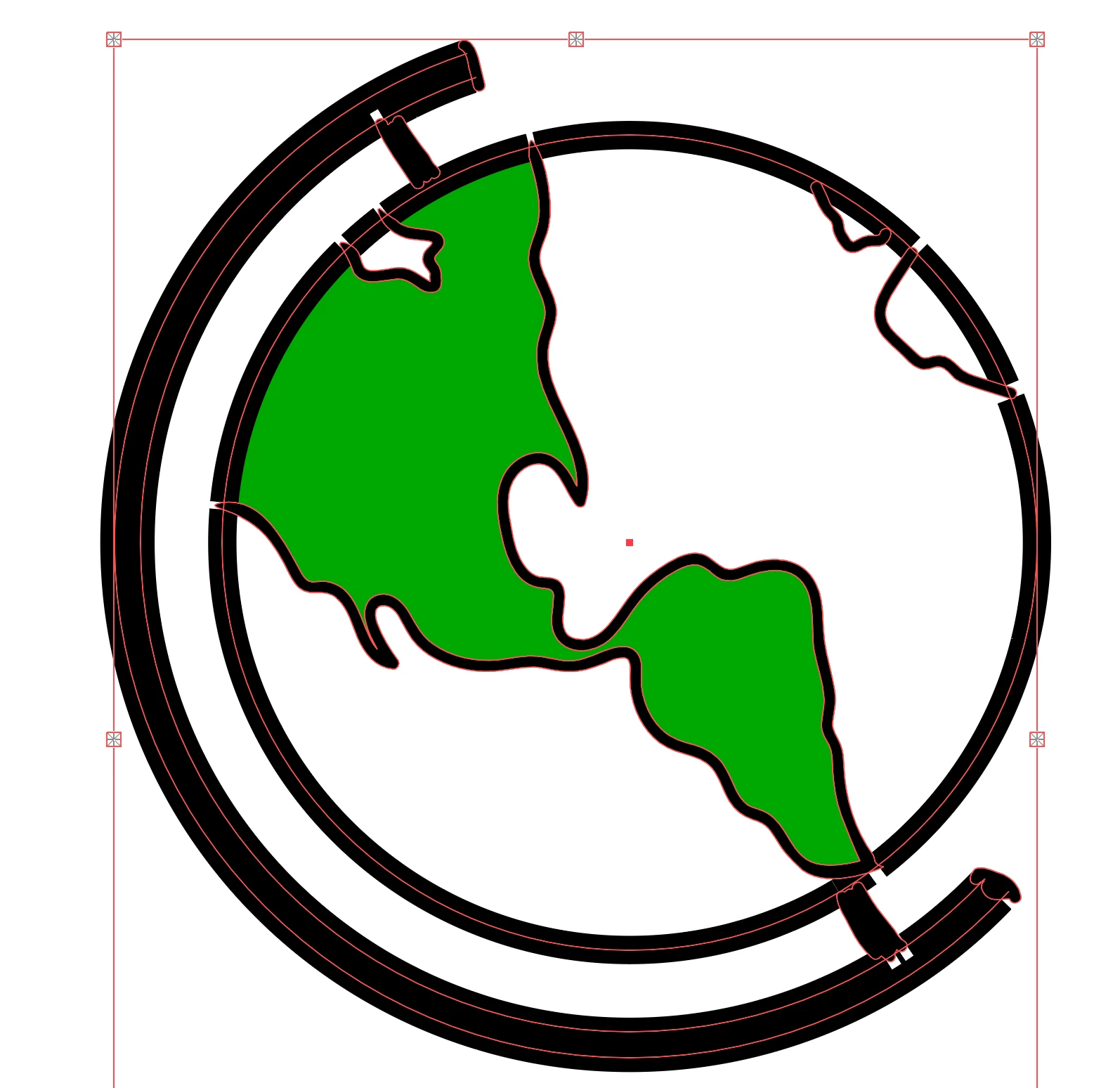
Finally, I tried to use the Live Paint Bucket, but when I did that, the way I outlined this drawing meant that the outline of the globe lost fidelity / substance. 


Can anyone weigh in here about what you would recommend? I seem to bump into this issue again and again in how I have self-trained myself using Adobe Illustrator. Any tips and tricks invited. 


As an important aside, I'm also curious if there's a better way to draw icons like this without using the blob brush at all. I assume that would mean utilizing features like pathfinder, stroke outline and more with greater proficiency? 

This topic has been closed for replies.
Correct answer Monika Gause

You have a mixture of shapes (created with the blob brush)

and strokes (created by applying a stokes to the circle)

there.

it looks lie that caused your issues.

What I would do is: outline the strokes before going into either shapebuilder or live paint. This mixture might give you issues when you are not looking closely enough. Using just shapes will be much easier. Before outlining strokes, always make a copy. Just in case you need it.

1 reply

Monika Gause
Community Expert
Monika GauseCommunity ExpertCorrect answer
Community Expert
September 12, 2023

You have a mixture of shapes (created with the blob brush)

and strokes (created by applying a stokes to the circle)

there.

it looks lie that caused your issues.

What I would do is: outline the strokes before going into either shapebuilder or live paint. This mixture might give you issues when you are not looking closely enough. Using just shapes will be much easier. Before outlining strokes, always make a copy. Just in case you need it.

AnashimAuthor
Participant
September 13, 2023

Thanks Monika! I'll give that a shot.