Participating Frequently
April 8, 2020
Question

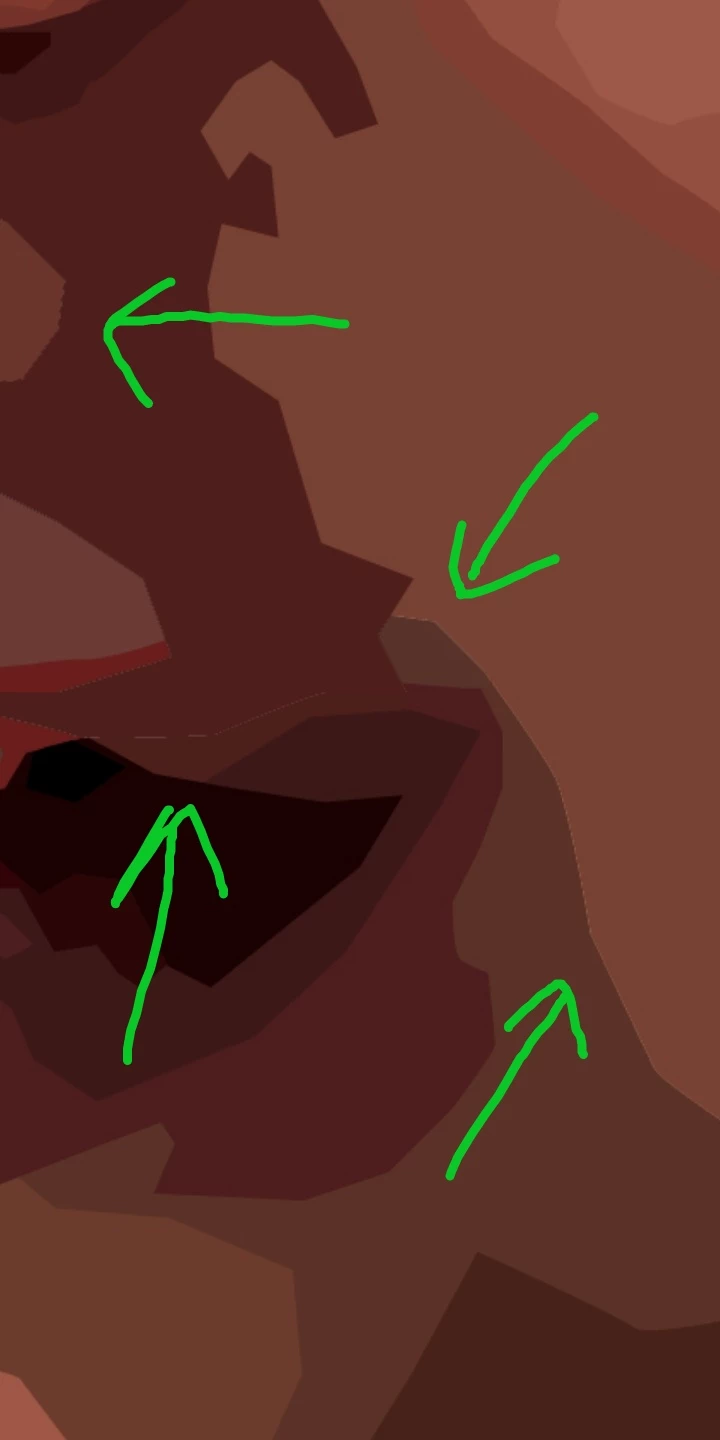
Live Paint parts don't close perfectly

  • April 8, 2020
  • 3 replies
  • 643 views

Hello, I'm new to Adobe Illustrator. so, I made this in illustrator with Live Paint. But some parts didn't close perfectly. Why is it? How to get rid of it? Please help. Thank you
 

This topic has been closed for replies.

3 replies

Jacob Bugge
Community Expert
Community Expert
April 8, 2020

You are welcome, Aneemo.


I found this site with a few glimpses of the story, before the drawing part.


https://www.rainbowresource.com/product/025577/Farewell-to-Shady-Glade.html


Ton Frederiks
Community Expert
Community Expert
April 8, 2020

Is this what you see in Illustrator? Or is this what you get on export as an image?

If on export, set the anti-aliasing to Art optimized.

AneemoAuthor
Participating Frequently
April 8, 2020

That's happen in illustrator and after the export as an image. Sorry for late reply.

Ton Frederiks
Community Expert
Community Expert
April 8, 2020

Does switching to View > CPU Preview help?

Does turning off Preferences > General > Anti-aliased Artwork make a difference?

Did you try export with anti-aliasing set to Art optimized?

Jacob Bugge
Community Expert
Community Expert
April 8, 2020

Aneemo,


Looking at the JPEG a few times, I am beginning to feel like one of the small animals in Farewell to Shady Glade when the old raccoon started drawing.


But maybe this helpx may help:

https://helpx.adobe.com/illustrator/using/live-paint-groups.html#close_gaps_in_live_paint_groups


AneemoAuthor
Participating Frequently
April 8, 2020

Thank you for your reply. 

But I don't know that Shady Glade story. 😆