Glartique
Participant
February 26, 2018
Question

live trace white gaps (not pdf white lines)

  • February 26, 2018
  • 4 replies
  • 4170 views

Hi, I have asked some artwork experts about this and they seem stumped.

I am hoping you guys can help as I use this technique a lot in my work and have just realized there are unpredictable anomalies

I create vector artwork from photos I have sourced or taken myself.

I vectorize using image trace and usually High Fidelity settings

But I keep getting these unfilled gaps when you zoom in.

As these images might be printed 3 m wide or larger these small marks show up.

I have had to do ‘live paint’ zoomed in at 6400% and paint them individually or move anchors and paths slightly with the handles but both obviously takes hours and seems crazy. One idea is to put a neutral background layer in, but this does not work where there are so many colours

I don’t know why it's creating these and I have looked for solutions all over the web and adobe

Sometimes it does not do this so it's very hard to predict.

I dont know if this is Ai CC 2018 , me or my images

Some solutions would be very helpful.
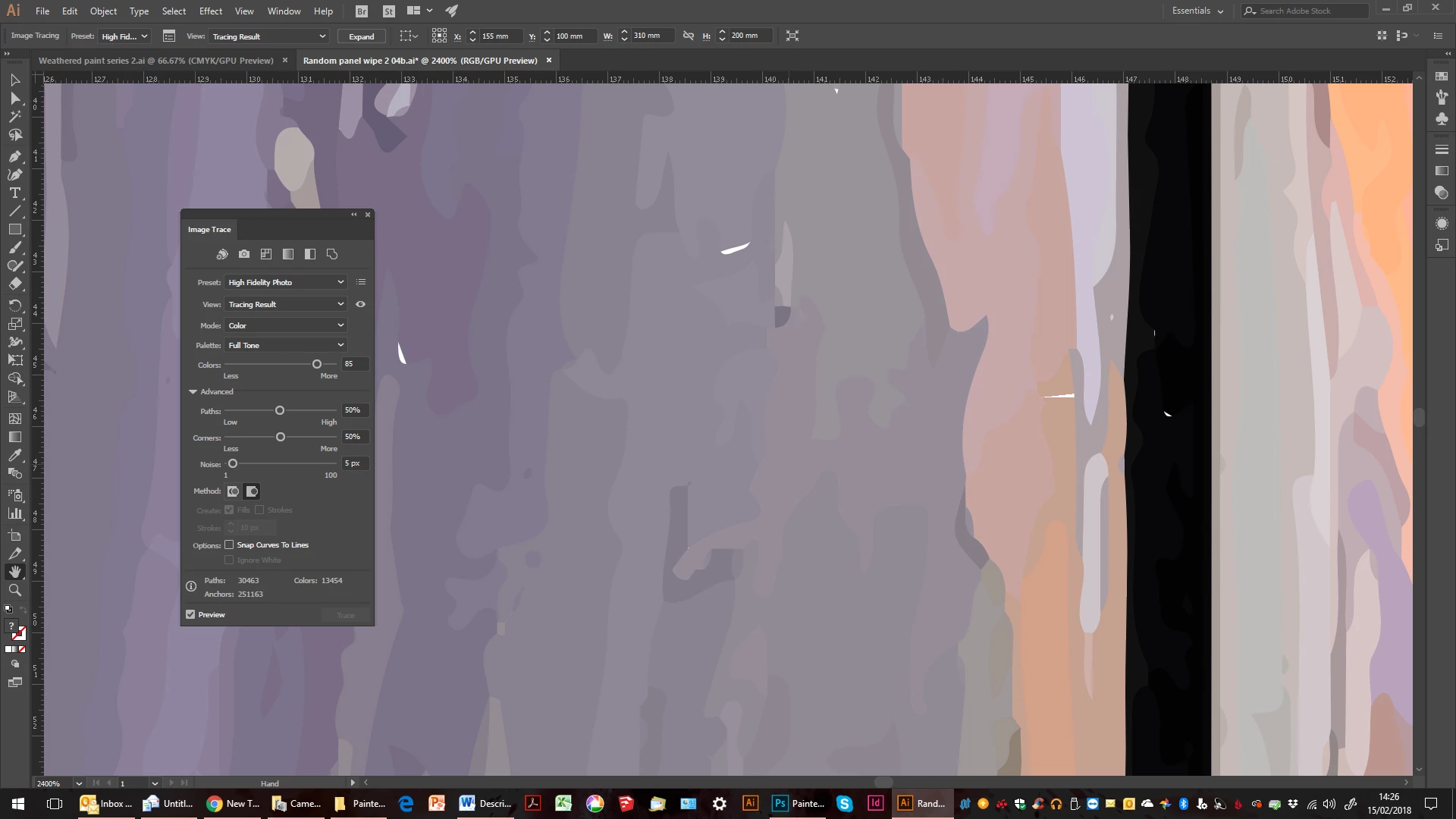
If you use Abutting method is gives a different gap
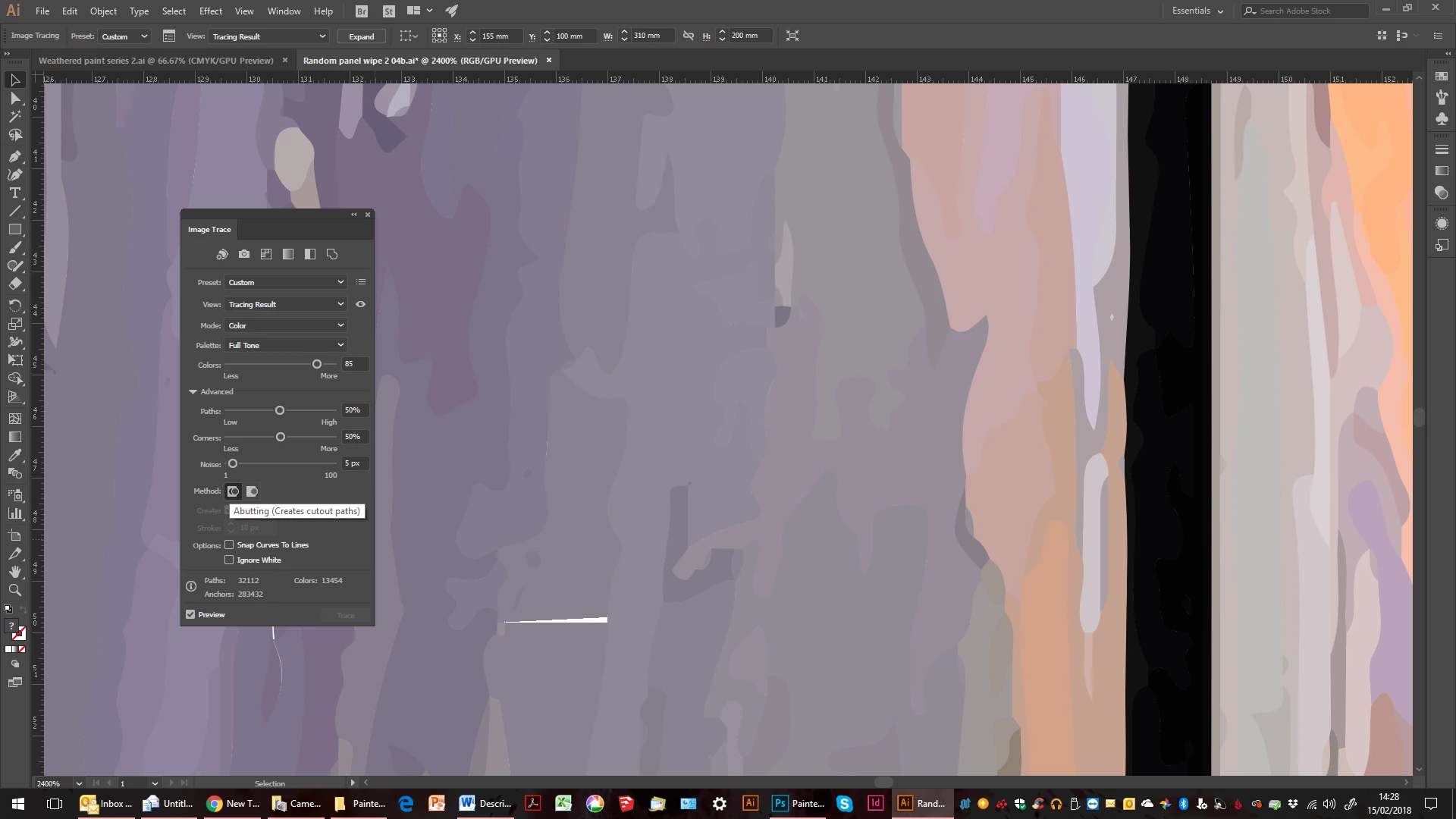
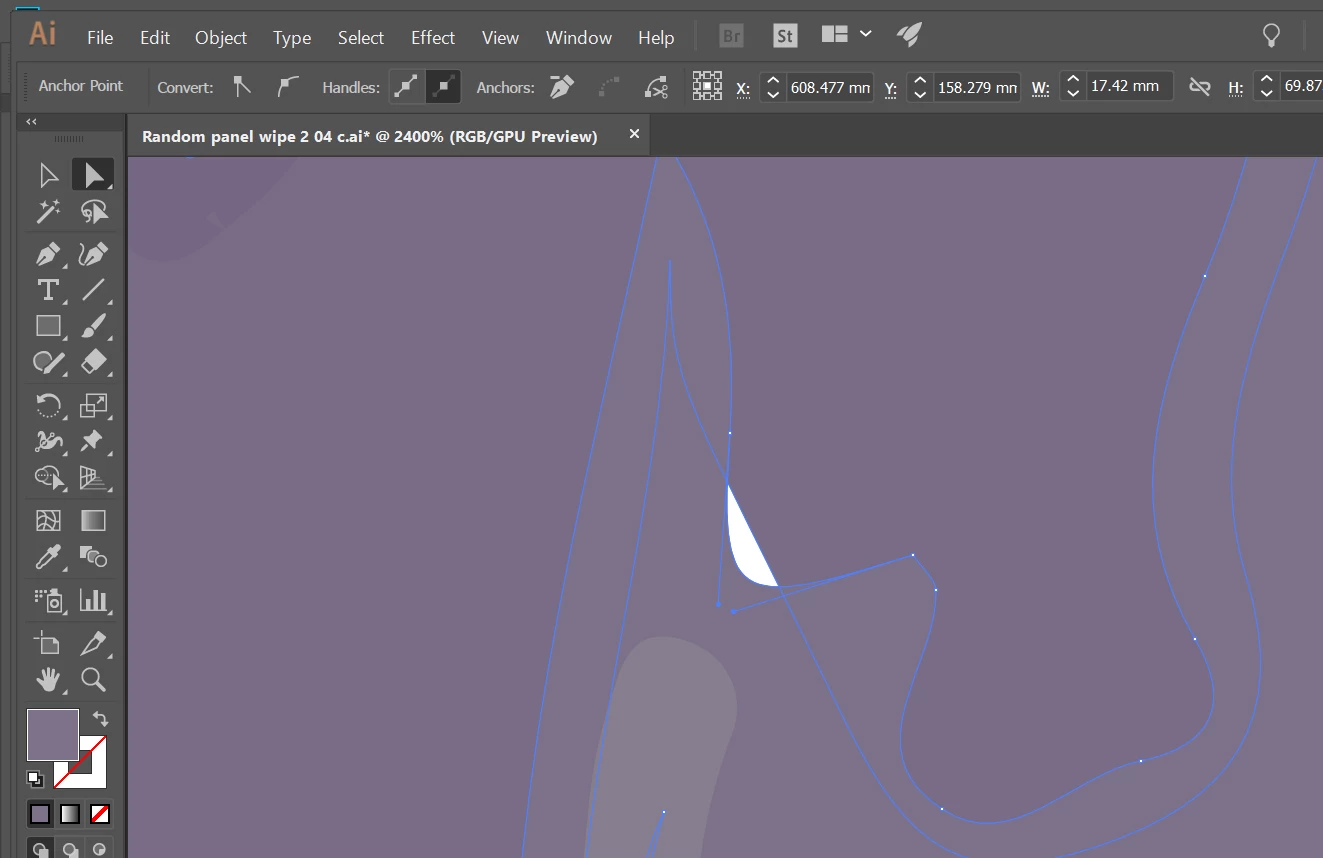
The white areas seem to be subtracted from 2 overlapping areas (see 2 screenshots below) but only in some places, other overlaps are fine

that's why I tried abutting but that created new gaps areas as you can see, above
original photo:
I could post the Ai file but its 40mbs and I don't want to clog things up

Also is there a maximum image export as jpeg size?

I've been trying to export Ai files as JPEG that is 3100 mm x 750 mm and ideally 3100 mm x 2000 mm but it says the resolution is too large.

I need them to be at 300dpi. It will only let me do 3100 mm x 500 mm

Thoughts and solutions to the above would be greatly received

cheers Ashley

This topic has been closed for replies.

4 replies

KShinabery212
Community Expert
Community Expert
May 29, 2019

I think one thing people forget about Illustrator is that is very mathematical.  In fact, all vector based software is.

Sometimes little things like this happens.

Normally what I do is make sure the shape is expanded.  Then I create another shape of the same color over it.... expand that too.  Then I combine the shapes.  Annoying sometimes... but it will solve issues of this nature.

But I think for the most part now... I rarely run into this.  But that is basically because I build shapes and make sure they are expanded.

Let's connect on LinkedIn. https://www.linkedin.com/in/kshinabery/
Participant
May 29, 2019

Please add my new email address at.

(Edited By Moderator)

This is not the place to change your email address.

Just Shoot Me
Legend
May 29, 2019

If you need to change your Adobe ID Email address you do that on your account. Not in these forums.

Google "Change primary email address for Adobe ID".

Participant
April 8, 2018

In regards to exporting. Save the illustrator file as a pdf - no compression, don't change the size.

When you open the pdf in photoshop you are met with a dialog box that asks size and resolution, here you type in 310cm x 50cm x 300 ppi, and then photoshop will take your vector and make it the size you need for printing -  this is done on the printers pc as the jpg file will be too large for sending.

Glartique
GlartiqueAuthor
Participant
October 11, 2019
Hi dushum, ive just tried this technique again, and even though i specify the size to open in PS it reduces the width but not the height 270 instead of 310 cm, any ideas why? so i am trying to change image size and unlink the height
Participant
April 8, 2018

Hi Ashley,

After running your live trace (that results in white holes randomly), open the source file again (the original picture) and run a custom version of the "low fidelity photo" line trace  - changing the number of colours to 40. Once done and expanded - save this file with an alternative name to the previous - higher fidelity image your having problems with. Then with the select tool, highlight the whole image (low fidelity photo line trace) , Copy - then Open the higher fidelity image with issues and then Edit - "Paste to Back". This should plug in all of your white spots.

Participant
May 29, 2019

This is very good. It led me to the solution, for I have had the same problem. I thought about your solution and did it exactly, except that I took the lesser 40 colors image into Photoshop, pasted it into the higher number-of-colors image (50 colors), then moved its layer down behind the original 50 colors image. And voila! There were countless white specks, now gone! Not one left. Thank you.

Monika Gause
Community Expert
Community Expert
February 26, 2018

Why do you first vectorize them and then export as JPEG?

Doesn't make a lot of sense.

Image trace just wasn't made to do this. The images are probabl too large when you trace them, you trace too much details and too many colors, which results in too many paths with too many points.

And then exporting as a JPEG in too high resolution. Yes, there is a limit in Illustrator.

You might try if opening a PDF in Photoshop and having it rasterize the PDF for you.

Glartique
GlartiqueAuthor
Participant
February 26, 2018

vectorsied is the stylised effect I like to use.

it means it can be made tiny or huge and not lose quality

but i also need the files in jpeg form for some printers.

the original, as above is 7mb, surely that cant be too much?

any idea why the white unfilled area /holes appear?

cheers ashley

Monika Gause
Community Expert
Community Expert
February 26, 2018

I suppose the holes appear because the Image trace is too complex.