


Inspiring
November 17, 2020
Question

Lock (and select) not working with clipping masks

  • November 17, 2020
  • 3 replies
  • 708 views

Having reent trouple with illustrator. When I lock some layers and ettempt to select a layer on the art board either i can't select the object or i select the clipping mask and other objects. I am using on Windows,  wacom tablet and all updates have been run.
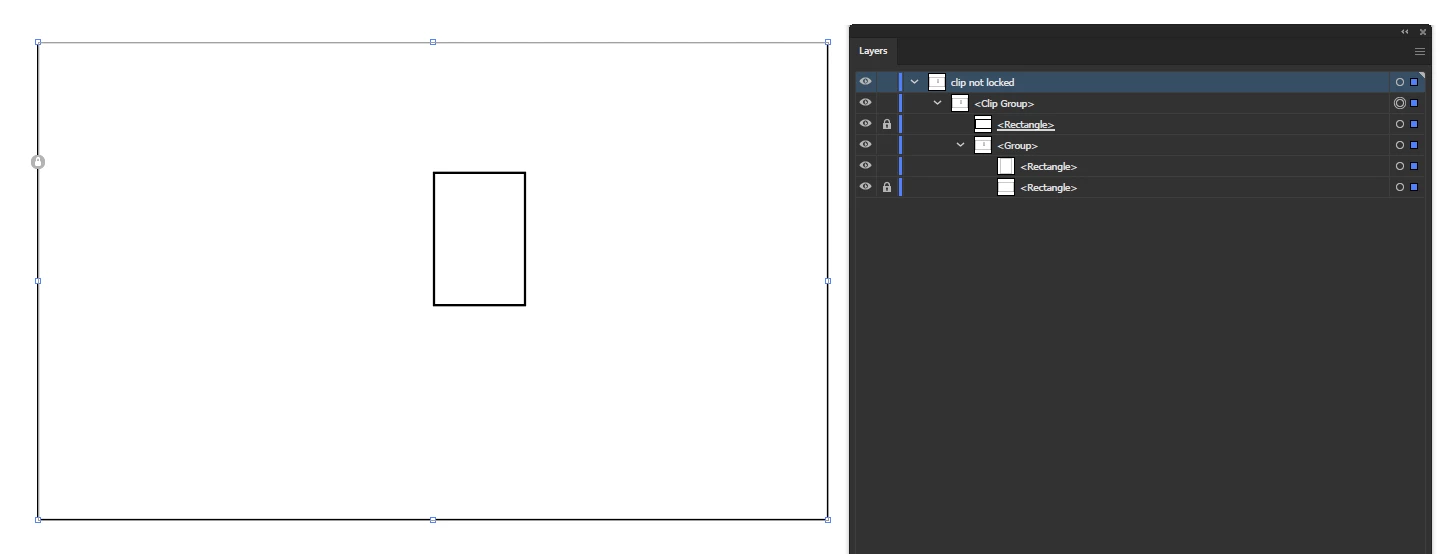
 

as you can see i was able to select all the layers (even the locked ones) and distort.
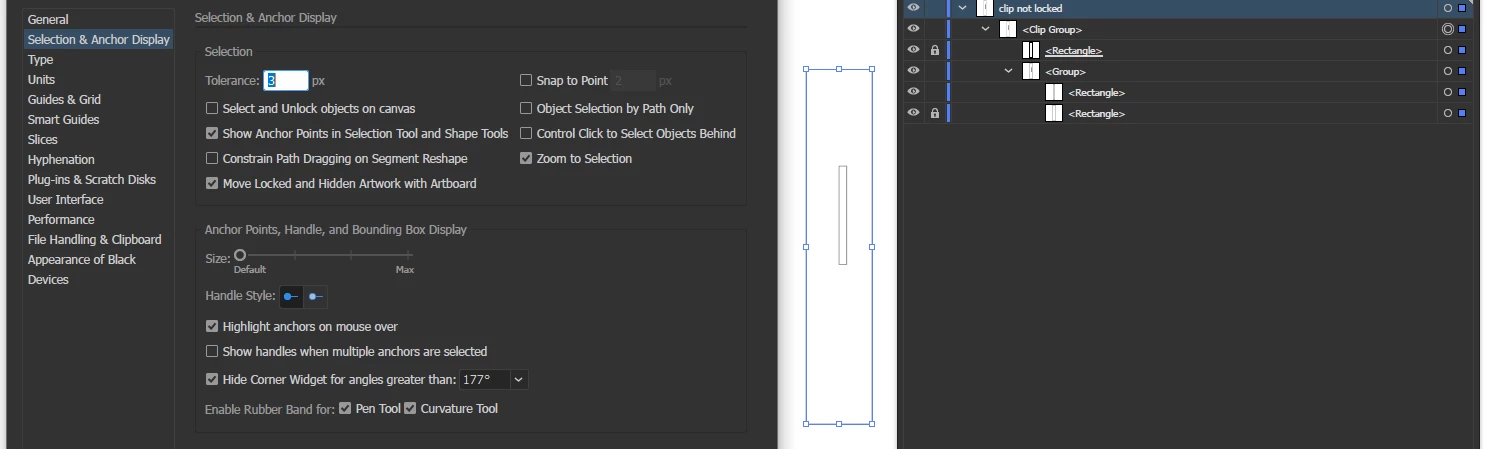
you can see select an unlock is off  (altough it does the same thing with it on)

and if i select in the layer palette it works as expected 
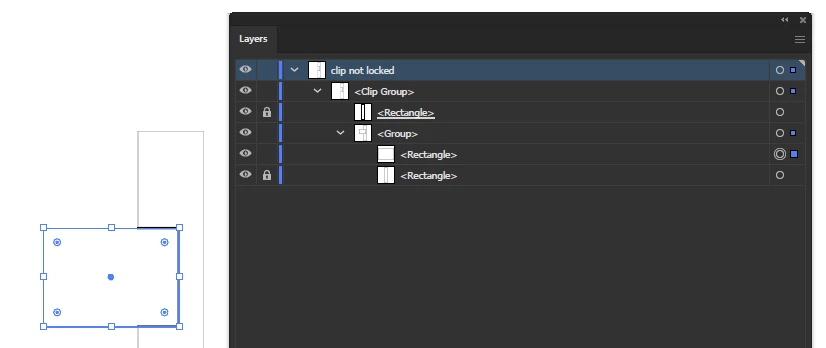
this is a sample file...in a file with huindreds of layers this is making it impossible to work. Please help.

3 replies

Participant
April 10, 2025

To anyone facing this issue in the future, its still a bug, but u can first select all u want to "move" then go in and unlock and then relock the items u dont want in the mask selection, WHILE selected lol.

GL

Monika Gause
Community Expert
Community Expert
November 24, 2020

Try and in Preferences > Selections &anchor display uncheck the option that enables selection of locked objects. Does that work?


When selecting via the layers panel it will still be possible to select locked paths when there are unlocked paths on the same layer.

Inspiring
November 24, 2020

no it wont lock either way, can you reproduce the problem?

im trying to select on the art board not through the layers palette. The bug appeared when i was trying to select only one group of objects withing 100's of sublayers, after painstakingingly locking each sub layer i tried to move the one unlocked layer and everything moved. I can only move it with arrows not with the pen, pen will select all layers locked or unlocked.

Inspiring
November 24, 2020

Nothing in the more button?