Participant
July 31, 2026
Answered

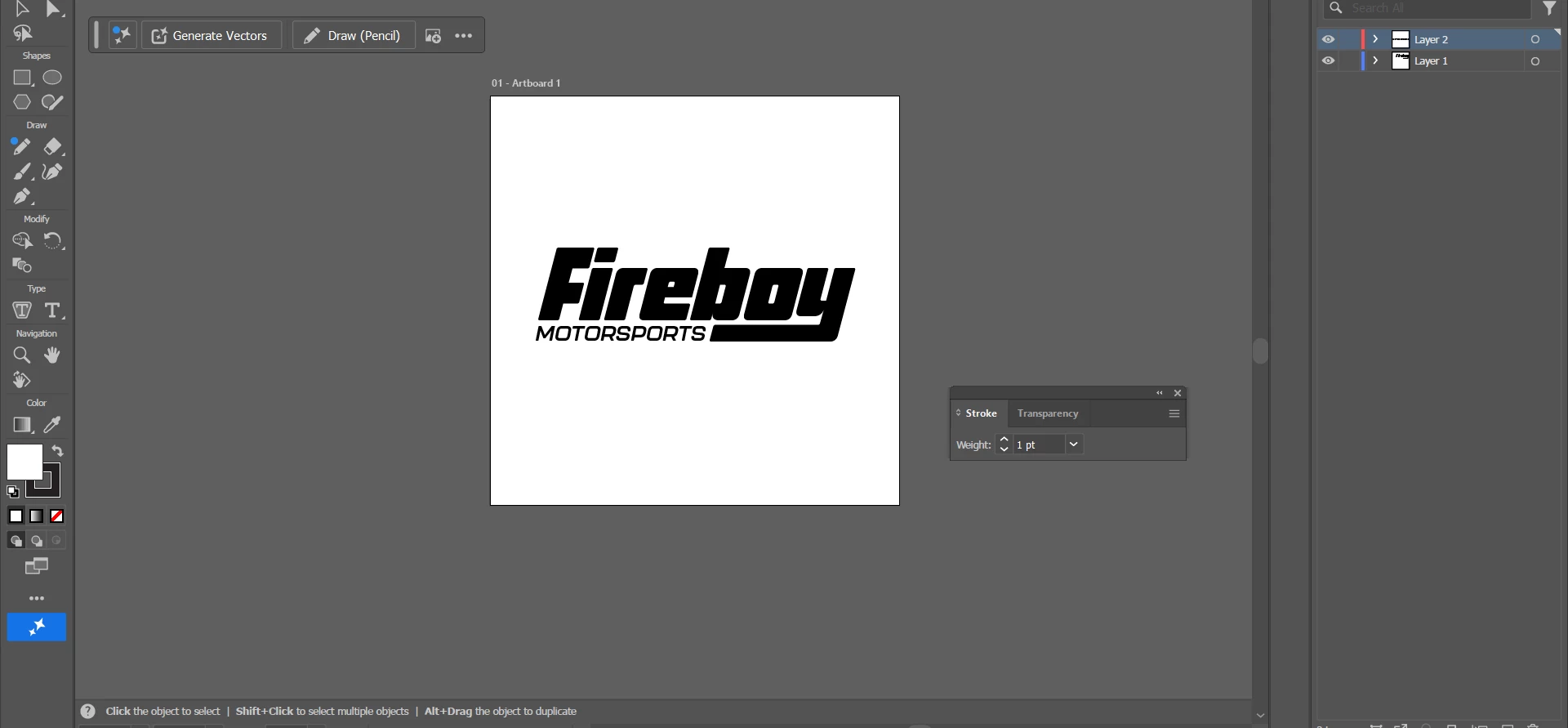
Logo is centered in Illustrator but goes into corner when exported

  • July 31, 2026
  • 3 replies
  • 410 views

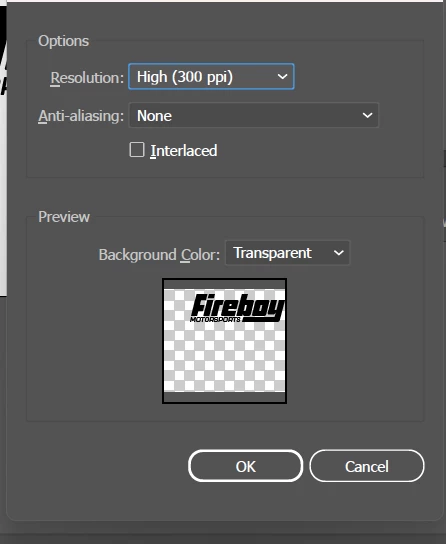
Hello! I made a logo on Illustrator and it’s perfectly centered in the actual software. However, when I go to export it as a PNG file,  the logo goes to the right corner so when it exports and i open the png file, the logo is in the top right hand corner. Does anyone know how to fix it so it’s centered when I export it? Thank you!
 

    Correct answer Dave Creamer of IDEAS

    Usually, PNGs are automatically cropped to just around the image. Check to see if you have any stray points--especially if the image was traced from a scan (Object>Path>Clean up). 
    What happens if you bring the Illustrator file into Photoshop and export from there? 

    3 replies

    Dave Creamer of IDEAS
    Community Expert
    Dave Creamer of IDEASCommunity ExpertCorrect answer
    Community Expert
    August 1, 2026

    Usually, PNGs are automatically cropped to just around the image. Check to see if you have any stray points--especially if the image was traced from a scan (Object>Path>Clean up). 
    What happens if you bring the Illustrator file into Photoshop and export from there? 

    David Creamer: Community Expert (ACI and ACE 1995-2023)
    Participant
    August 1, 2026

    I used the clean up command in the object section and it fixed it. Thank you for the help!