Participant
May 3, 2023
Question

Logo with gradients prints funny

  • May 3, 2023
  • 3 replies
  • 786 views

Hi all,


Our company logo is made in Illustrator and includes multiple gradient layers to get the specific look. There are probably 10 different layers of color gradients, color to transparent gradients all layered to achieve the final product. We keep running into issues however when outside printers request an AI file of our logo to print. Some of the layers are just missing or a different color entirely. I tried rebuilding the logo with as few gradients as possible, but keep running into issues with the colors getting muddy in between.


In the meantime, I have tried to use only PNG or JPG files, but sometimes printers can insist that they need an AI file. Is there maybe a way I should be saving the AI file to prevent the issues with printing?


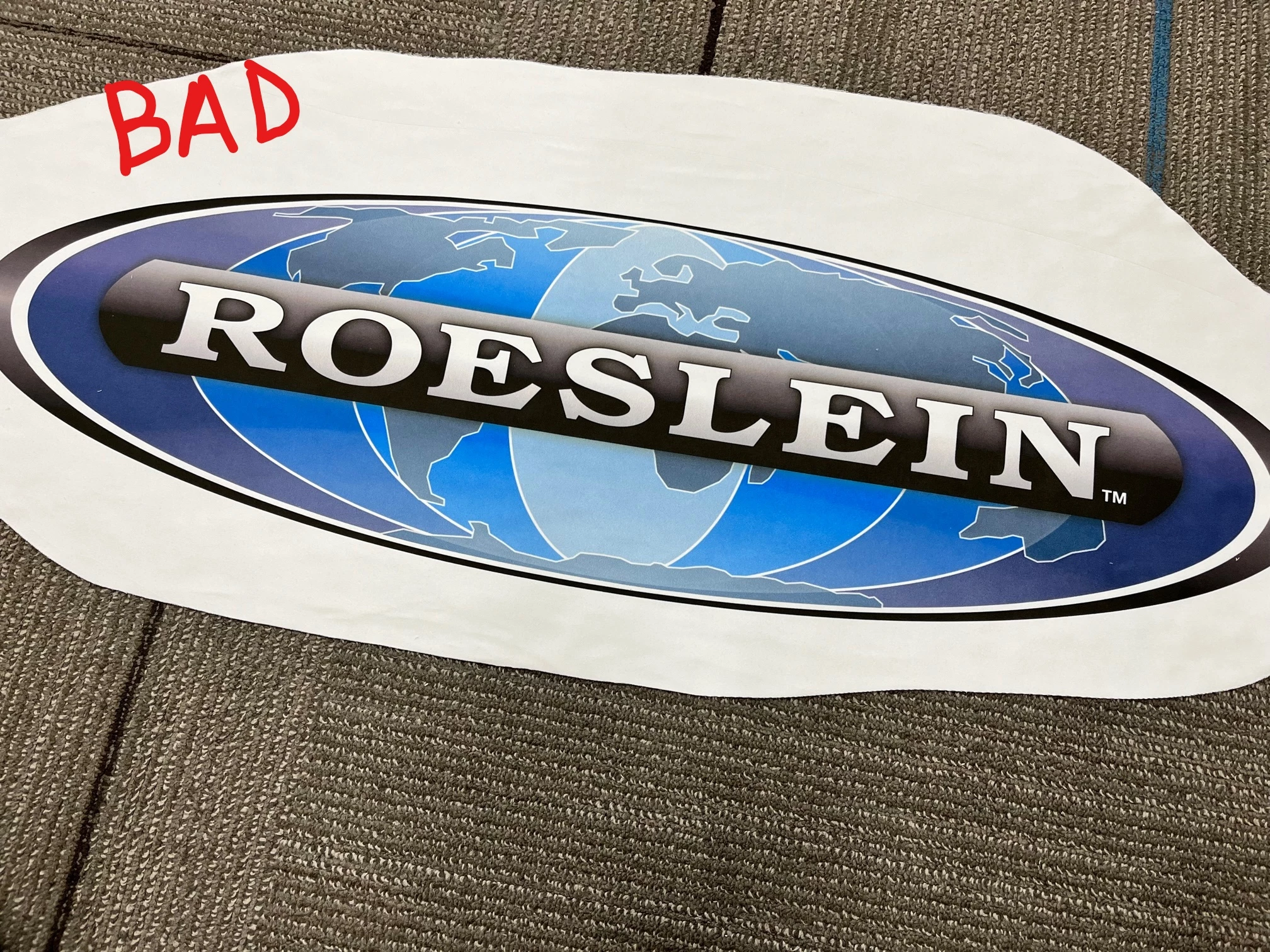
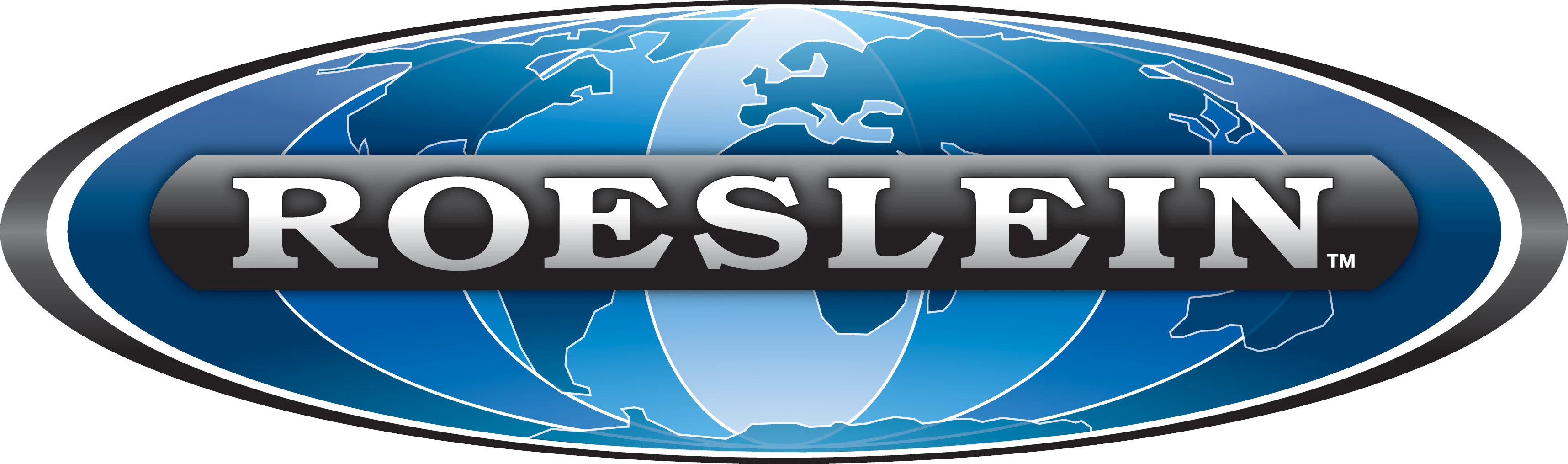
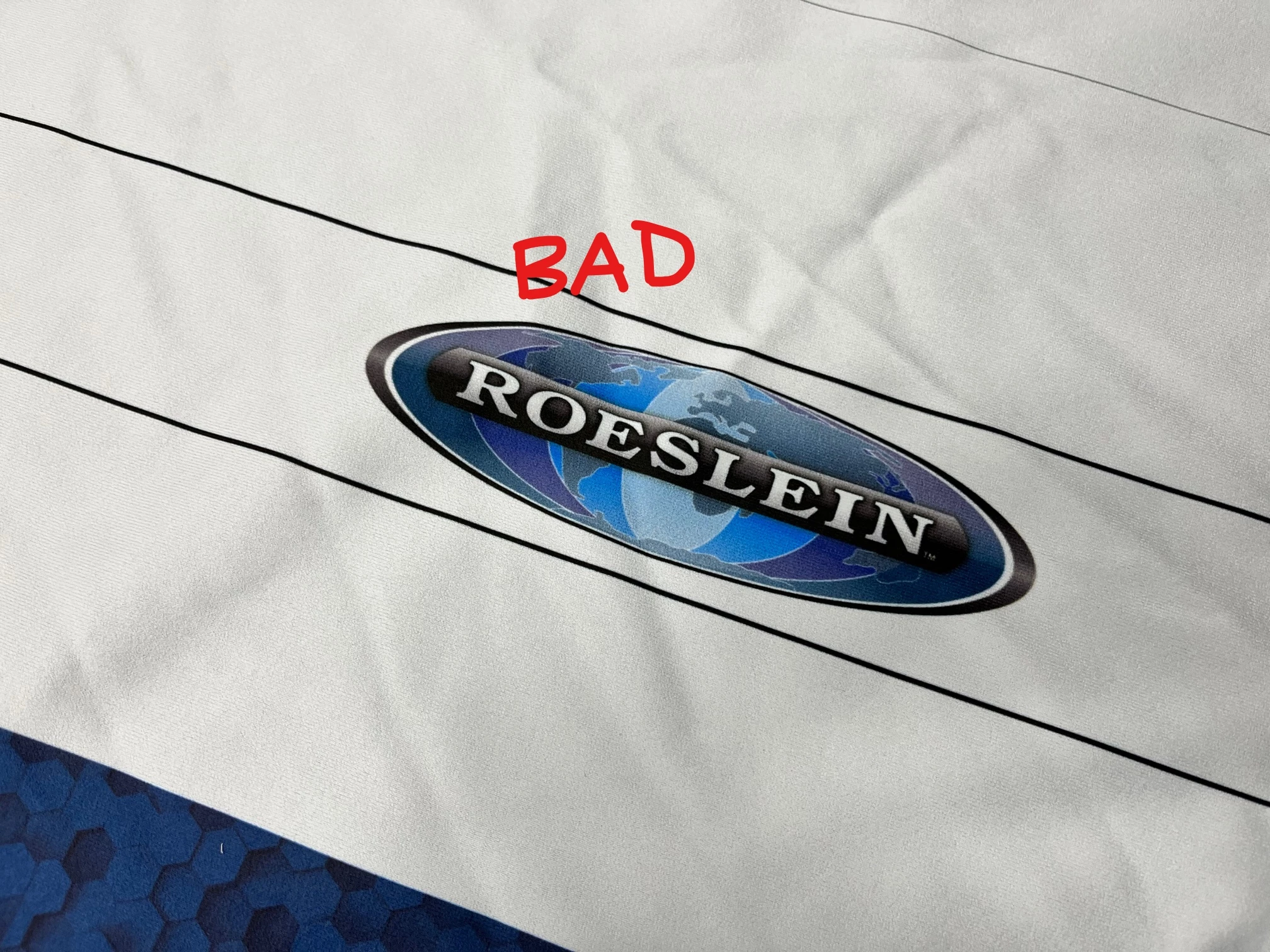
Uploading a few samples of bad prints and a PNG of what the logo should look like. You'll notice that bad prints usually come out more purple or light, while the logo is more turquoise blue overall. 
This topic has been closed for replies.

3 replies

Community Expert
May 3, 2023

If the artwork was built in RGB mode it is pretty critical for color values to be within CMYK gamut limits.


What kind of material is the logo being printed on? Is the logo printed on fabric or some other kind of unusual substrate? I can't tell for sure from the photographs. Most digital printing RIP applications will include various kinds of material profiles. If an improper material profile is chosen it may cause colors to shift or increase/decrease contrast levels.


Even though the printing company asked for Illustrator AI files I wonder about a couple of possible issues. Are they opening the artwork in Illustrator to make a PDF on their end? Or are they opening the AI file in another application? I wonder if their printing software has an Adobe certified PDF engine and is properly updated. Illustrator-based artwork that includes a lot of unusual gradients and transparency effects may not export accurately into a non-native software environment. Print software that has an Adobe certified PDF engine will be better able to process transparency effects or newer features such as free-form gradients.


PNG and JPEG are not good formats for print work. If I was going to use a raster-based file I'd go with a high resolution TIFF image instead.

Participant
May 31, 2023

Sorry all, wasn't notified there were responses!


  • The .ai file we give to printers is CMYK. 
  • I've not had experience with sending a PDF with a color profile, but I will look into what that entails.
  • I do give printers a png to reference or in the specific case above, will provide marked-up versions identifying the parts that are printing incorrectly. 
  • Yes, the issue I shared above was on fabric, however, we've had issues in all sorts of formats. Industry magazine, golf tournament hole sponsorship signage, etc. 
  • Great point about that the printer may not necessarily be using Illustrator. I can inquire about that moving forward.
  • And finally, yes PNG and JPEG aren't good formats for print work, however, they've been the most reliable for us so far and handle the gradients (that we don't have approval to change) the best. 
Community Expert
May 31, 2023

If you're having color accuracy issues with output on other materials yet sending CMYK AI files that would increase my suspicion the people doing the print work are opening the AI files in applications not made by Adobe and generating PDFs for printing in those non-native environments.


I have a lot of experience moving artwork between graphics applications made by Adobe and other companies. Artwork that has a "basic" appearance (flat fills, no fancy application-dependent effects, fonts in live text objects converted to outlines, etc) can usually export from one application to another accurately. But when effects like transparency, unusual gradients or unique effects get involved then it becomes critical to keep the artwork in a native environment as far through production as possible. Plenty of companies don't do that (particularly here in the sign industry).


The pro-Adobe or anti-Adobe stance some companies have feels similar to politics. I like using Adobe's products but we have licenses of Creative Cloud at my workplace because they are vital. Most professional corporate branding is developed using Adobe software. It's far easier (and far faster) for me to just handle that stuff within Illustrator rather than try to import it directly into a rival application like CorelDRAW and then waste lots of time fixing fills and other elements that didn't import accurately.

John Mensinger
Community Expert
Community Expert
May 3, 2023

Yes, blues can be difficult to get right. That's one of several reasons gradients are ill-advised, and spot color is preferred when it comes to logos. In addition to Ton's suggestion, have you tried giving the printer a correct-color example they could use as a target?

Ton Frederiks
Community Expert
Community Expert
May 3, 2023

What color mode is the file that you give to the printer?

RGB or CMYK? Is there a profile attached?

What about giving them a PDF with a color profile?