Participating Frequently
June 28, 2019
Answered

Looking for an easy way to destructively crop CAD geometry in Illustrator

  • June 28, 2019
  • 1 reply
  • 593 views

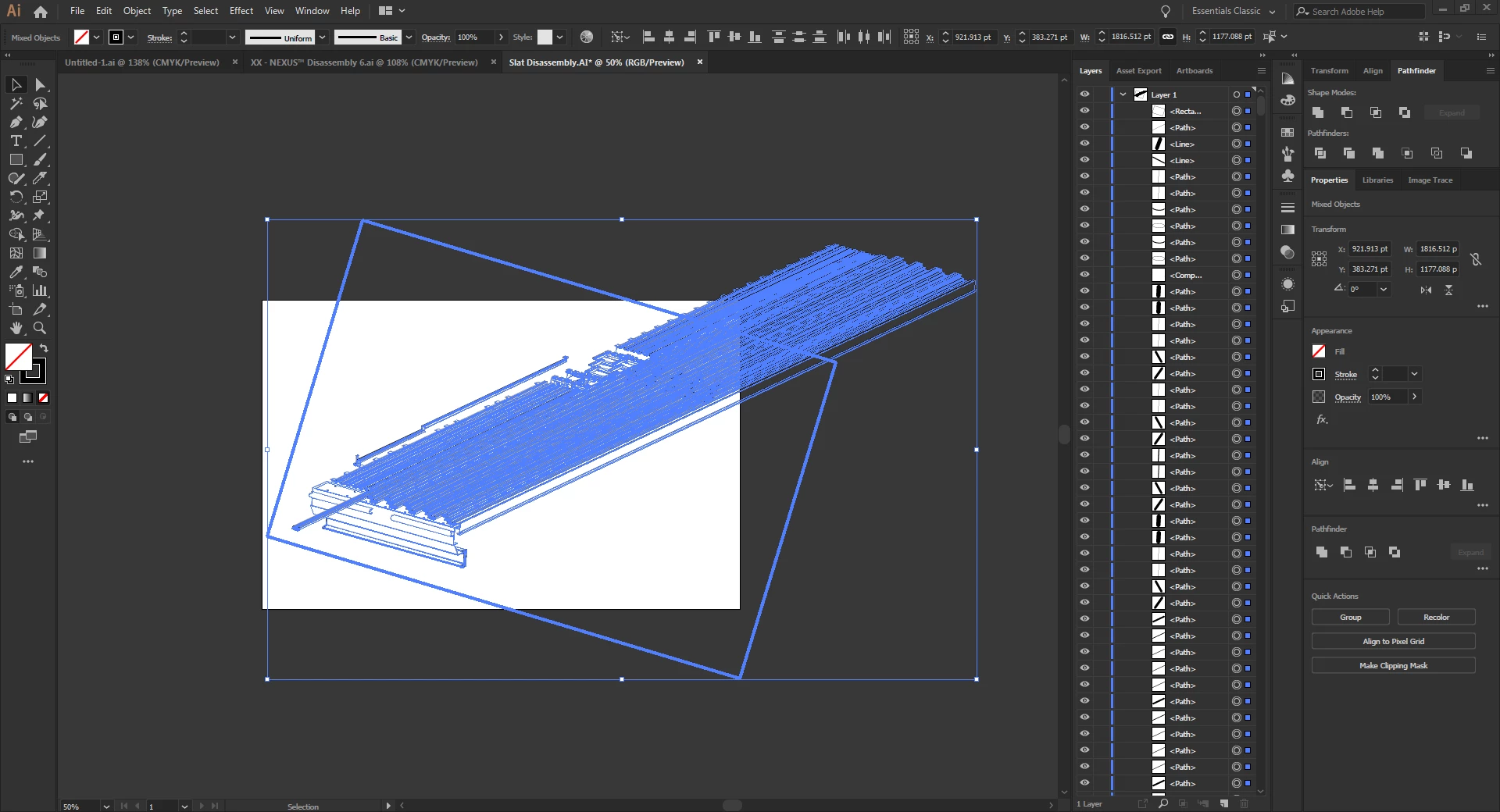
I'm working on manuals using imported vector geometry from a CAD package. Many times the geometry I want to show is larger than what I need. In these cases I would like to DESTRUCTIVELY crop the geometry down (I don't want to create a clipping mask). I have tried various ways to crop the geometry but get odd results or errors such as "The filter produced no results. Please select two overlapping paths." when cropping using the Pathfinder tool. Can anyone recommend the best workflow for cropping open path geometry?

For example, in the screenshot below I would like to keep everything within the rectangular area.

Thanks!
    This topic has been closed for replies.
    Correct answer John Mensinger

    I do exactly this kind of work all the time, and here's how to take Monika's advice to the next stage:

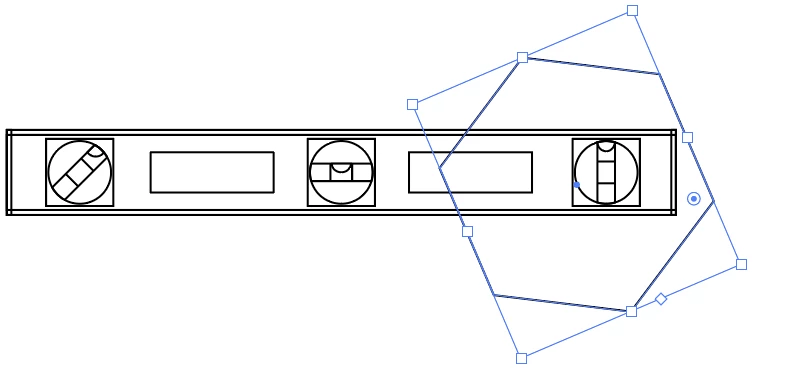
    Let's say this is your CAD geometry:

    Draw out the shape to which you want to crop:

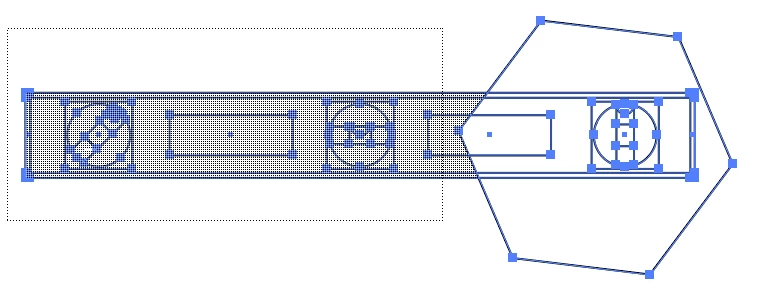
    Select all and choose the Shape Builder tool.

    Hold down Alt+Shift, then click/hold/drag a marquee that touches everything you want to delete:

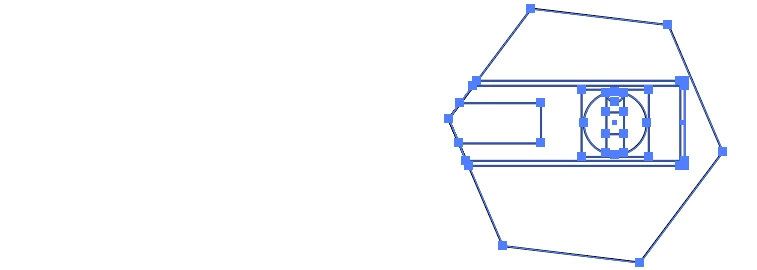
    Release:

    1 reply

    Monika Gause
    Community Expert
    Community Expert
    June 28, 2019

    Try and draw some lines that separate it from the rest and then use the shapebuilder tool to delete lines.

    Participating Frequently
    June 28, 2019

    Thank you for the response Monika.

    That appears to work but it is painfully slow, seeing as how I have well over 1000 lines for it to process. My PC is a powerful CAD work station and it took over 5 minutes to erase half the lines I need to remove. I was hoping for a quicker "crop" method.

    John Mensinger
    Community Expert
    John MensingerCommunity ExpertCorrect answer
    Community Expert
    June 28, 2019

    I do exactly this kind of work all the time, and here's how to take Monika's advice to the next stage:

    Let's say this is your CAD geometry:

    Draw out the shape to which you want to crop:

    Select all and choose the Shape Builder tool.

    Hold down Alt+Shift, then click/hold/drag a marquee that touches everything you want to delete:

    Release: