
Participant
April 13, 2020
Answered

Looking for help with clipping paths for packaging design.

  • April 13, 2020
  • 1 reply
  • 274 views

Hello,


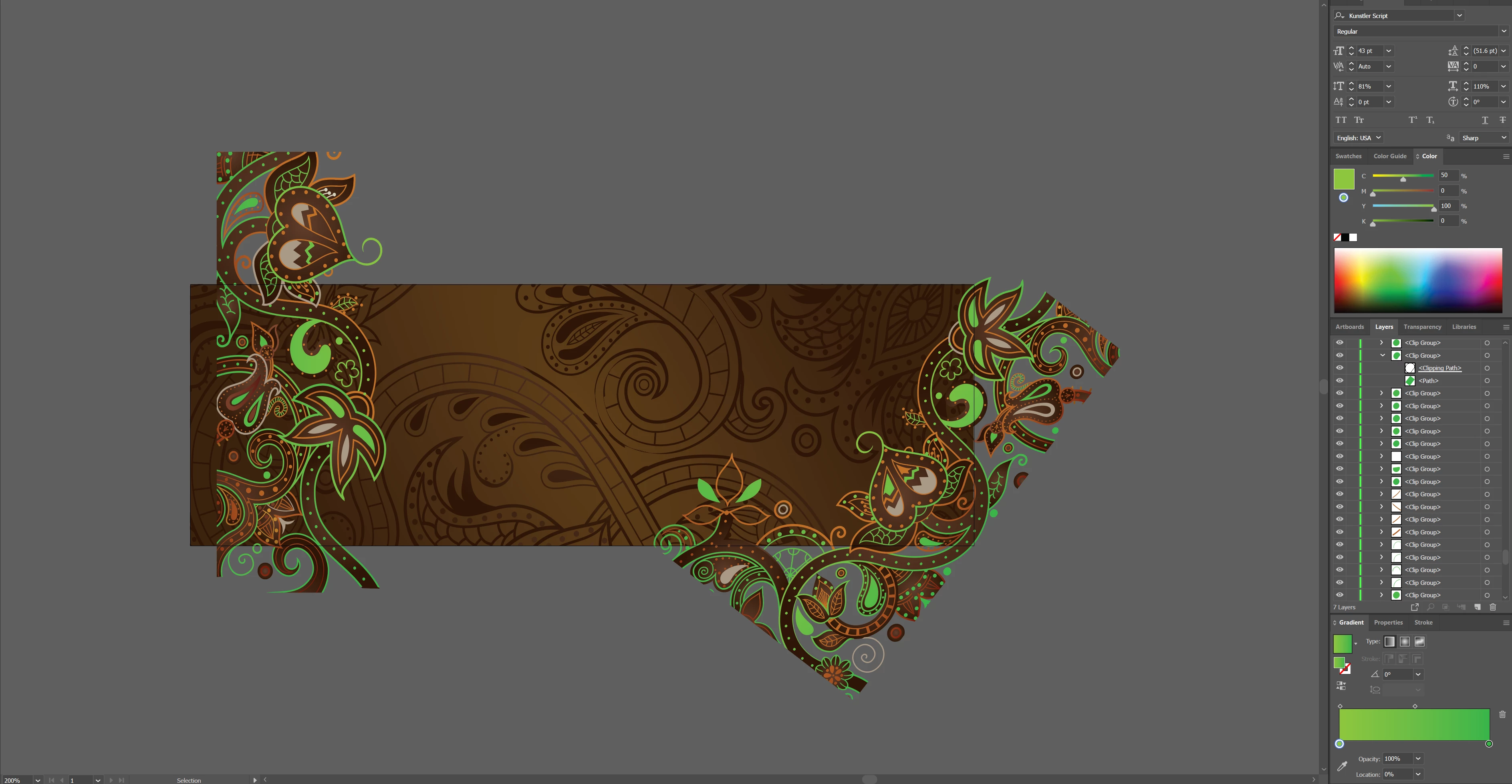
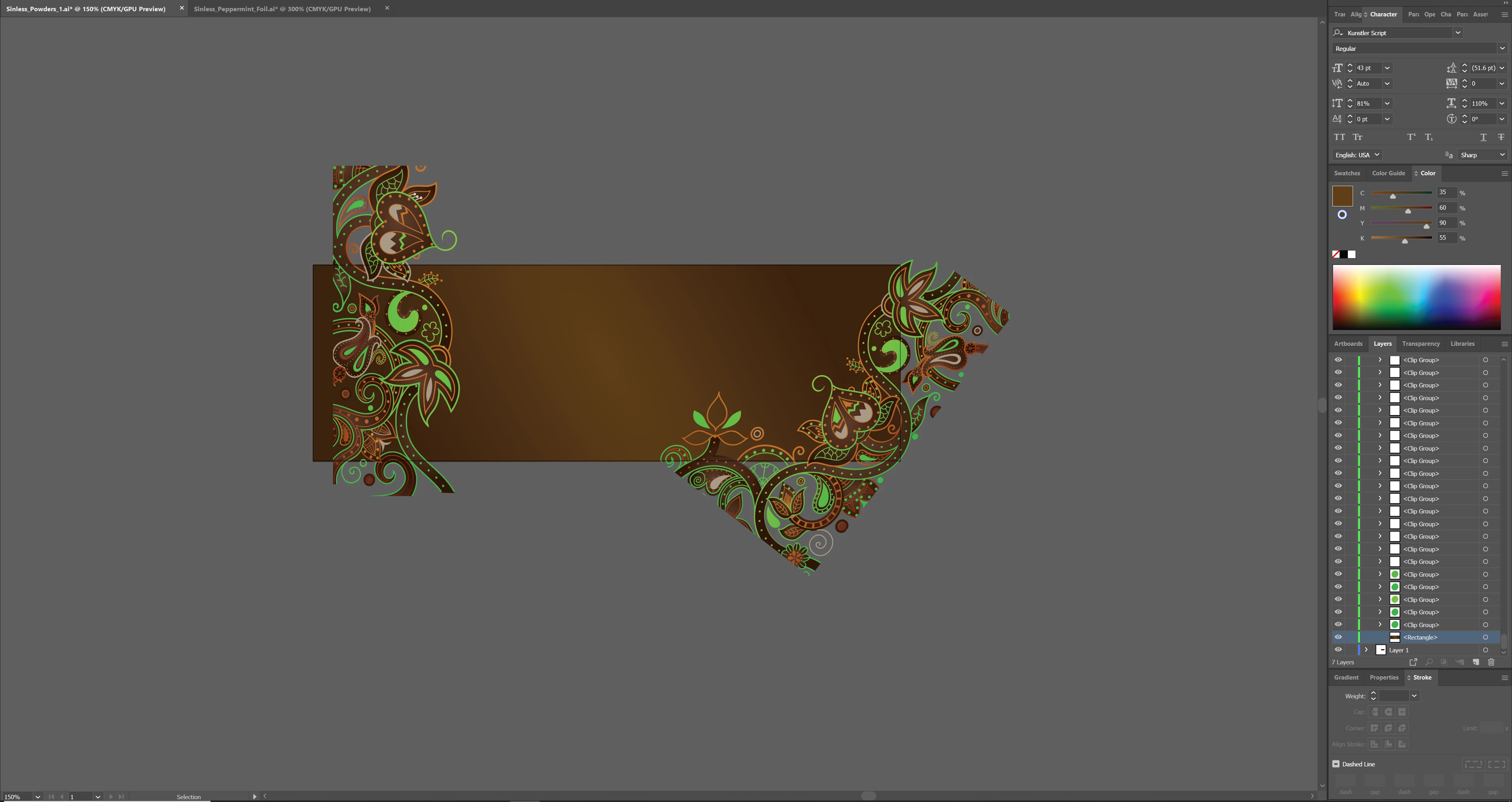
Thanks for reading. I am attempting to create a new sticker label for a new product for my company and I am using assets from a packing file I recieved from our printing/design company. I have attached some screenshots of the issue I'm having. Essentially every little piece of our design, leaves dots etc, are their own clipping path with a square swatch clipped underneath. Since the design is made up of hundreds or thousands of clipping groups, the design is difficult to edit and can't be grouped properly. I am not a pro graphic designer so I am still learning, is this clip group process the prefered method of creating complex designs like this? This is not the process I learned in my graphic design course, it would be more of a stroke and fill object based process to achieve something like this. 


Since everything is in a clip group I can't figure out certain functions to manipulate my file such as "Select>Fill Color" or clipping everything inside my art board using the rectangle clipping mask method pictured in one of my screenshots. I can't clipping mask a bunch of clip groups to a rectangle.
 

Thanks in advance for any help!

This topic has been closed for replies.
Correct answer Monika Gause

Typically this sort of thing happens when you use files that have been made in a different application (CorelDRAW, Inkscape or whatever and then been converted or imported in Illustrator). Sometimes this happens when files are handed between people who collaborate with different versions of Illustrator and then the file gets saved down several times. Or when you import a PDF for whatever reason.


So You could try and fix the design, eliminate all the clipping masks and re-create the design without using masks. ANd then take care that only the source file will be used in the same version of Illustrator in the fute, so the artwork doesn't get ruined again. Ever.

1 reply

Monika Gause
Community Expert
Monika GauseCommunity ExpertCorrect answer
Community Expert
April 14, 2020

Typically this sort of thing happens when you use files that have been made in a different application (CorelDRAW, Inkscape or whatever and then been converted or imported in Illustrator). Sometimes this happens when files are handed between people who collaborate with different versions of Illustrator and then the file gets saved down several times. Or when you import a PDF for whatever reason.


So You could try and fix the design, eliminate all the clipping masks and re-create the design without using masks. ANd then take care that only the source file will be used in the same version of Illustrator in the fute, so the artwork doesn't get ruined again. Ever.

Participant
April 14, 2020

Hey thanks for confirming my suspicions that the file is in fact corrupted. I thought I was just going crazy! I will attempt just recreating the designs.

Cheers