


Participant
February 25, 2025
Question

[MAC] Cannot use Illustrator on launch because of blank screen

  • February 25, 2025
  • 1 reply
  • 218 views

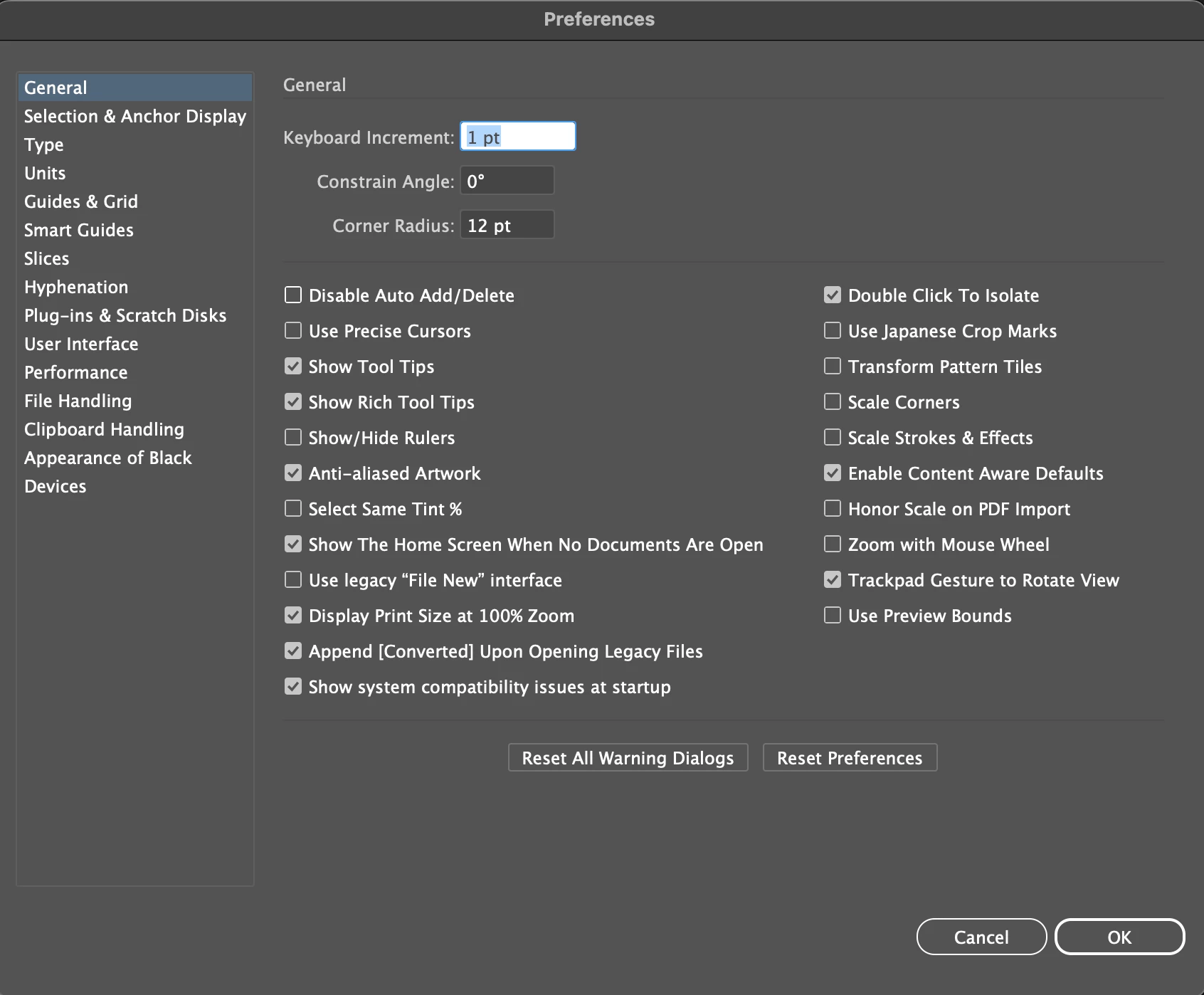
Whenever I try to launch Adobe Illustrator for work in my Digital Art class, I can't. I have tried changing settings and a lot more. It is getting annoying because I have a bad grade in my class and can't do assignments to fix it. I have tried asking the teacher for help multiple times over 5 weeks. The teacher is of no use like she always is.



1 reply

michelew83603738
Community Expert
Community Expert
February 25, 2025

Have you restarted your computer since installing? You can also try uninstalling and then reinstalling. Perhaps something went wrong on the install.

Anubhav M
Community Manager
Community Manager
March 5, 2025

Hello @luhh,

I hope michelew83603738's suggestions helped resolve the problem. If not, kindly try the following steps to check if they help:


- Close all Adobe applications.

- Rename the UXP folder to UXP.old from the following location:

(Windows) Navigate to C:\Program Files\Common Files\Adobe\UXP

(macOS) Navigate to Macintosh HD/Library/Application Support/Adobe/UXP


- Relaunch Illustrator


Looking forward to hearing from you.


Anubhav